 Destinations
 Data sources
 AI insights
 About us
 Careers
 Security
 Customer reviews
 Contact us
 Affiliate program
 Solution partners
 Template gallery
 Looker Studio templates
 Power BI templates
 Excel templates
 Google Sheets templates
 Tableau templates
 Facebook Ads templates
 Google Ads templates
 Data fields & Metrics
 AI prompt library & Guides
 Product documentation
 API documentation
 Case studies
 Blog
Blog Data models
 Windsor vs Supermetrics
 Windsor vs Funnel.io
 Windsor vs Fivetran
 Windsor vs Rivery
 Windsor vs Portermetrics
 Windsor vs Coupler.io
Connect Zendesk Support to Tableau
Easily send your Zendesk Support data to Tableau with Windsor.ai’s ELT connector.
Our platform automates Zendesk Support reporting, delivering actionable insights into support operations and helping improve overall customer experience.
Forget CSVs. Stop copy/paste. Connect data in 2 minutes. No code required.
 Sign up with Google
 Free forever plan
No credit card needed
Free forever plan
No credit card needed










Improve customer experience with Zendesk Support to Tableau integration
By connecting Zendesk Support to Tableau using Windsor.ai, you gain deeper visibility into service performance and customer interactions, offering the following benefits:

Automate reporting
Windsor.ai automates data delivery from Zendesk Support to Tableau, eliminating manual exports and keeping your tickets, SLAs, and service metrics up-to-date.

Resolve issues faster
Track ticket volume, response times, resolution speed, and backlog in Tableau to identify bottlenecks and shorten the time it takes to solve customer issues.

Increase customer satisfaction
Analyze agent performance and customer feedback to raise support standards and deliver more consistent customer experiences.
Using Windsor.ai connector to import data from Zendesk Support into Tableau
Integrating Zendesk Support with Tableau typically requires manual exports, complex setups, or ongoing technical support. Windsor.ai simplifies this process with a fast, efficient, no-code ELT connector.
In just a few clicks, our platform syncs Zendesk Support data into Tableau, enabling teams to analyze ticket volumes, response times, SLAs, and customer satisfaction through interactive dashboards.















How to connect Zendesk Support to Tableau in Windsor.ai
Make sure you have the following prerequisites before setting up the connector:
- Zendesk account
- Google account for Tableau integration
- Active Windsor.ai account
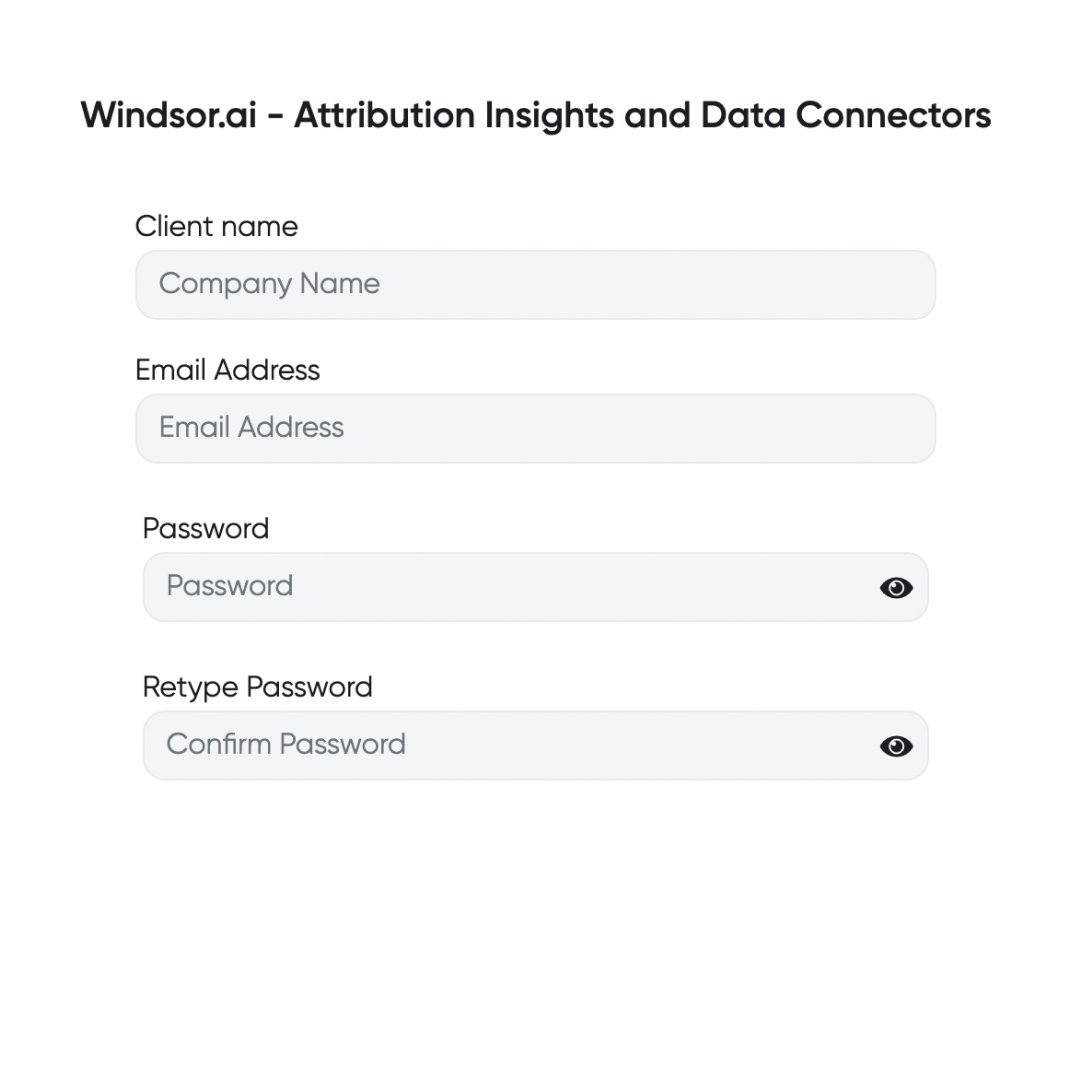
Register and log in to Windsor.ai
Create a new Windsor.ai account or log in if you already have one.
Select your data source
Choose Zendesk Support as your data source and grant access to Windsor.ai.

Connect Tableau via Google Sheets
Tableau has temporarily halted external connectors, so the easiest way to sync data to Tableau is via Google Sheets.

Import data from Google Sheets into Tableau
In the Tableau Desktop app, go to the “Data” tab and click “New Data Source.” Select “Google Drive” and connect your data.

See the integrated data in Tableau
Congratulations! You’ve imported data to Tableau, and it’s ready for further analysis.
FAQs
What is Tableau?
Tableau is a popular business intelligence and analytics tool designed for data visualization and interactive reporting. Using Windsor.ai connectors, you can seamlessly connect Tableau to various data sources, including servers and files like Microsoft Excel, to generate dynamic charts, trends, and dashboards. Once connected, you can automatically create reports using pre-built templates or build custom visualizations from scratch with intuitive, click-through Tableau commands. You can further organize these visuals into dashboards and transform them into compelling data stories, enhancing decision-making.
Do you have helpful links to get started with integrating Zendesk Support and Tableau using Windsor.ai?
Yes, we have helpful resources to help you get started. You can explore our official documentation and ready-to-use templates for seamless Zendesk Support to Tableau integration with Windsor.ai:
How much time do I need to create the Zendesk Support and Tableau integration?
Using Windsor.ai’s no-code ETL connector, you can integrate Zendesk Support with Tableau in a few minutes, benefiting from a quick and stress-free setup process.
How much does it cost to integrate Zendesk Support into Tableau with Windsor.ai?
Windsor.ai’s pricing for Zendesk Support to Tableau data integration can vary depending on your use case and data volume. We offer transparent pricing plans tailored to diverse business needs and budgets.
Tired of manual Zendesk Support data exports? Try Windsor.ai today to automate your reporting


