 Destinations
 Data sources
 AI insights
 About us
 Careers
 Security
 Customer reviews
 Contact us
 Affiliate program
 Solution partners
 Template gallery
 Looker Studio templates
 Power BI templates
 Excel templates
 Google Sheets templates
 Tableau templates
 Facebook Ads templates
 Google Ads templates
 Data fields & Metrics
 AI prompt library & Guides
 Product documentation
 API documentation
 Case studies
 Blog
Blog Data models
 Windsor vs Supermetrics
 Windsor vs Funnel.io
 Windsor vs Fivetran
 Windsor vs Rivery
 Windsor vs Portermetrics
 Windsor vs Coupler.io
Connect Apple Search Ads to Excel
Easily integrate your Apple Search Ads data into Excel with Windsor.ai’s no-code ETL connectors.
Analyze essential Apple Search Ads metrics in flexible Excel dashboards to uncover what drives installs, control ad spend, and improve campaign efficiency.
Forget CSV exports and manual copy-paste. Set it up in 2 minutes. No code needed.
 Sign up with Google
 Free forever plan
No credit card needed
Free forever plan
No credit card needed










Increase app visibility with Apple Search Ads to Excel integration
By syncing Apple Search Ads with Excel through Windsor.ai, you get a flexible environment to analyze discovery, keyword demand, and campaign results in one place. Key benefits of this integration include:

Automate reporting
Our ELT connector automatically streams Apple Search Ads data into Excel, removing manual exports and spreadsheet updates. Dashboards refresh on a schedule, delivering fresh, accurate ad metrics ready for daily analysis.

Perform cross-channel analysis
Combine Apple Search Ads data with 350+ marketing, mobile attribution, and revenue sources in Excel to understand how app discovery fits into the broader acquisition mix. Compare performance across channels to evaluate demand capture, overlap, and incremental impact.

Optimize campaigns
Analyze keyword-level metrics such as impressions, taps, installs, CPT, and CPA directly in Excel. Use these insights to refine bidding, prioritize high-intent keywords, and allocate budgets more effectively.
Using Windsor.ai connector to import data from Apple Search Ads into Excel
Syncing Apple Search Ads with Excel typically requires manual exports, costly tools, or technical expertise. Windsor.ai removes this friction with a no-code ELT connector that automates the entire workflow.
With just a few clicks, the platform streams Apple Search Ads data into Excel, giving you real-time visibility into campaign performance and spend efficiency.
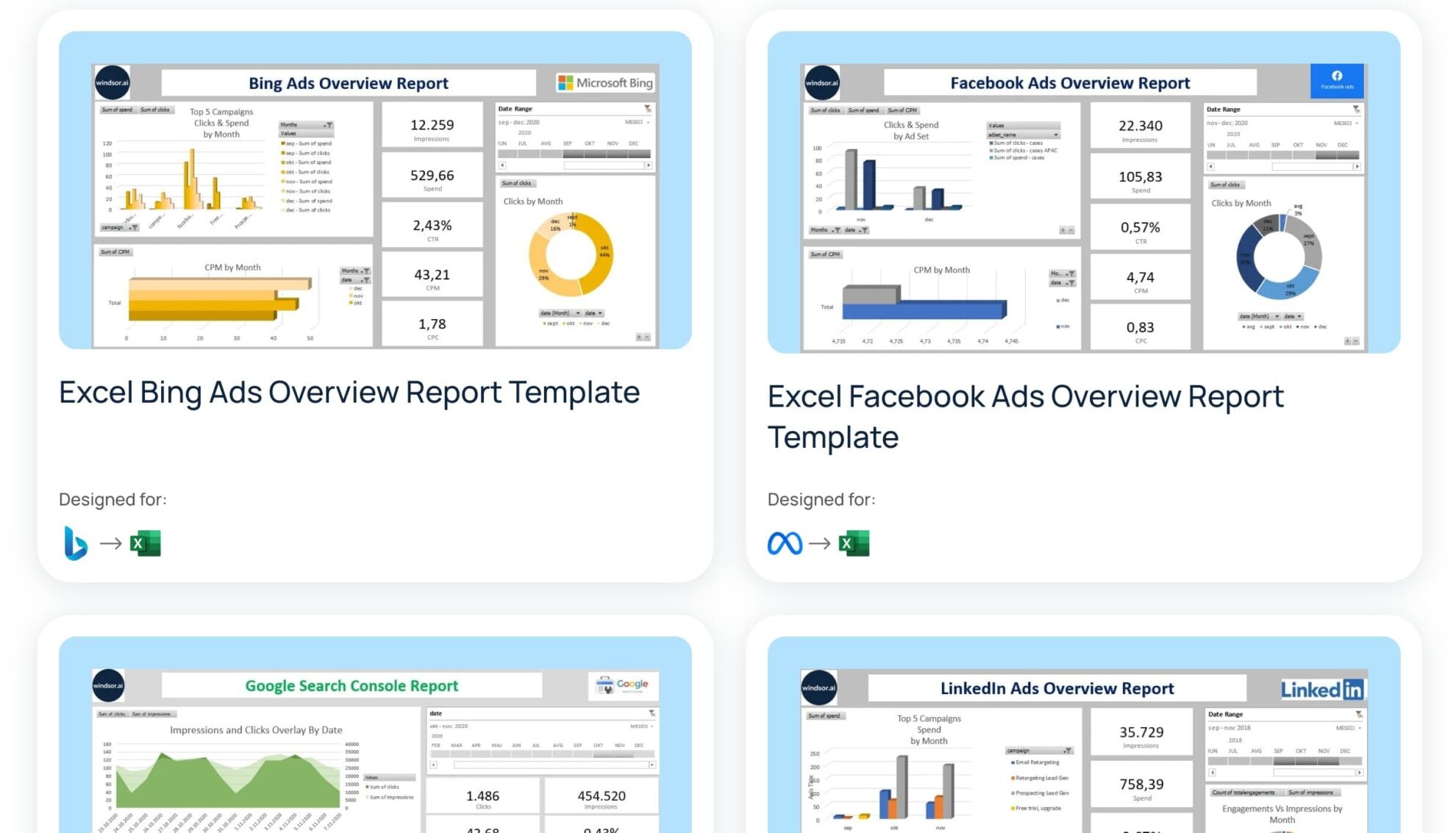














How to connect Apple Search Ads to Excel in Windsor.ai
Make sure you have the following prerequisites before setting up the connector:
- Apple Search Ads account
- Excel document
- Active Windsor.ai account
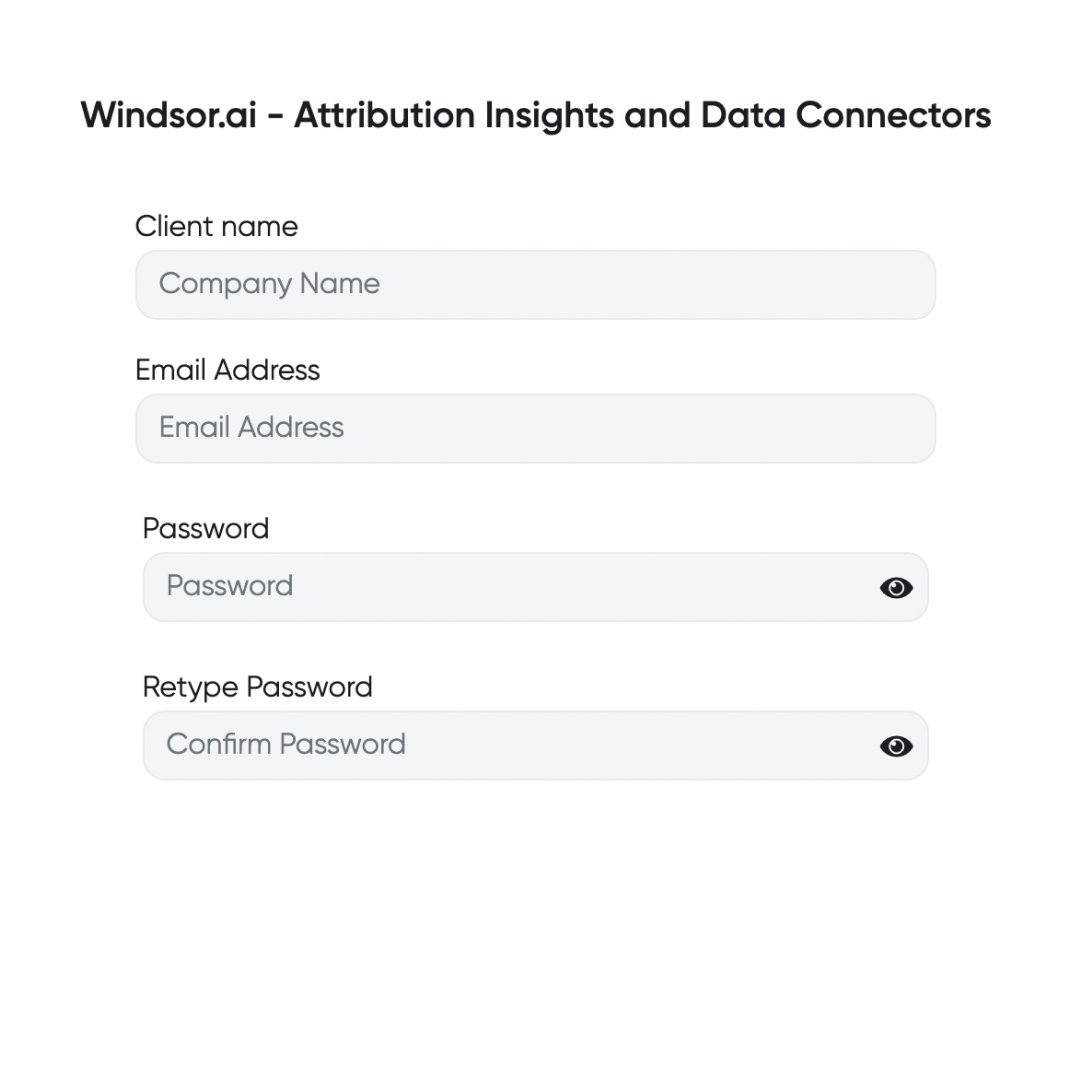
Register and log in to Windsor.ai
Create a new Windsor.ai account or log in if you already have one.
Connect a data source
Connect Apple Search Ads in your Windsor.ai dashboard. Select the necessary account(s) you want to pull data from and click “Next.”

Select your destination
Choose “Excel” as the data destination and copy your API Key. Find the API key provided in the instructions below.

Sync Windsor.ai data with Excel
Go to Excel, click “Data” -> “Web,” and paste your previously copied API key URL in the pop-up.

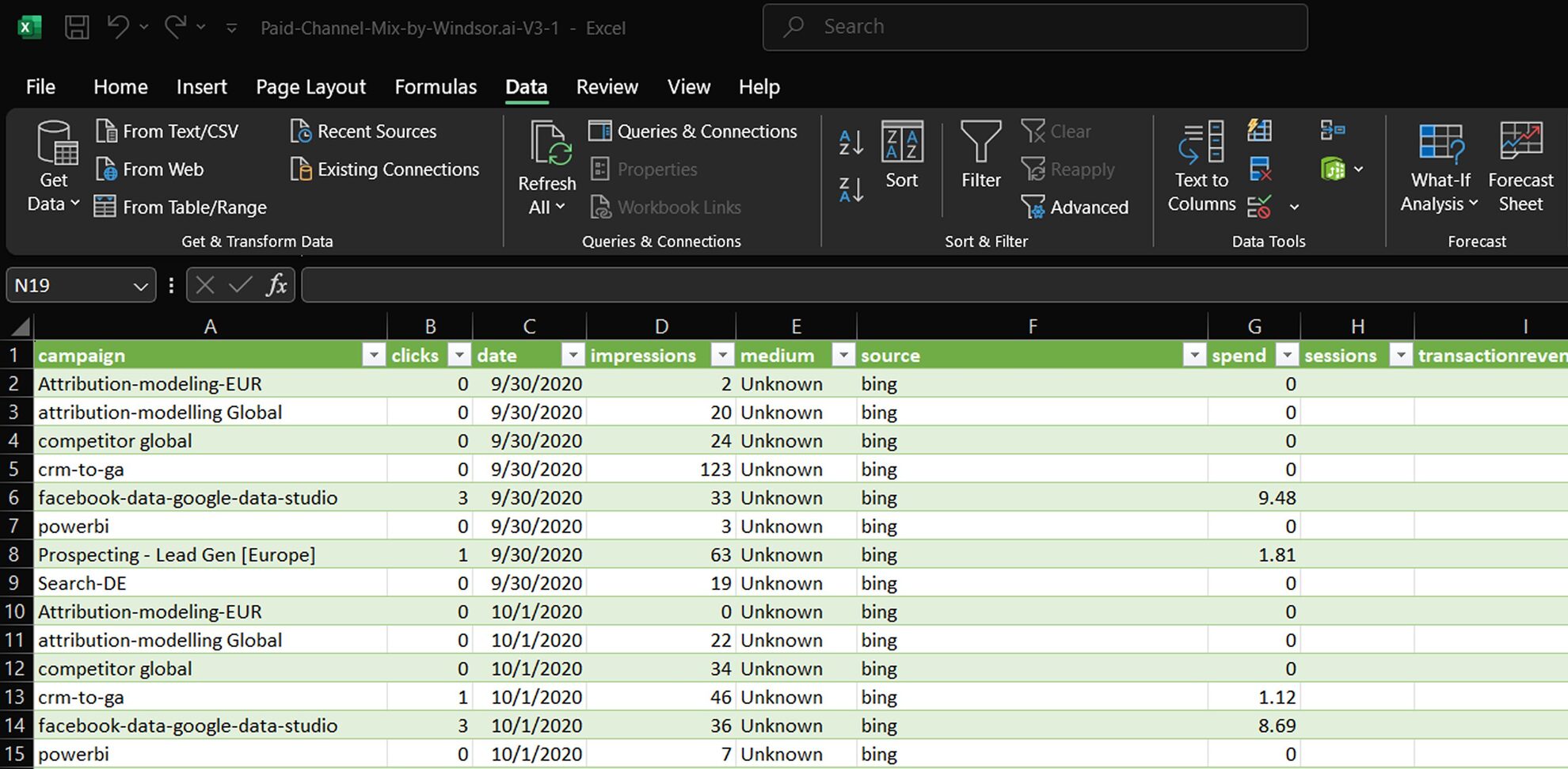
Visualize your data
Congratulations, you’ve connected your spreadsheet with Windsor.ai and integrated Apple Search Ads data into Excel!
FAQs
What is Excel?
Excel is a powerful spreadsheet tool that helps you organize, explore, and make sense of your data, from tracking performance and planning budgets to building reports and visualizing trends. Excel makes working with data simple and efficient with features like formulas, pivot tables, and charts, turning raw numbers into clear insights that drive smarter decisions.
Do you have helpful links to get started with integrating Apple Search Ads and Excel using Windsor.ai?
Yes, we have helpful resources to help you get started. You can explore our official documentation and ready-to-use templates for seamless Apple Search Ads to Excel integration with Windsor.ai:
How much does it cost to integrate Apple Search Ads into Excel with Windsor.ai?
Windsor.ai’s pricing for Apple Search Ads to Excel data integration can vary depending on your use case. We offer absolutely transparent pricing plans for diversified business needs and budgets.
How much time do I need to create the Apple Search Ads and Excel integration?
Windsor.ai provides a user-friendly interface and a robust data connector that extracts, transforms, and loads Apple Search Ads data into Excel in under 5 minutes, making the process quick and hassle-free.
Tired of manual Apple Search Ads data exports? Try Windsor.ai today to automate your reporting


