 Destinations
 Data sources
 AI insights
 About us
 Careers
 Security
 Customer reviews
 Contact us
 Affiliate program
 Solution partners
 Template gallery
 Looker Studio templates
 Power BI templates
 Excel templates
 Google Sheets templates
 Tableau templates
 Facebook Ads templates
 Google Ads templates
 Data fields & Metrics
 AI prompt library & Guides
 Product documentation
 API documentation
 Case studies
 Blog
Blog Data models
 Windsor vs Supermetrics
 Windsor vs Funnel.io
 Windsor vs Fivetran
 Windsor vs Rivery
 Windsor vs Portermetrics
 Windsor vs Coupler.io
Connect Bing Ads to Azure SQL
Quickly integrate your Bing Ads data into Azure SQL with Windsor.ai’s ETL connector.
Our platform automatically streams your Bing Ads data into Azure SQL, clean, structured, and always up to date. Your metrics are instantly ready for reporting, automation, and cross-channel tracking, all within a secure, scalable environment.
Forget CSVs. Stop copy/paste. Connect data in 2 minutes. No code required.
 Sign up with Google
 Free forever plan
No credit card needed
Free forever plan
No credit card needed










Streamline your reporting with Bing Ads to Azure SQL integration
Seamlessly sync your Bing Ads data into Azure SQL with Windsor.ai, eliminating manual tasks and data silos, streamlining ad reporting at scale, and unlocking these key benefits:

Automated data sync
With Windsor.ai, your Bing Ads campaign metrics automatically flow into Azure SQL in real time. Your data stays fresh and ready to support timely reporting or analysis in your preferred BI tools.

Query-ready ad metrics
Your Bing Ads data is stored in a clean, normalized format within Azure SQL. Run advanced queries instantly or plug the data directly into BI tools like Power BI, no data wrangling, no transformation steps, just ready-to-use performance insights.

Cross-channel insights
Combine Bing Ads data with insights from over 350+ other platforms, including marketing, CRM, e-commerce, and analytics tools in Azure SQL. This gives you a unified view across the entire customer journey, enabling deeper analysis, smarter budget allocation, and informed decision-making.
Using Windsor.ai connector to import data from Bing Ads into Azure SQL
Most available methods of syncing Bing Ads data with Azure SQL are complex, resource-heavy, or require constant engineering support. Windsor.ai simplifies the entire process with a fast, reliable no-code solution.
Our ETL connector automatically streams your Bing Ads data into Azure SQL in just a few minutes, enabling secure, scalable, and centralized data storage.















How to connect Bing Ads to Azure SQL in Windsor.ai
To set up the connector, make sure you have the following things in place:
- Bing Ads account with the required permissions
- Configured Azure SQL environment
- Active Windsor.ai account
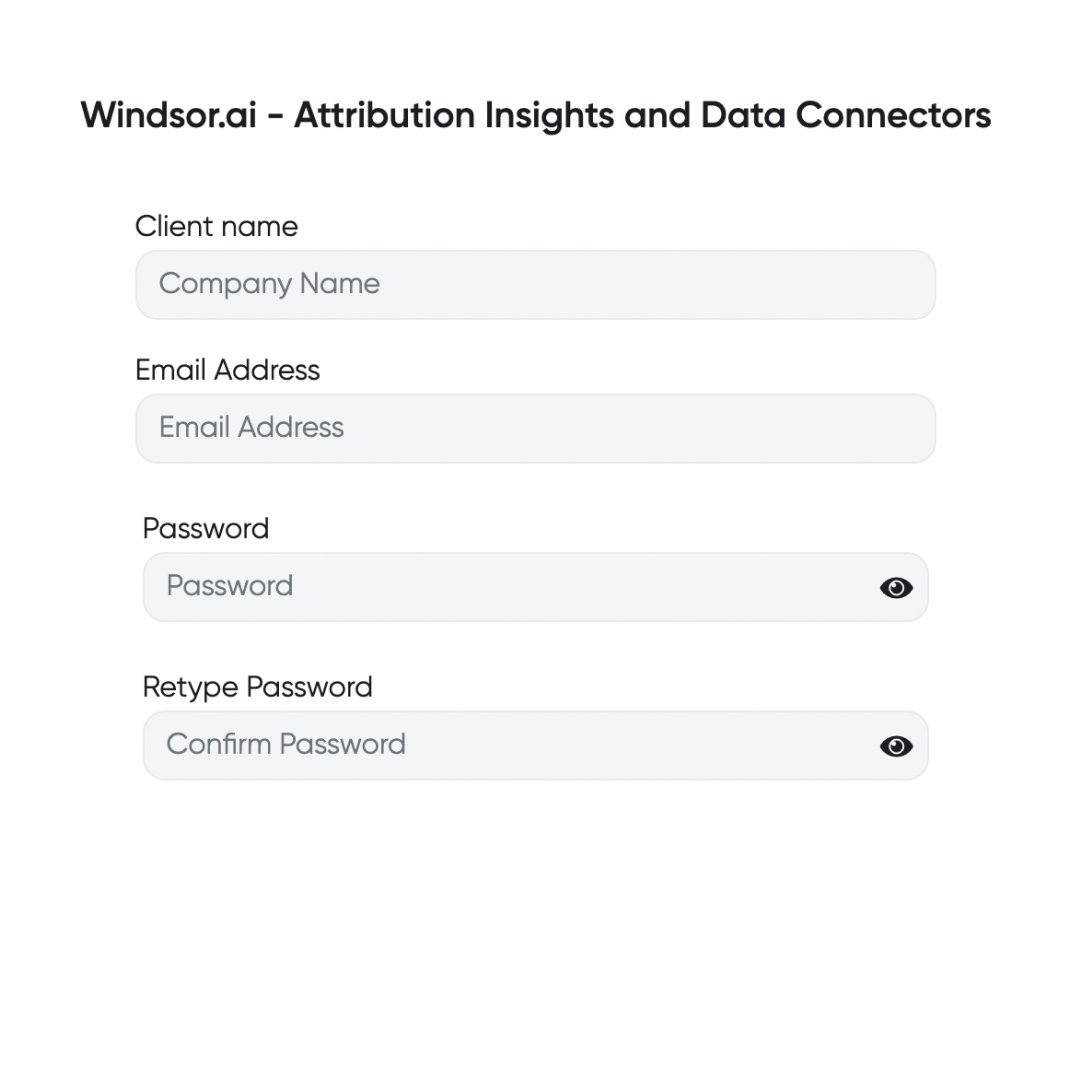
Register and log in to Windsor.ai
Create a new Windsor.ai account or log in if you already have one.
Connect a data source
In your Windsor.ai dashboard, connect Bing Ads to Windsor.ai. Select the necessary account(s) you want to pull data from and click “Next.”

Set up your Azure SQL server and database
In Azure Portal, create and configure your Azure SQL server and database for further data import.

Set Azure SQL as a data destination
Return to your Windsor.ai preview dashboard and choose Azure SQL from the data destination list. Copy the API Key URL provided in the instructions below.

Configure your data integration
Enter all the required credentials in the destination task, add the Windsor IP address to your firewall rules, and click “Save and run.”

FAQs
What is Microsoft Azure SQL?
Azure SQL is a fully managed, cloud-based database service offered by Microsoft, designed to streamline data management. The platform easily integrates with other apps within Azure’s ecosystem, providing a secure, scalable, and highly efficient database solution.
Key advantages of Azure SQL include cost-effectiveness, no need in on-premises hardware, and intelligent performance optimization powered by automatic tuning and query insights. Additionally, the platform’s high availability and disaster recovery capabilities ensure business continuity with minimal downtime and data loss.
Do you have helpful links to get started with integrating Bing Ads and Azure SQL using Windsor.ai?
Yes, we have helpful resources to help you get started. You can explore our official documentation and tutorials for seamless Bing Ads to Azure SQL integration with Windsor.ai:
How much time do I need to create the Bing Ads and Azure SQL integration?
Windsor.ai provides a user-friendly interface and a powerful data connector that enables you to integrate Bing Ads with Azure SQL in under 5 minutes, making the process quick and hassle-free.
How much does it cost to integrate Bing Ads into Azure SQL with Windsor.ai?
Windsor.ai’s pricing for Bing Ads into Azure SQL integration can vary depending on your use case. We offer absolutely transparent, fixed pricing plans for diversified business needs and budgets, starting at just $19/month, with a free forever plan available and no credit card required.
Tired of manual Bing Ads data exports? Get started with Windsor.ai today to automate your reporting


