 Destinations
 Data sources
 AI insights
 About us
 Careers
 Security
 Customer reviews
 Contact us
 Affiliate program
 Solution partners
 Template gallery
 Looker Studio templates
 Power BI templates
 Excel templates
 Google Sheets templates
 Tableau templates
 Facebook Ads templates
 Google Ads templates
 Data fields & Metrics
 AI prompt library & Guides
 Product documentation
 API documentation
 Case studies
 Blog
Blog Data models
 Windsor vs Supermetrics
 Windsor vs Funnel.io
 Windsor vs Fivetran
 Windsor vs Rivery
 Windsor vs Portermetrics
 Windsor vs Coupler.io
Connect Everflow to Data Studio
Easily integrate Everflow with Data Studio using Windsor.ai ETL connectors in just a few clicks—no maintenance required.
Our codeless ELT platform automates reporting and reveals actionable insights into partner performance, attribution, and ROI, helping you optimize affiliate campaigns and drive more revenue through your partner marketing efforts.
Forget CSVs. Stop copy/paste. Connect data in 2 minutes. No code required.
 Sign up with Google
 Free forever plan
No credit card needed
Free forever plan
No credit card needed










Make smarter partner marketing decisions with Everflow to Data Studio integration
Connect Everflow to Data Studio to unlock deeper insights into your partner performance. With automated reporting and real-time insights, you can focus more on optimizing campaigns and less on manual data wrangling, taking advantage of the following benefits:

Automated performance reporting
Say goodbye to spreadsheets and manual data exports. Get instant visual reports on partner clicks, conversions, commissions, and other essential metrics updated in real-time.

Attribution insights
Understand which affiliates and traffic sources drive the best ROI with embedded multi-touch attribution.

Customized dashboards
Build tailored Data Studio dashboards for teams, partners, or clients with no complex technical setup.

Data centralization
Combine Everflow data with Google Ads, Meta, or other sources to see the full customer journey and define the best-performing channels.

Budget optimization
Use insights to adjust commission rates, pause underperformers, and double down on top partners.
Using Windsor.ai connector to import data from Everflow into Data Studio
While there are several ways to connect Everflow to Data Studio, many options involve complex setups, ongoing maintenance, or high costs.
Windsor.ai simplifies the process. Our user-friendly no-code ELT connector automatically syncs your Everflow data with Data Studio in just a few minutes.
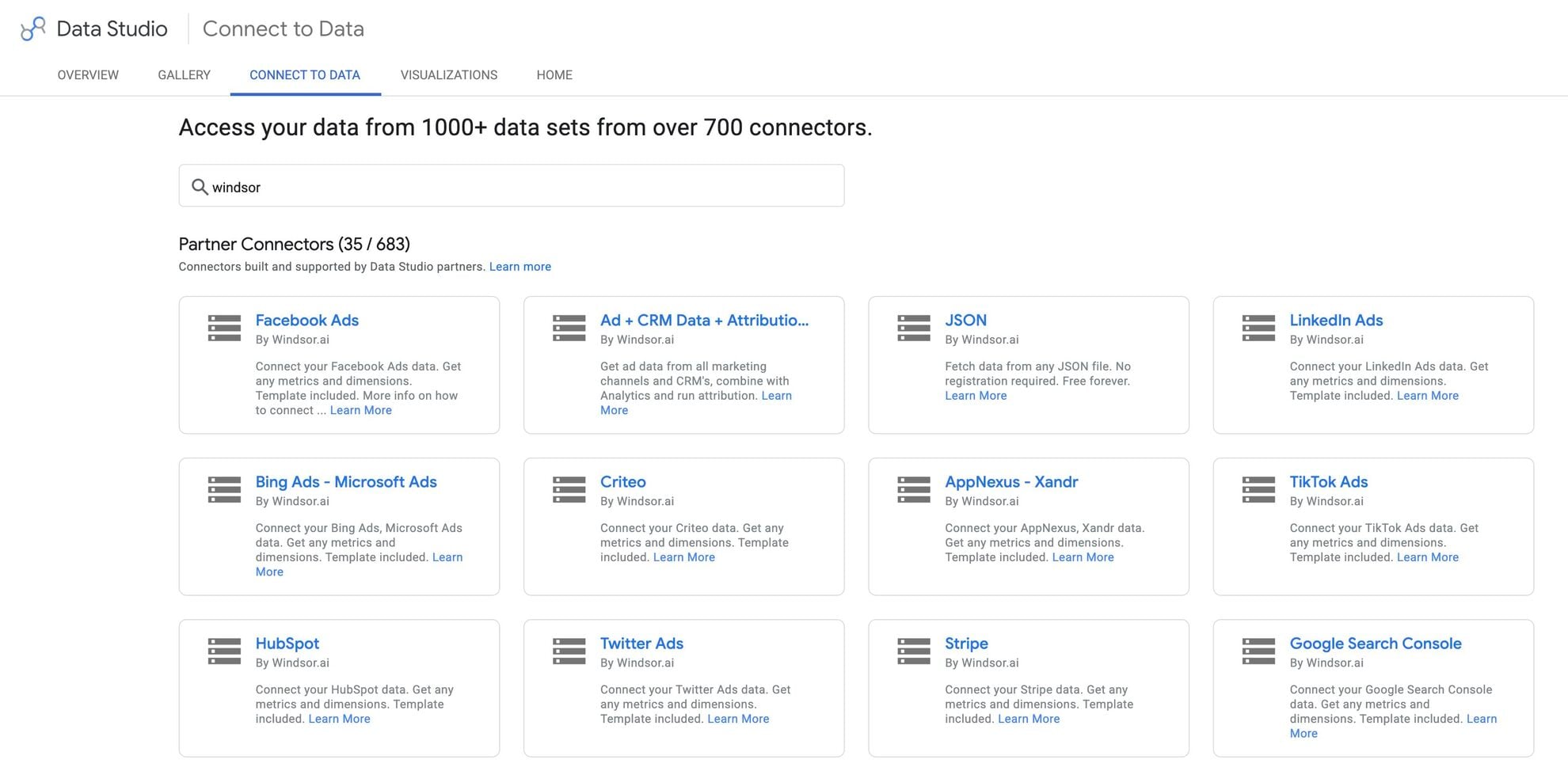














How to connect Everflow to Data Studio in Windsor.ai
Make sure you have the following prerequisites before setting up the connector:
- Everflow account with an API key (Visit our privacy policy and terms of use)
- Google account for Data Studio integration
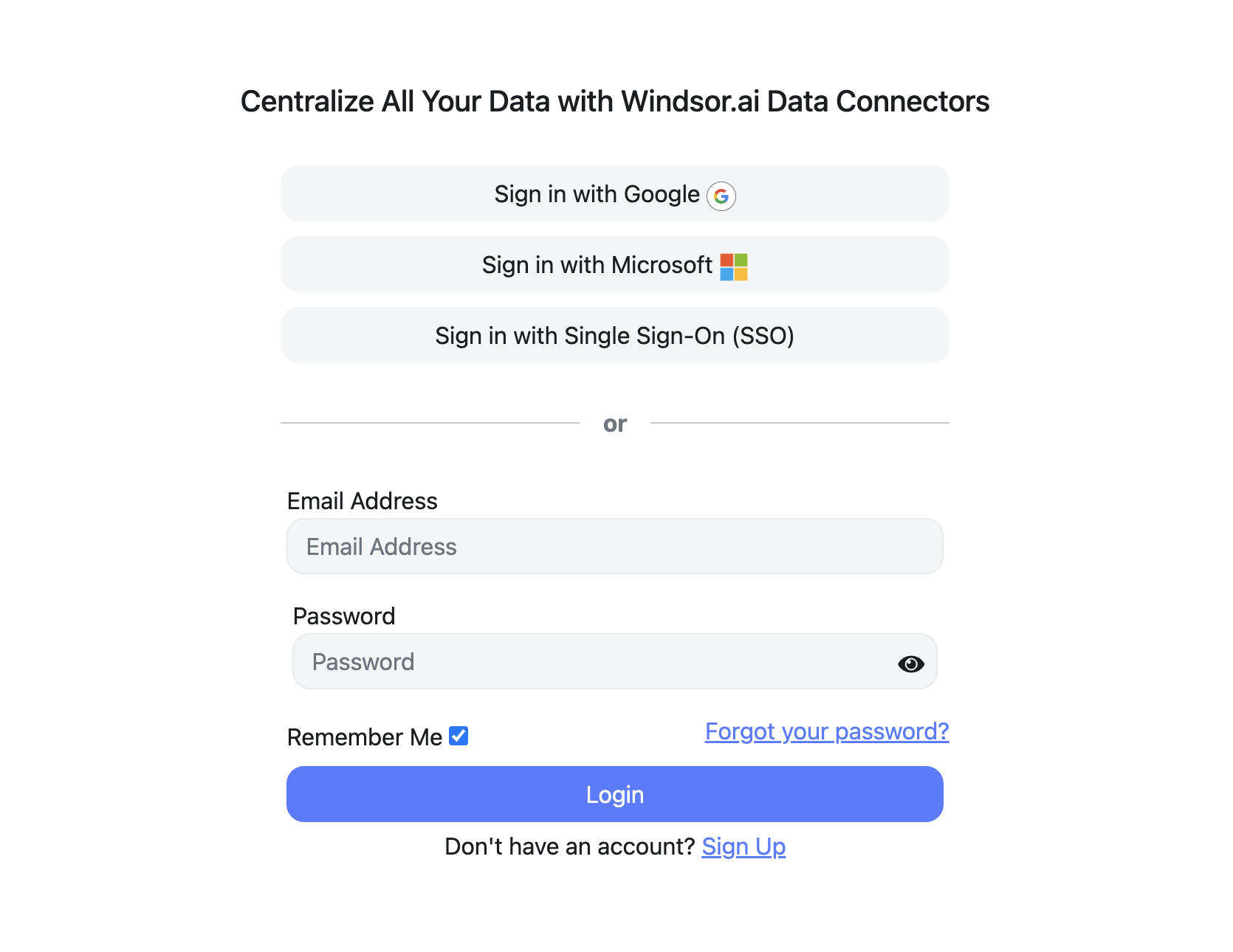
Register and log in to Windsor.ai
Create a new Windsor.ai account or log in if you already have one.
Select your data source
Choose Everflow as your data source and grant access to Windsor.ai.

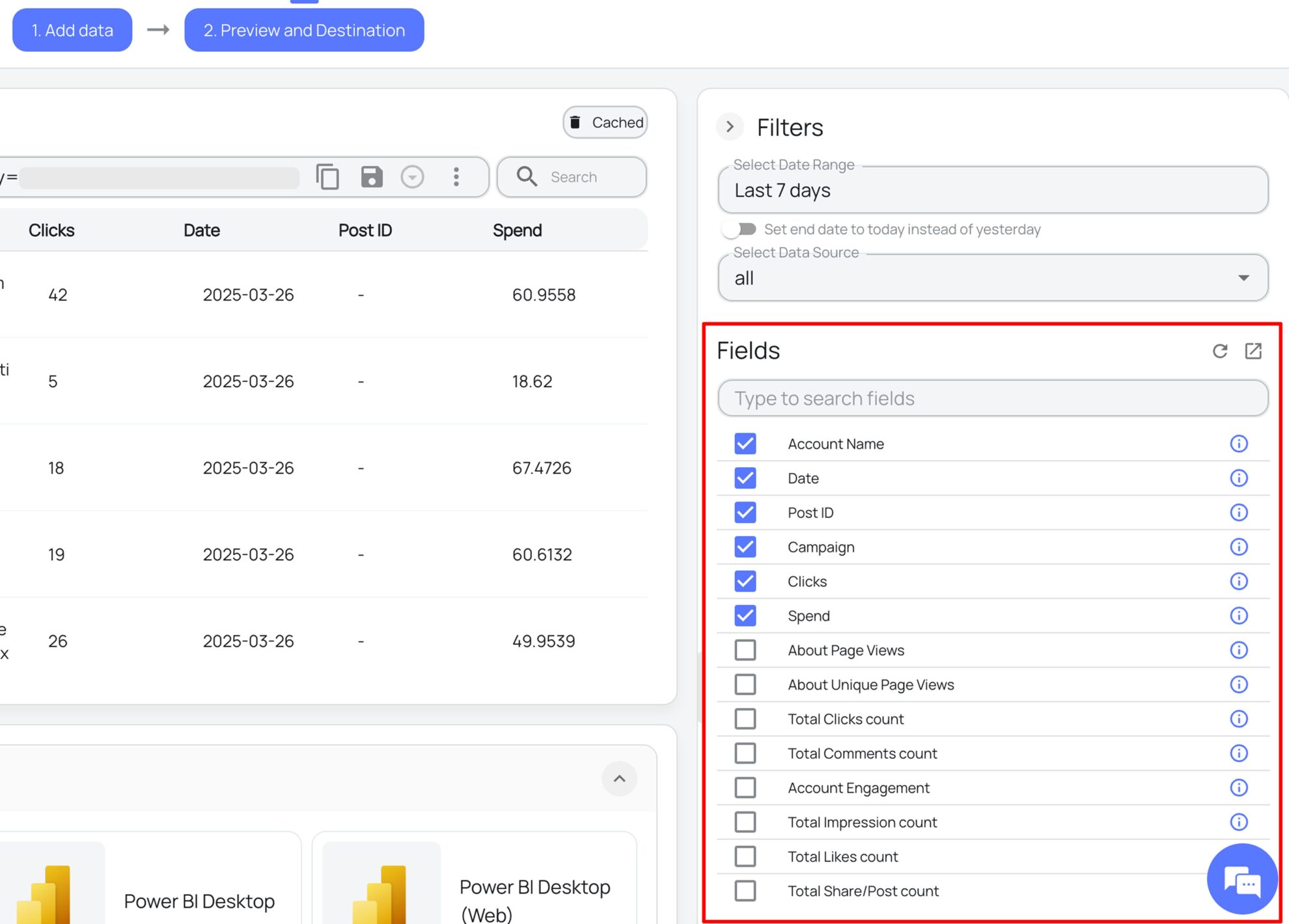
Select the reporting metrics and dimensions
Choose the Everflow fields you want to import into Data Studio on the right side and preview your data before export.
Select Data Studio as your data destination
Scroll down to the list of data destinations and click Data Studio. Install the Windsor.ai connector by authorizing your account, selecting the required Everflow account(s), and clicking Connect → Create Report.

FAQs
What is Data Studio?
Data Studio is a free visualization platform developed by Google. It serves as the top data destination in Windsor.ai, where you can send and blend data from various sources for in-depth analysis and visualization, transforming raw information into dynamic reports with actionable insights.
How much time do I need to create the Everflow and Data Studio integration?
Windsor.ai’s no-code ELT connector lets you sync Everflow to Data Studio in less than 2 minutes, ensuring fast, seamless, and secure data integration.
Do I need technical skills to set up this integration via Windsor.ai?
No. Windsor.ai’s connector is built for non-technical users. You don’t need to write any code or manage complex configurations—just connect your accounts and start analyzing data in your preferred data destination, including Data Studio.
Can I combine Everflow data with other marketing sources in Data Studio?
Yes. Windsor.ai enables you to blend Everflow data with platforms like Google Ads, Facebook Ads, HubSpot, and hundreds more to get a full-funnel view of your business performance.
What kind of reports can I build with this integration?
You can create custom dashboards to monitor affiliate performance, conversion paths, ROI, and traffic sources. Use pre-built Windsor.ai templates and tailor your reports to match your unique brand strategy.
What prerequisites are needed to set up the Windsor.ai's Everflow to Data Studio connector?
You should have the following prerequisites in place:
- Everflow account with the appropriate permissions
- Google account for Data Studio integration
- Active Windsor.ai account
Do you have helpful links to get started with integrating Everflow and Data Studio using Windsor.ai?
Yes, we have helpful resources to help you get started. You can explore our official documentation and ready-to-use templates for seamless Everflow to Data Studio integration with Windsor.ai:
Tired of manual Everflow data exports? Get started with Windsor.ai today to automate your reporting


