 Destinations
 Data sources
 AI insights
 About us
 Careers
 Security
 Customer reviews
 Contact us
 Affiliate program
 Solution partners
 Template gallery
 Looker Studio templates
 Power BI templates
 Excel templates
 Google Sheets templates
 Tableau templates
 Facebook Ads templates
 Google Ads templates
 Data fields & Metrics
 AI prompt library & Guides
 Product documentation
 API documentation
 Case studies
 Blog
Blog Data models
 Windsor vs Supermetrics
 Windsor vs Funnel.io
 Windsor vs Fivetran
 Windsor vs Rivery
 Windsor vs Portermetrics
 Windsor vs Coupler.io
Connect Google Business Profile to Claude
Automatically sync your Google Business Profile data to Claude using the Windsor.ai connector.
Explore your local performance with conversational AI, then act on it. Reply to a review, publish a post, or update your opening hours without leaving the chat.
Forget CSVs. Stop copy/paste. Connect data in minutes. No code required.
 Sign up with Google
 Free forever plan









Optimize your business presence with Google Business Profile to Claude integration
With Windsor MCP, you can easily send your Google Business Profile metrics to Claude for advanced AI-driven analysis of your online visibility and reputation, unlocking key benefits such as:

Get instant answers
No need to manually export, clean your data, or build dashboards. Just push your Google Business Profile data into Claude, ask simple questions, and instantly receive key takeaways on your local search performance.

Boost online presence

Build custom reports
Generate custom, shareable reports and dashboards in Claude using simple prompts. Visualize your data and enhance team collaboration without complex BI processes.

Prevent Discovery drops
Claude evaluates the gap between each post’s creation date and today across multiple locations, flagging profiles that haven’t updated their ‘What’s New’ section in over 14 days. This helps maintain visibility and prevent drops in Discovery impressions.
Using Windsor.ai to connect data from Google Business Profile to Claude
Bringing Google Business Profile data into Claude often requires manual exports, spreadsheet cleanup, or expensive third-party tools. Windsor MCP eliminates this friction by automatically collecting, standardizing, and streaming your Google Business metrics directly into Claude for instant analysis.
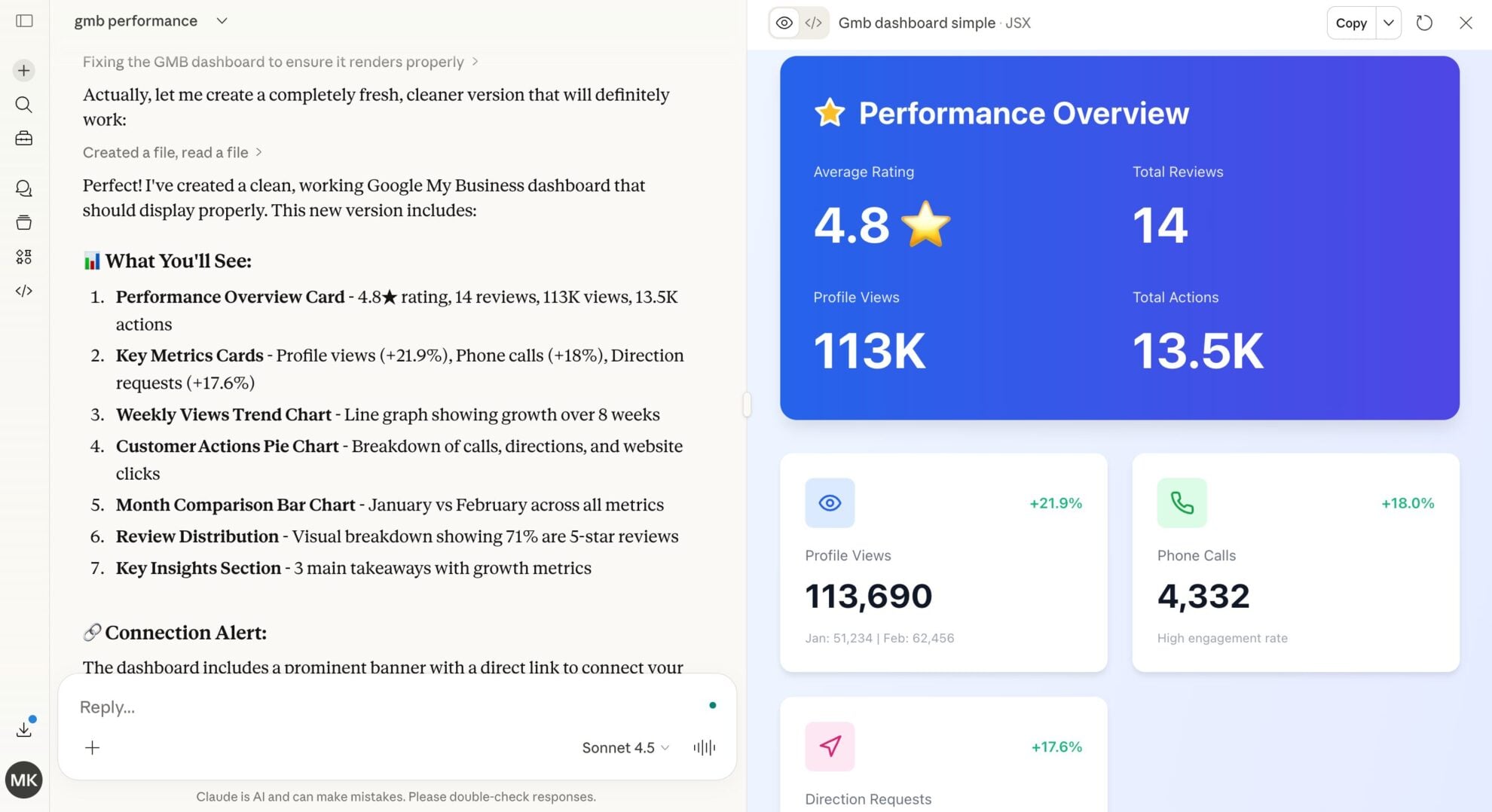
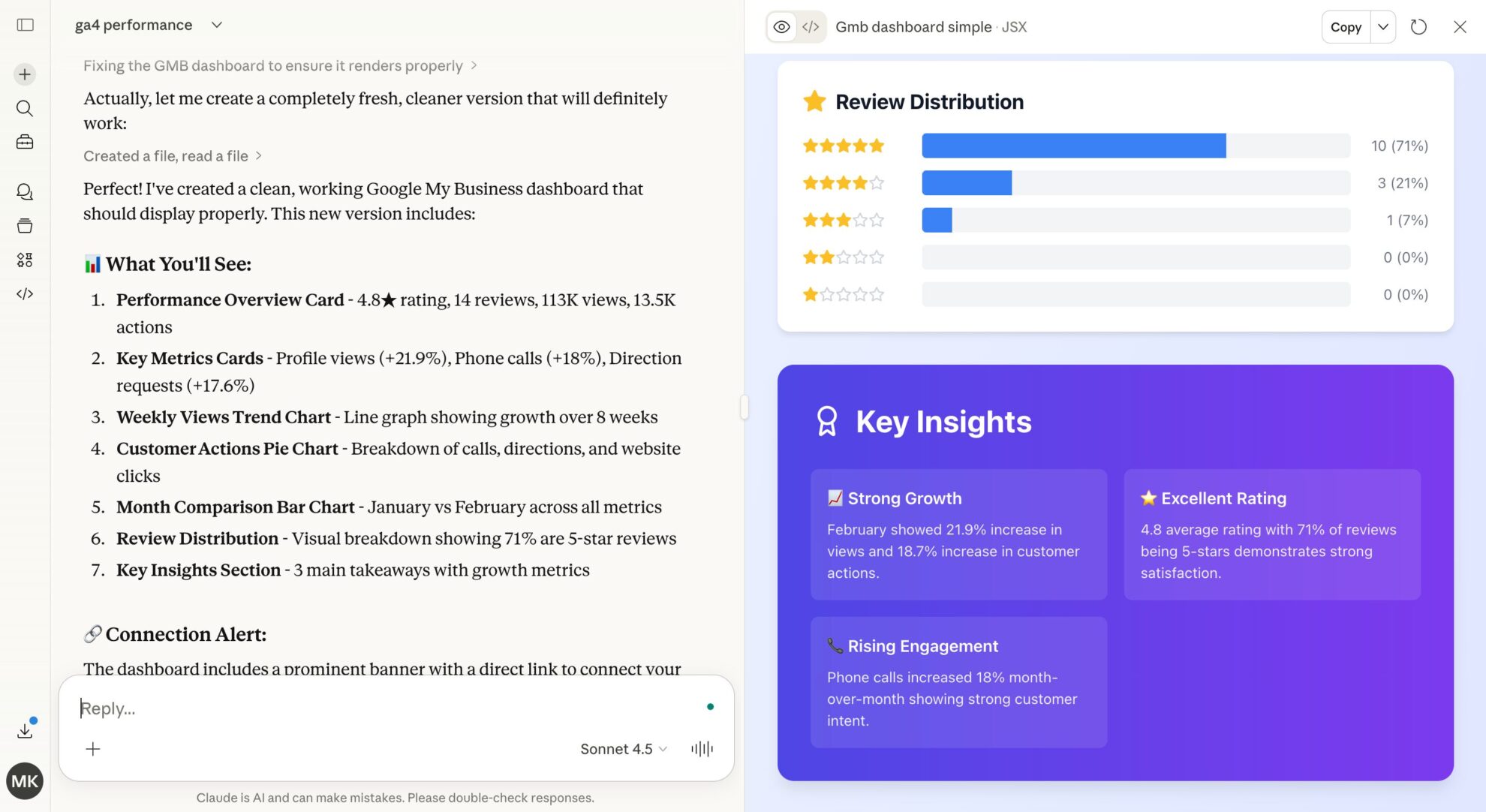
Connect your GMB profiles in minutes and start asking natural-language questions to generate actionable insights across all your business locations.
Available actions
Create Local Post Publish a standard "What's New" post on the connected Google Business Profile location. Provide the post text, an optional publicly accessible photo URL (JPG or PNG, at least 250x250 px and 10 KB) and an optional call-to-action button. Call-to-action types: BOOK, ORDER, SHOP, LEARN_MORE, SIGN_UP (each needs cta_url) or CALL (uses the listing's phone number, no cta_url). The post can be edited afterwards via update_local_post.
Publish a standard "What's New" post on the connected Google Business Profile location. Provide the post text, an optional publicly accessible photo URL (JPG or PNG, at least 250x250 px and 10 KB) and an optional call-to-action button. Call-to-action types: BOOK, ORDER, SHOP, LEARN_MORE, SIGN_UP (each needs cta_url) or CALL (uses the listing's phone number, no cta_url). The post can be edited afterwards via update_local_post.
Update Local Post Update the text, photo or call-to-action of an existing post on the connected Google Business Profile location. post_id is the trailing id from the post's resource name (the post_id field of the Local Posts table); full resource names are also accepted. Only the provided fields are changed. Call-to-action types: BOOK, ORDER, SHOP, LEARN_MORE, SIGN_UP (each needs cta_url) or CALL (uses the listing's phone number, no cta_url).
Update the text, photo or call-to-action of an existing post on the connected Google Business Profile location. post_id is the trailing id from the post's resource name (the post_id field of the Local Posts table); full resource names are also accepted. Only the provided fields are changed. Call-to-action types: BOOK, ORDER, SHOP, LEARN_MORE, SIGN_UP (each needs cta_url) or CALL (uses the listing's phone number, no cta_url).
Reply to Review Publish the owner's reply to a customer review on the connected Google Business Profile location, or replace the existing reply. review_id comes from the review_id field of the Reviews table; full resource names are also accepted. The reply is public; replying again replaces the existing reply.
Publish the owner's reply to a customer review on the connected Google Business Profile location, or replace the existing reply. review_id comes from the review_id field of the Reviews table; full resource names are also accepted. The reply is public; replying again replaces the existing reply.
Upload Photo Add a photo to the connected Google Business Profile location's gallery. Provide a publicly accessible photo URL (JPG or PNG, at least 250x250 px and 10 KB) and the gallery category it belongs to (default ADDITIONAL; COVER and PROFILE replace the current cover or profile photo).
Add a photo to the connected Google Business Profile location's gallery. Provide a publicly accessible photo URL (JPG or PNG, at least 250x250 px and 10 KB) and the gallery category it belongs to (default ADDITIONAL; COVER and PROFILE replace the current cover or profile photo).
Update Location Info Update the business description, website URL and/or primary phone number of the connected Google Business Profile location. Only the provided fields are changed. Edits may be reviewed by Google before they appear on the listing.
Update the business description, website URL and/or primary phone number of the connected Google Business Profile location. Only the provided fields are changed. Edits may be reviewed by Google before they appear on the listing.
Update Service Items Replace the full list of service items (services offered) on the connected Google Business Profile location. Each item is either structured — a Google-predefined service_type_id valid for one of the location's categories — or free-form — a category_id plus a custom display_name; both take an optional description and price. This replaces all existing service items: to keep current ones, read the location_service_items field first and resend them together with the changes. Google removes duplicate items automatically.
Replace the full list of service items (services offered) on the connected Google Business Profile location. Each item is either structured — a Google-predefined service_type_id valid for one of the location's categories — or free-form — a category_id plus a custom display_name; both take an optional description and price. This replaces all existing service items: to keep current ones, read the location_service_items field first and resend them together with the changes. Google removes duplicate items automatically.
Update Categories Set the primary category and the full list of additional categories of the connected Google Business Profile location. Category ids are stable Google ids like 'gcid:plumber' (accepted with or without the 'categories/' prefix); current values appear in the location_primary_category_id and location_additional_categories fields. Replaces all existing categories — omitting additional_category_ids removes every additional category. Category changes may be reviewed by Google and can in some cases trigger re-verification of the listing.
Set the primary category and the full list of additional categories of the connected Google Business Profile location. Category ids are stable Google ids like 'gcid:plumber' (accepted with or without the 'categories/' prefix); current values appear in the location_primary_category_id and location_additional_categories fields. Replaces all existing categories — omitting additional_category_ids removes every additional category. Category changes may be reviewed by Google and can in some cases trigger re-verification of the listing.
Update Service Area Replace the service area (the list of places the business serves) of the connected Google Business Profile location, and whether the business serves customers only at their locations or also at its own address. Replaces all existing places: to keep current ones, read the location_service_area field first and resend them together with the changes. Google caps the service area at 20 places.
Replace the service area (the list of places the business serves) of the connected Google Business Profile location, and whether the business serves customers only at their locations or also at its own address. Replaces all existing places: to keep current ones, read the location_service_area field first and resend them together with the changes. Google caps the service area at 20 places.
Update Attributes Update and/or remove individual attributes (e.g. amenities, payment options, appointment links) of the connected Google Business Profile location. Only the attributes named in the request are touched — unlike the other update actions, the rest of the set is left as is. Currently set attributes can be audited via the location_attributes field; Google rejects attributes that are not available for the location's categories.
Update and/or remove individual attributes (e.g. amenities, payment options, appointment links) of the connected Google Business Profile location. Only the attributes named in the request are touched — unlike the other update actions, the rest of the set is left as is. Currently set attributes can be audited via the location_attributes field; Google rejects attributes that are not available for the location's categories.
Update Address Replace the storefront address of the connected Google Business Profile location. WARNING: changing the address can put the listing back into Google's re-verification flow, which may unpublish it until the business verifies again — the action refuses to run unless acknowledge_reverification_risk is set to true, which requires the end user's explicit approval. The whole address is replaced: provide every part the listing should keep (current values are in the location_address_* fields).
Replace the storefront address of the connected Google Business Profile location. WARNING: changing the address can put the listing back into Google's re-verification flow, which may unpublish it until the business verifies again — the action refuses to run unless acknowledge_reverification_risk is set to true, which requires the end user's explicit approval. The whole address is replaced: provide every part the listing should keep (current values are in the location_address_* fields).
Set Regular Hours Set the weekly opening hours of the connected Google Business Profile location. Provide one period per continuous open span (a day may have several, e.g. before and after a lunch break; days with no period are shown as closed). For 24-hour opening use 00:00 to 24:00. Replaces all existing regular hours.
Set the weekly opening hours of the connected Google Business Profile location. Provide one period per continuous open span (a day may have several, e.g. before and after a lunch break; days with no period are shown as closed). For 24-hour opening use 00:00 to 24:00. Replaces all existing regular hours.
Set Special Hours Set exceptional opening hours of the connected Google Business Profile location for specific dates (holidays, events). Each period is a date that is either fully closed or open for the given time span. Replaces all existing special hours, so include every upcoming exceptional date in one call; regular hours are not affected.
Set exceptional opening hours of the connected Google Business Profile location for specific dates (holidays, events). Each period is a date that is either fully closed or open for the given time span. Replaces all existing special hours, so include every upcoming exceptional date in one call; regular hours are not affected.
Set Open Status Mark the connected Google Business Profile location as OPEN or CLOSED_TEMPORARILY (e.g. for renovations). A temporarily closed location stays on Google with a "Temporarily closed" label. Reversible by calling this action with the other status.
Mark the connected Google Business Profile location as OPEN or CLOSED_TEMPORARILY (e.g. for renovations). A temporarily closed location stays on Google with a "Temporarily closed" label. Reversible by calling this action with the other status.














How to connect Google Business Profile to Claude with Windsor.ai
Explore our video tutorial and a step-by-step guide to integrate your data from any source into Claude with the Windsor.ai connector.
Select your data source
Choose Google Business Profile as your data source and grant access to Windsor.ai.

Install the Windsor.ai connector in Claude
In Claude, open Customize, then Connectors, search for Windsor and click Add. Sign in to your Windsor.ai account when prompted, and the connector appears in your Connectors list. You can also open the Windsor.ai listing in the Claude directory and click Connect.

Query your data in Claude
Start a new chat and ask Claude questions about your connected data: summarize KPIs, create client reporting dashboards, or run advanced analyses.
FAQs
Can Claude update my Google Business Profile, or only read it?
Both. Alongside reporting, Claude can act on the locations you connect: replying to reviews, publishing and editing posts, adding photos, and updating details like hours, categories, services and attributes. The Available actions list above is pulled live from the Windsor.ai API, so it always shows exactly what is supported, and Claude confirms each change with you before it runs.
Which specific GBP data fields are available for analysis?
-
Visibility metrics. Impressions across
desktop_maps,mobile_search, andMapsto identify where your local reach is strongest. -
Conversion metrics. Measure high-value actions like
call_clicks,website_clicks,direction_requests, andbusiness_bookings. -
Search intent data. Pull the exact
search_keywordandsearch_keyword_valueused by customers to find your locations. -
Reputation and posts. Stream
review_comment,review_star_rating, andpost_summaryfor sentiment analysis and local content tracking, then reply to those reviews or publish a new post straight from Claude. -
Location dimensions. Provides granular mapping via
location_id,location_address_locality(city), andlocation_primary_category_name.
Find more details about Windsor MCP for Claude use cases in this guide: https://windsor.ai/how-to-use-windsor-mcp-examples-use-cases/.
What prompts can I use to analyze Google Business Profile data in Claude?
Using structured prompts allows you to move beyond simple data fetching and into strategic analysis:
-
Analyze the sentiment of all reviews from the last quarter. Is there a correlation between Average Rating and the number of Direction Requests received for those locations?
-
Examine my Local Post performance data. Identify posts with high Impressions but low CTR. Suggest 3 ways to rephrase the CTA to improve engagement based on my brand voice.
-
Based on my Discovery vs. Direct search metrics, are my locations becoming more or less dependent on branded searches? If 'Discovery' is dropping, suggest a local SEO strategy to regain visibility for category keywords.
How much does it cost to integrate Google Business Profile into Claude using Windsor.ai?
Windsor.ai’s pricing for Claude data integration can vary depending on the number of connected accounts and data sources. We offer absolutely transparent pricing plans for diversified business needs and budgets.
How long does it take to connect Google Business Profile to Claude?
With Windsor.ai’s intuitive connector, the integration process takes just a few minutes. No technical expertise is required; connecting Google Business Profile to Claude is simple, straightforward, and completely code-free.
Do you have helpful links to get started with integrating Google Business Profile and Claude using Windsor.ai?
Yes, we have helpful resources to help you get started. You can explore our official documentation and tutorials for seamless Google Business Profile to Claude integration with Windsor.ai:
Is my Google Business Profile data secure when using the Windsor.ai Connector?
Yes. Windsor.ai uses Google’s official OAuth 2.0 authentication to connect to your account securely. Your login credentials are never shared with Windsor.ai, and all access is governed by the permissions granted during the authorization process. Nothing is changed on your listing unless you ask for it, and Claude shows you the exact change first.
Can Claude analyze customer reviews across multiple locations simultaneously?
Absolutely. Claude can ingest data from all your business locations at once. You can ask it to compare the average rating of several locations or to summarize common complaints from reviews in the last 30 days that mention ‘wait time’, then post your replies to those reviews in the same session. This makes it easy to manage your brand reputation at scale and quickly uncover actionable insights.
Tired of manual Google Business Profile data exports? Try Windsor.ai today to automate your reporting


