 Destinations
 Data sources
 AI insights
 About us
 Careers
 Security
 Customer reviews
 Contact us
 Affiliate program
 Solution partners
 Template gallery
 Looker Studio templates
 Power BI templates
 Excel templates
 Google Sheets templates
 Tableau templates
 Facebook Ads templates
 Google Ads templates
 Data fields & Metrics
 AI prompt library & Guides
 Product documentation
 API documentation
 Case studies
 Blog
Blog Data models
 Windsor vs Supermetrics
 Windsor vs Funnel.io
 Windsor vs Fivetran
 Windsor vs Rivery
 Windsor vs Portermetrics
 Windsor vs Coupler.io
Connect Google Search Console to Lovable
Automatically sync your Google Search Console data to Lovable using the Windsor.ai connector.
Query your Google Search Console data in Lovable, build visual dashboards in seconds, and grow your organic traffic with AI-driven insights.
Forget CSVs. Stop copy/paste. Connect data in minutes. No code required.
 Sign up with Google
 Free forever plan
No credit card needed
Free forever plan
No credit card needed










Make the most out of your data with Google Search Console to Lovable integration
Connect Google Search Console to Lovable via Windsor MCP and get instant insights through natural language queries and live dashboards built in seconds. Explore what you can do:

Find quick-win ranking pages
Surface queries where your average position sits between 8 and 20, with strong impressions but weak CTR. Prioritize title tag and meta description updates for these pages to push them onto page one.

Identify mobile ranking gaps
Compare average position on mobile vs. desktop for your top queries. Fix Core Web Vitals or mobile UX issues on the pages where the gap costs you the most clicks.

Unify data across channels
Merge GSC with Google Ads to cross-reference organic query rankings with active paid keywords via Windsor MCP. Turn off ads on queries where you already hold a top 3 organic position and redirect that budget.

Audit site sections
Group clicks and impressions by URL directory level to see which sections of your site own search and which don’t. Shift your content budget toward folders where demand already exists.

Build live SEO reports for your clients
Describe the SEO dashboard you need in Lovable (keyword rankings, CTR trends, top pages, mobile vs. desktop gaps), and it builds a live web app backed by real GSC data. Share a URL your client can bookmark. It updates automatically, with no exports or BI setup required.
Using Windsor.ai to connect data from Google Search Console to Lovable
Most ways to sync GSC data into Lovable involve manual exports, data cleanup, and costly tools. Windsor MCP removes that friction by automatically pulling, organizing, and streaming your queries, pages, clicks, impressions, CTR, and position data into Lovable.
Ask questions in plain language and build live dashboards to analyze organic search performance in seconds.
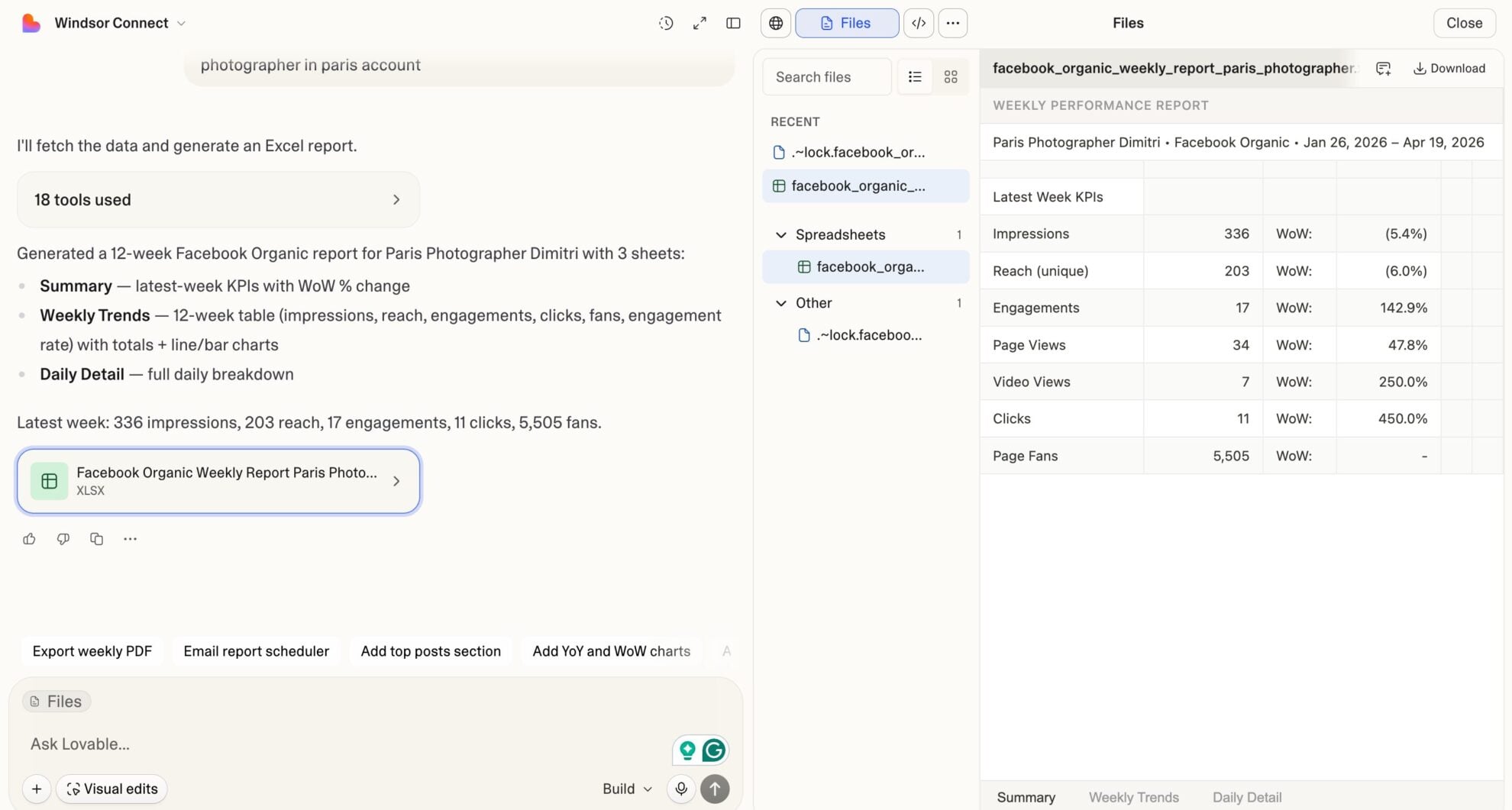














How to connect Google Search Console to Lovable with Windsor.ai
Explore our video tutorial and a step-by-step guide to integrate your Google Search Console data into Lovable with the Windsor.ai connector.
Select your data source
Choose Google Search Console as your data source and grant access to Windsor.ai.

Select custom connector in Lovable
In Lovable, open Connectors and select Custom MCP.

Add MCP server
Enter the following details:
- Name: Windsor.ai
- URL: https://mcp.windsor.ai/
Click Add & Authorize to save the connector and authorize access to Windsor.ai.

Authorize and start querying your data
Once added, Windsor will appear in your list of connectors. Enable Always allow permissions for faster access.
Open a new chat and start querying your connected data.

FAQs
What can I do with Google Search Console data in Lovable?
Once your Google Search Console is in Lovable, you can:
- Analyze search queries: See exactly what people type into Google to find your site, ranked by clicks, impressions, or CTR.
- Track page performance: Identify which URLs drive the most organic traffic and which are losing ground.
- Monitor average position: Track ranking changes over time for any query or page combination.
- Segment by device: Compare performance on desktop vs. mobile vs. tablet to spot experience gaps.
- Filter by country: See which markets drive your organic traffic and where ranking opportunities exist.
- Audit branded vs. non-branded traffic: Instantly split queries into branded and non-branded buckets to understand organic demand vs. brand awareness.
- Check sitemap health: Pull sitemap submission dates, indexed URL counts, errors, and warnings in one query.
Does Windsor.ai remove the 1,000-row export limit from Google Search Console?
Yes. The native GSC interface caps exports at 1,000 rows. Windsor.ai pulls the full dataset via the API, giving you unrestricted access to all your queries, pages, and date ranges directly in Lovable.
Can I combine Google Search Console data with other sources in Lovable?
Yes. Windsor MCP supports 350+ connectors, enabling you to run cross-channel analysis across numerous sources in the same Lovable session. Combine GSC with GA4 to correlate organic clicks with on-site conversions, or with Google Ads to identify queries where you’re paying for clicks you could rank for organically.
Can I identify cannibalization issues with GSC data in Lovable?
Yes. Query which URLs are ranking for the same search term and compare their average positions side by side. Lovable can surface queries where multiple pages compete, so you can consolidate or differentiate content strategically.
Can I track CTR drops for specific pages in Lovable?
Yes. Filter by page and compare CTR week-over-week or month-over-month. Lovable can surface pages where impressions held steady but CTR dropped: a clear signal that your title tag or meta description needs updating.
What prompts can I use to analyze my Google Search Console data in Lovable?
Beyond basic performance summaries, you can use more advanced, specific prompts to uncover deeper insights. For example:
-
Find all queries where my average position is between 8 and 20, impressions are above 500 in the last 90 days, and CTR is below 3%. Rank them by impressions. These are my highest-priority optimization targets.
-
For my top 50 pages by impressions over the last 60 days, calculate the expected CTR based on average position benchmarks (position 1 ≈ 28%, position 3 ≈ 10%, position 5 ≈ 6%). Flag pages where actual CTR is more than 30% below the expected rate.
-
For each of my top 100 queries by impressions in the last 90 days, show how many different pages are ranking for that query. Flag any query where more than 2 URLs appear; those are cannibalization risks.
-
Group my organic clicks and impressions by top-level site section (pathlevel1) for the last 6 months. Show month-over-month click trend for each section. Which sections are growing and which are declining?
-
Break down my clicks and impressions by search appearance type for the last 90 days. For each appearance type (featured snippet, AMP, video, rich result), calculate the CTR premium compared to standard blue-link results. Which rich result type delivers the highest CTR lift?
Do you have helpful links to get started with integrating Google Search Console and Lovable using Windsor.ai?
Yes, we have helpful resources to help you get started. You can explore our official documentation and tutorials for seamless Google Search Console to Lovable integration with Windsor.ai:
Can I build a custom Google Search Console dashboard in Lovable?
Absolutely. Once your GSC account is connected, Lovable can quickly build a branded, live web app on the key metrics you need, for example, keyword rankings, CTR trends, or top pages by clicks. Share the link with your entire team, and everyone can monitor performance in any browser, no GSC login required.
Tired of manual Google Search Console data exports? Try Windsor.ai today to automate your reporting


