 Destinations
 Data sources
 AI insights
 About us
 Careers
 Security
 Customer reviews
 Contact us
 Affiliate program
 Solution partners
 Template gallery
 Looker Studio templates
 Power BI templates
 Excel templates
 Google Sheets templates
 Tableau templates
 Facebook Ads templates
 Google Ads templates
 Data fields & Metrics
 AI prompt library & Guides
 Product documentation
 API documentation
 Case studies
 Blog
Blog Data models
 Windsor vs Supermetrics
 Windsor vs Funnel.io
 Windsor vs Fivetran
 Windsor vs Rivery
 Windsor vs Portermetrics
 Windsor vs Coupler.io
Connect Google Sheets to Claude
Use your Google Sheets as a live data source in Claude with the Windsor.ai connector.
Turn any spreadsheet into data you can query in plain language. Analyze KPIs, trends, top performers and outliers without formulas, pivot tables or dashboards, and put the sheet next to your ad platforms, analytics and CRM in the same conversation.
No CSVs, no copy and paste, no code.
 Sign up with Google
 Free forever plan
No credit card needed
Free forever plan
No credit card needed










What your Google Sheets data can tell you in Claude
Syncing Google Sheets with Claude through Windsor.ai replaces formulas and pivot tables with plain-language questions. What you get:

Get instant AI insights
Stop scrolling through thousands of rows to find a trend. Claude analyzes your entire Google Sheet in seconds, surfacing key metrics, trends, and anomalies without manual work.

Query data in plain language
You no longer need to remember complex VLOOKUP, QUERY, or INDEX/MATCH formulas. Simply ask Claude a question in plain English, and it will perform the calculation, aggregation, or comparison across your tabs automatically.

Run cross-channel analysis
Combine data from different tabs and platforms (Windsor.ai supports 350+ data sources), such as marketing, sales, and customer data, in one Claude session. It can identify which campaigns drive real revenue, and help you measure true ROI.

Understand the 'why' behind your data
Claude goes beyond KPI summaries; it explains why your metrics change and what’s driving performance. You can also ask it to generate action plans to optimize results and make faster decisions.
Using Windsor.ai to connect data from Google Sheets to Claude
Connect Google Sheets to Claude without complex setups or costly tools. Windsor MCP automatically syncs your spreadsheet data, making it instantly available for AI analysis in Claude.
Set up in minutes and explore your data using natural language, from comparing weekly sales performance to identifying top traffic sources.
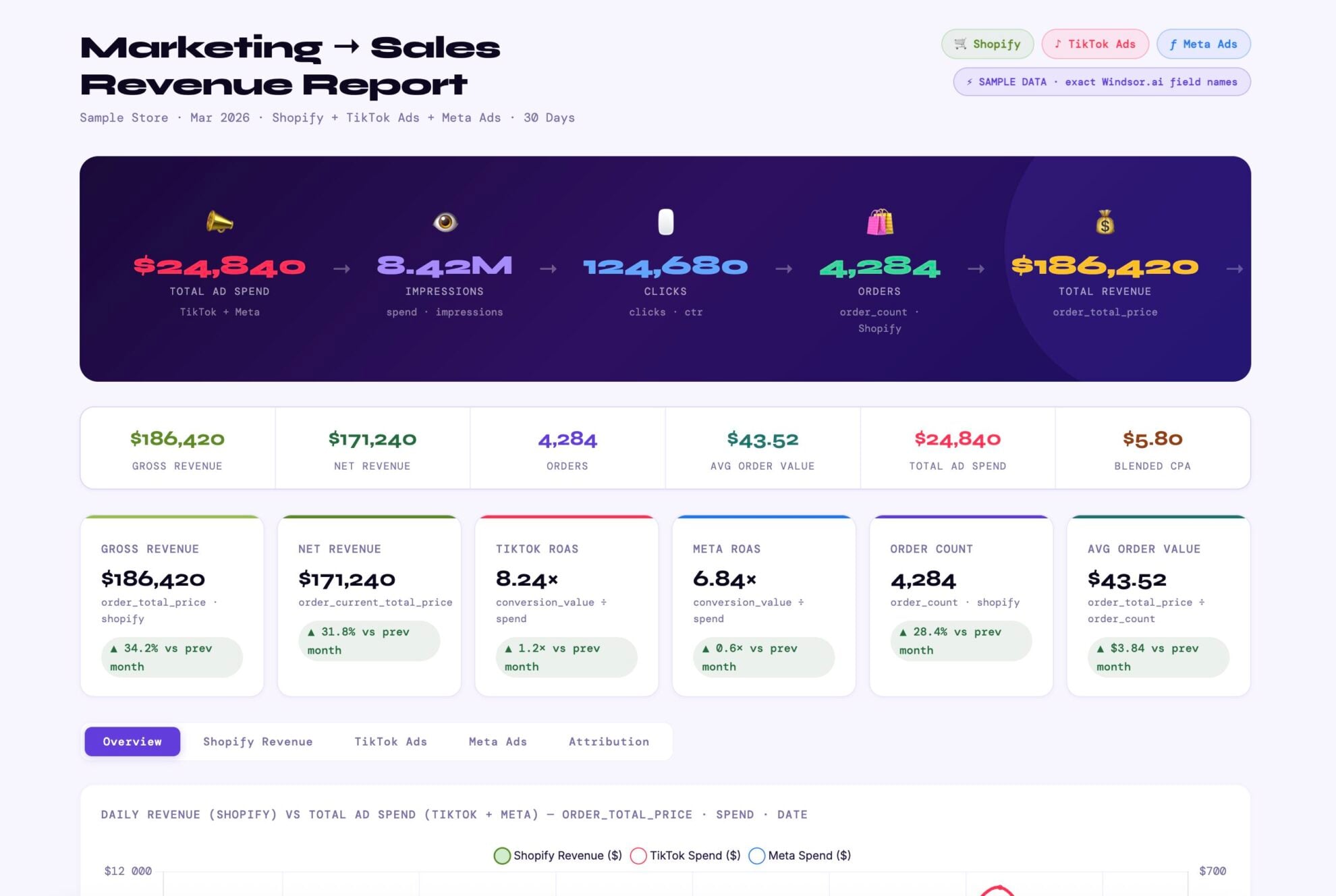














How to connect Google Sheets to Claude with Windsor.ai
Explore our video tutorial and a step-by-step guide to integrate your data from any source into Claude with the Windsor.ai connector.
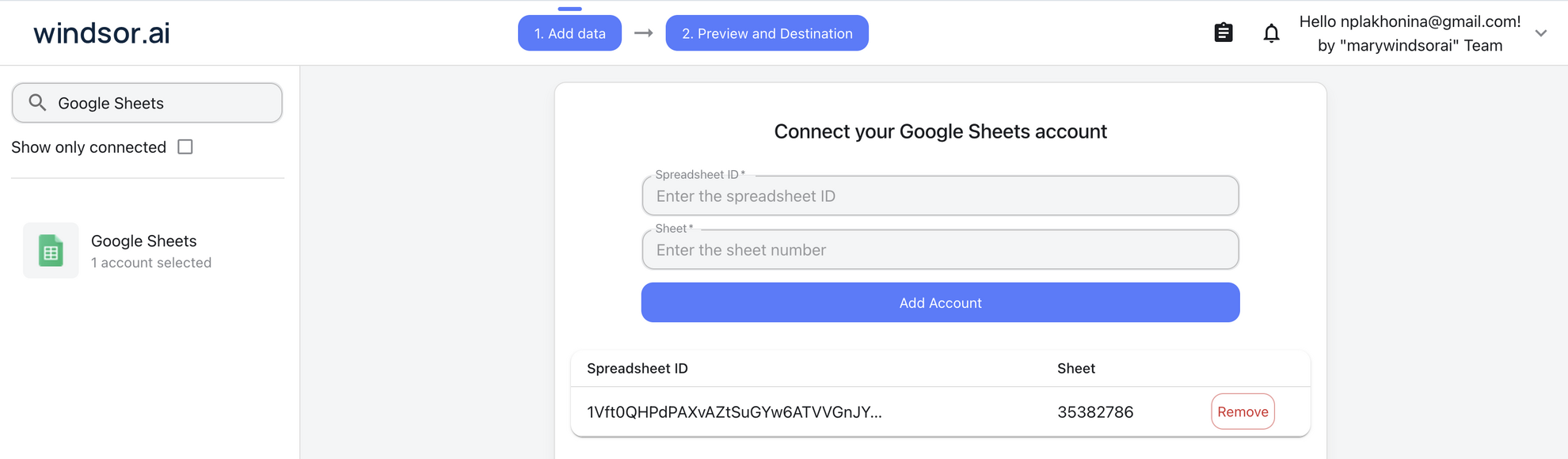
Select your data source
Choose Google Sheets as your data source and grant access to Windsor.ai.
Install the Windsor.ai connector in Claude
In Claude, open Customize, then Connectors, search for Windsor and click Add. Sign in to your Windsor.ai account when prompted, and the connector appears in your Connectors list. You can also open the Windsor.ai listing in the Claude directory and click Connect.

Query your data in Claude
Start a new chat and ask Claude questions about your connected data: summarize KPIs, create client reporting dashboards, or run advanced analyses.

FAQs
Who is the Google Sheets to Claude integration for?
CMOs, managers, and business owners who already track performance in Google Sheets and want quick answers without hiring an analyst or building a BI dashboard.
How to connect Google Sheets to Claude?
With Windsor.ai, connecting Google Sheets to Claude takes about a minute:
- Choose Google Sheets as your data source in Windsor.ai and grant access.
- In Claude, open Customize, then Connectors, search for Windsor and click Add. Sign in to your Windsor.ai account when prompted. You can also open the Windsor.ai listing in the Claude directory and click Connect.
- Start a new chat and ask questions about the sheet in plain language.
This route reads the sheet as live data next to your other sources. For editing cells from Claude, or reading a single file as a snapshot, the other options are compared in how to connect Google Sheets to Claude: three ways and which one to use.
Can I compare Google Sheets data with data from marketing sources like Google Ads or Meta?
Yes. Because Windsor.ai supports 350+ sources, you can ask Claude to compare the target ROAS in my Google Sheet against my actual live ROAS in Google Ads.
How fresh is the data in Claude when using Windsor MCP?
Whenever you query Claude, Windsor.ai pulls the most recent version of your Google Sheet, ensuring your analysis is based on the latest available data.
What prompts can I use with Google Sheets data in Claude?
Beyond weekly summaries and reports, you can use more specific prompts to explore your data in depth. For example:
-
Look at the columns 'Annual_Revenue' and 'Employee_Count' in the 'Leads' tab. Categorize each row into 'Enterprise' (>$50M revenue OR >1,000 employees), 'Mid-Market' ($10M-$50M), or 'SMB'. If data is missing for either, flag the row as 'Incomplete' in a new summary table.
-
Review the last 24 months of sales data in the 'History' tab. Identify the specific weeks where we consistently see a dip in revenue. Correlate this with the 'Marketing_Spend' column from those same weeks. Are we under-spending during those periods, or is the ROI simply lower?
-
Compare our Q1 2026 performance in the 'Current' tab against the Q1 2025 data in the 'Archive' tab. Beyond just the total revenue, tell me which Product_Category saw the biggest shift in 'Customer_Acquisition_Cost' (CAC) year-over-year.
-
Look at our 'Blog_Metrics' sheet. Identify the top 5 articles in the 'URL' column that have high traffic but low 'Goal_Completions'. Suggest 3 specific Call-to-Action (CTA) changes for each based on the 'Topic' of the article.
How much does it cost to integrate Google Sheets into Claude using Windsor.ai?
Windsor.ai’s pricing for Claude data integration varies depending on the number of connected accounts and data sources. We offer absolutely transparent pricing plans for diversified business needs and budgets.
Do you have helpful links to get started with integrating Google Sheets and Claude using Windsor.ai?
Yes. These cover the setup and what to ask once the sheet is connected:
Tired of manual Google Sheets data exports? Try Windsor.ai today to automate your reporting


