 Destinations
 Data sources
 AI insights
 About us
 Careers
 Security
 Customer reviews
 Contact us
 Affiliate program
 Solution partners
 Template gallery
 Looker Studio templates
 Power BI templates
 Excel templates
 Google Sheets templates
 Tableau templates
 Facebook Ads templates
 Google Ads templates
 Data fields & Metrics
 AI prompt library & Guides
 Product documentation
 API documentation
 Case studies
 Blog
Blog Data models
 Windsor vs Supermetrics
 Windsor vs Funnel.io
 Windsor vs Fivetran
 Windsor vs Rivery
 Windsor vs Portermetrics
 Windsor vs Coupler.io
Connect HubSpot to Lovable
Automatically sync your HubSpot data to Lovable using the Windsor.ai connector.
Analyze your full sales pipeline, marketing performance, and customer support in Lovable and make faster optimization decisions to grow revenue.
Forget CSVs. Stop copy/paste. Connect data in minutes. No code required.
 Sign up with Google
 Free forever plan
No credit card needed
Free forever plan
No credit card needed










Unlock the full value of your HubSpot data in Lovable
Windsor MCP streams your HubSpot deals, contacts, campaigns, and tickets into Lovable, turning raw data into instant answers, live dashboards, and faster decisions across sales, marketing, and support. Here’s what you can do:

Spot stalling deals fast
Lovable identifies all deals that haven’t had activity logged in the last 10+ days, filtered by stage and owner. Share the list in your next sales meeting, so reps know exactly what needs a follow-up today.

Benchmark rep performance
Lovable analyzes closed won deals by owner for the last quarter, including average deal size and days to close. Understand which reps close faster, which close bigger, and model what top performance looks like.

Prioritize overdue support tickets
Query all open urgent and high-priority tickets and filter by those where first agent reply time exceeds your SLA threshold. See instantly who owns them and who needs to act first.

Attribute revenue across channel
Connect HubSpot deal data with Facebook Ads or Google Ads spend to see exactly which campaigns drove closed revenue, not just clicks. Find out which channels are worth your budget and reallocate based on actual CRM outcomes.

Build custom sales or marketing dashboard
Describe the dashboard you need in Lovable, and it will build it with your live HubSpot data. Share a URL with your sales team, marketing team, or leadership, with no BI tool license or engineering support required.
Using Windsor.ai to connect data from HubSpot to Lovable
Most ways to send HubSpot data into Lovable involve manual exports, API work, and costly software tools. Windsor MCP removes that friction by automatically pulling, organizing, and streaming your deals, contacts, campaigns, tickets, and pipeline data directly into Lovable.
Ask questions in plain language and build live dashboards to analyze your full sales and marketing performance in seconds.
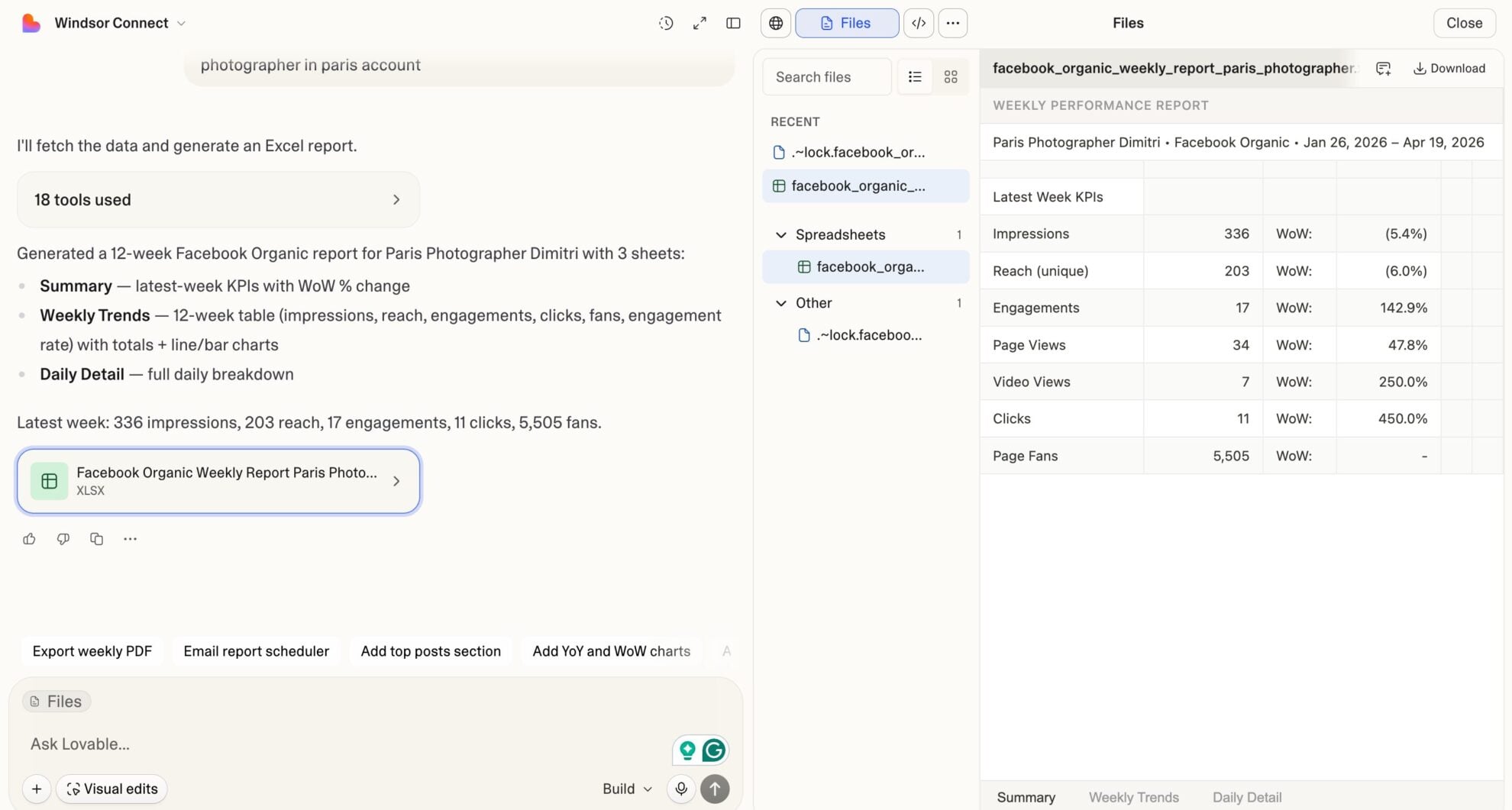














How to connect HubSpot to Lovable with Windsor.ai
Explore our video tutorial and a step-by-step guide to integrate your HubSpot data into Lovable with the Windsor.ai connector.
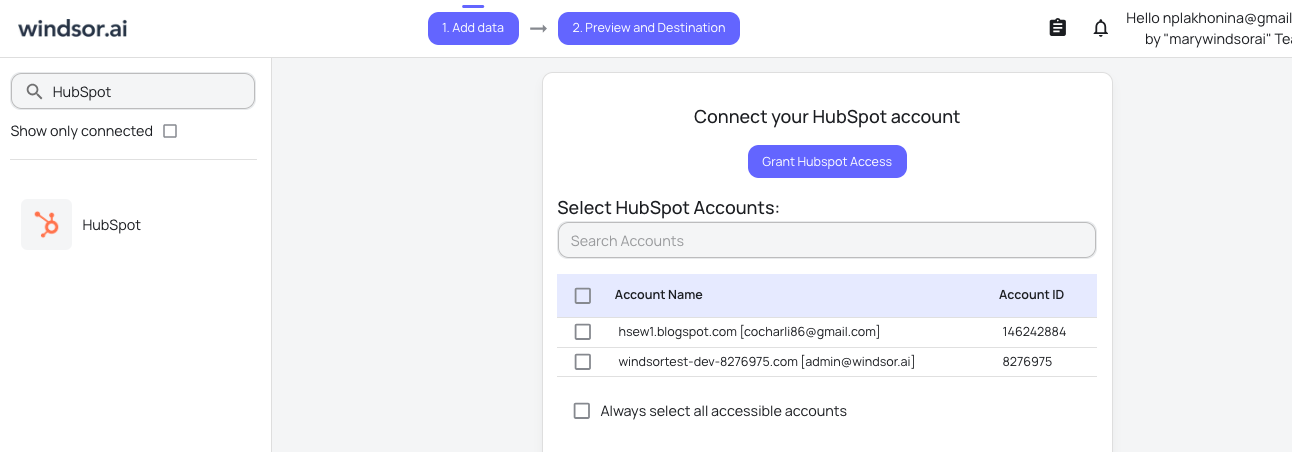
Select your data source
Choose HubSpot as your data source and grant access to Windsor.ai.
Select custom connector in Lovable
In Lovable, open Connectors and select Custom MCP.

Add MCP server
Enter the following details:
- Name: Windsor.ai
- URL: https://mcp.windsor.ai/
Click Add & Authorize to save the connector and authorize access to Windsor.ai.

Authorize and start querying your data
Once added, Windsor will appear in your list of connectors. Enable Always allow permissions for faster access.
Open a new chat and start querying your connected data.

FAQs
What HubSpot metrics can I analyze in Lovable via Windsor.ai?
Windsor.ai gives you access to 275 metrics and 782 dimensions from HubSpot, including:
- Deals and pipeline: deal amount, annual contract value, monthly recurring revenue, deal stage, pipeline name, forecast amount, forecast probability, expected close date, and last activity date.
- Contacts and leads: lifecycle stage, lead status, source, predictive lead score, days to close, time to move from MQL to customer.
- Email campaigns: open rate, click rate, click-through rate, hard bounce rate, unsubscribe rate, spam report rate, emails sent, delivered, and dropped.
- Support and tickets: ticket priority, status, and category, time to close, time to first agent reply, last customer reply date, and first agent response date.
- Company and analytics: company total revenue and total open deal value, session-to-contact rate, contact-to-customer rate, form submission rate, and form views.
Can I combine HubSpot data with other sources in Lovable?
Yes. Windsor.ai supports 350+ data sources. You can blend HubSpot data with Google Ads, Facebook Ads, Shopify, Mailchimp, TikTok, Stripe, and others to ask cross-channel questions directly in Lovable.
Is there a free plan to connect HubSpot to Lovable via Windsor.ai?
Yes. Windsor.ai has a free-forever plan that includes 1 data source, 1 account, and 1 user. If you need more data sources, paid plans start at $19/month. See all pricing plans.
Can I track HubSpot deal pipeline health in real time in Lovable?
Yes. Once connected, you can ask Lovable questions like ‘What’s the current value of all active deals by stage?’ and get instant answers based on live synced data.
Can Lovable analyze HubSpot email campaign performance?
Absolutely. Lovable can help you compare campaign performance over time, identify campaigns with high unsubscribe rates, or spot sequences losing engagement before they affect deliverability.
Can I forecast revenue from HubSpot data inside Lovable?
Yes. With access to forecast amounts, forecast probabilities, expected close dates, and pipeline data, Lovable can project expected revenue for any future period, broken down by rep, pipeline, or forecast category.
What prompts can I use to analyze my HubSpot data in Lovable?
Beyond basic performance summaries, you can use more advanced, specific prompts to uncover deeper insights. For example:
-
For all open deals, show me forecast amount vs. actual deal amount grouped by pipeline and forecast category. Flag any deals where forecast probability is below 20% but deal amount is above $10,000.
-
Show me total closed won revenue by month for the last 6 months, broken down by pipeline. Highlight which month had the highest deal value and which pipeline is growing fastest.
-
For all open deals closing in the next 30 days, show owner, deal amount, forecast probability, and date of last activity. Sort by forecast probability ascending.
-
Analyze ticket resolution time by owner for the last 90 days. Flag anyone with an average time to first agent reply above 48 hours, and show their total ticket volume.
-
Show me all contacts who entered the Marketing Qualified Lead stage in the last 30 days but have zero associated deals. Break them down by lead source.
Do you have helpful links to get started with integrating HubSpot and Lovable using Windsor.ai?
Yes, we have helpful resources to help you get started. You can explore our official documentation and tutorials for seamless HubSpot to Lovable integration with Windsor.ai:
Can I build a sales dashboard in Lovable using live HubSpot data?
Yes. Sales teams can build custom HubSpot dashboards in Lovable (pipeline trackers, rep scorecards, and SLA monitors) without engineering support. Describe what you need, Lovable builds it with live data, and your team opens it in any browser.
Tired of manual HubSpot data exports? Try Windsor.ai today to automate your reporting


