 Destinations
 Data sources
 AI insights
 About us
 Careers
 Security
 Customer reviews
 Contact us
 Affiliate program
 Solution partners
 Template gallery
 Looker Studio templates
 Power BI templates
 Excel templates
 Google Sheets templates
 Tableau templates
 Facebook Ads templates
 Google Ads templates
 Data fields & Metrics
 AI prompt library & Guides
 Product documentation
 API documentation
 Case studies
 Blog
Blog Data models
 Windsor vs Supermetrics
 Windsor vs Funnel.io
 Windsor vs Fivetran
 Windsor vs Rivery
 Windsor vs Portermetrics
 Windsor vs Coupler.io
Connect Klaviyo to Lovable
Automatically sync your Klaviyo data to Lovable using the Windsor.ai connector.
Analyze your Klaviyo campaigns in Lovable, spot revenue gaps in your flows, and ship real-time dashboards using natural language prompts.
Forget CSVs. Stop copy/paste. Connect data in minutes. No code required.
 Sign up with Google
 Free forever plan
No credit card needed
Free forever plan
No credit card needed










Turn raw data into actionable insights with Klaviyo to Lovable integration
Windsor MCP keeps your Klaviyo campaign, revenue, and audience data live in Lovable, so every answer is one prompt away. Here’s what you can do:

Rank campaigns by revenue
Ask Lovable to sort all campaigns by revenue per recipient and surface the top and bottom performers. See exactly which sends drive actual purchases, not just opens, and can replicate what works.

Find checkout drop-off
Compare checkout_started vs. checkout_completed rates attributed to each campaign. Lovable helps you find where buyers abandon the purchase funnel after clicking your email, so you can act on it before the next send.

Compare email vs. SMS
Lovable quickly analyzes open rates, conversion rates, and revenue per recipient across email and SMS side by side, showing exactly which channel delivers higher returns for your audience. Allocate budget and effort toward the channel that consistently converts.

Build custom dashboards
Ask Lovable to generate a web app showing campaign trends, flow revenue, unsubscribe rates, and Shopify attribution, all updating automatically. Share a link with your team to explore the data anytime, no BI tools or logins required.

Blend Klaviyo with paid channels
Connect Klaviyo alongside Google Ads, Facebook Ads, or 350+ other sources through Windsor MCP. Ask Lovable to compare email-attributed revenue against paid spend and get your true blended ROAS, without switching between tools.
Using Windsor.ai to connect data from Klaviyo to Lovable
Most methods for syncing Klaviyo data into Lovable require manual exports, data cleanup, and API work. Windsor MCP removes that friction by automatically streaming your Klaviyo data to Lovable in minutes.
Ask questions in plain language and build real-time dashboards to track campaign performance, flow revenue, and list health.
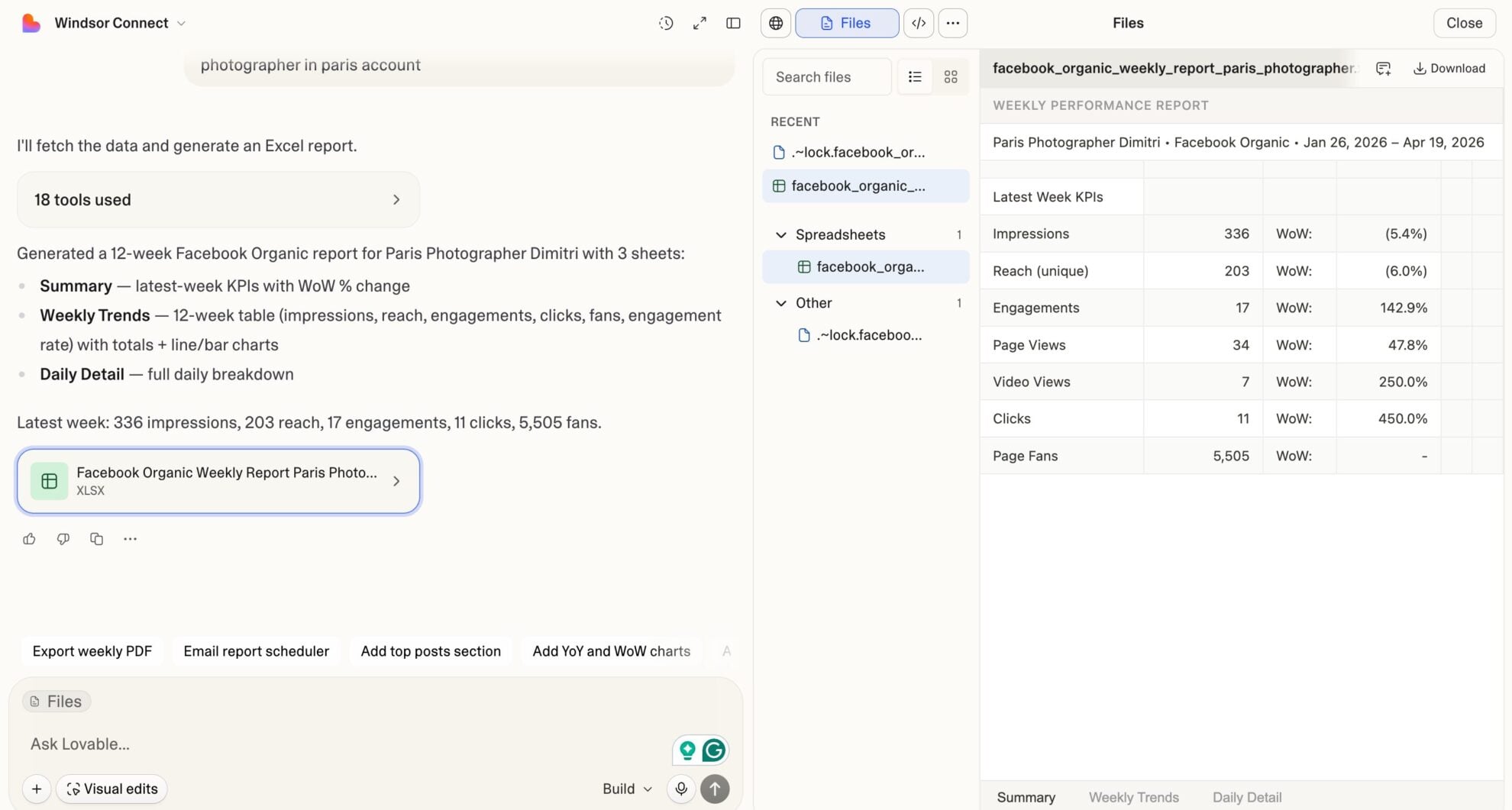














How to connect Klaviyo to Lovable with Windsor.ai
Explore our video tutorial and a step-by-step guide to integrate your Klaviyo data into Lovable with the Windsor.ai connector.
Select your data source
Choose Klaviyo as your data source and grant access to Windsor.ai.

Select custom connector in Lovable
In Lovable, open Connectors and select Custom MCP.

Add MCP server
Enter the following details:
- Name: Windsor.ai
- URL: https://mcp.windsor.ai/
Click Add & Authorize to save the connector and authorize access to Windsor.ai.

Authorize and start querying your data
Once added, Windsor will appear in your list of connectors. Enable Always allow permissions for faster access.
Open a new chat and start querying your connected data.

FAQs
Can I see Shopify revenue attributed to Klaviyo inside Lovable?
Yes. Windsor.ai supports Shopify-specific Klaviyo events, such as placed orders, fulfilled orders, refunded orders, ordered products, and total revenue. Ask Lovable to attribute them to specific campaigns and flows, so you see exactly which sends drove purchases.
Is Windsor.ai's Klaviyo connector available on the free plan?
Yes. Windsor.ai has a free-forever plan with no credit card required, including 1 data source and 1 account. Paid plans start at $19/month if you need more sources.
Note: Lovable requires a paid Lovable plan to use custom MCP connectors.
How long does it take to connect Klaviyo to Lovable via Windsor.ai?
The full setup takes about 60 seconds. Connect your Klaviyo account to Windsor via OAuth, add Windsor MCP to Lovable’s connector settings, authorize, and start analyzing. No code required.
Can I combine Klaviyo data with other sources in Lovable?
Yes. Windsor MCP supports 350+ connectors. Combine Klaviyo with Shopify, Google Ads, or GA4 in the same Lovable conversation; for example, correlating email campaign revenue with paid acquisition spend to understand your true blended customer acquisition cost.
What prompts can I use to analyze my Klaviyo data in Lovable?
Beyond basic performance summaries, you can use more advanced, specific prompts to uncover deeper insights. For example:
-
For the last 90 days, combine Klaviyo campaign revenue with Google Ads spend. For each week, show total email-attributed revenue, total ad spend, and blended ROAS. Identify weeks where ad spend increased but email revenue didn't follow. What campaigns were running during those periods?
-
Compare email vs. SMS campaign performance for the last 60 days. For each channel, show total recipients, average open rate, average click rate, average conversion rate, and total conversion value. Which channel delivers higher revenue per recipient?
-
Show checkout-start-to-order rate attributed to Klaviyo campaigns vs. flows for the last 90 days. For campaigns with a rate below 20%, list campaign name, checkout started count, and revenue gap versus the average rate.
-
Analyze flow performance by trigger type for the last 90 days. For each trigger type, show total recipients, average conversion rate, average revenue per recipient, and total conversion value. Which trigger type generates the most revenue per person who enters the flow?
Do you have helpful links to get started with integrating Klaviyo and Lovable using Windsor.ai?
Yes, we have helpful resources to help you get started. You can explore our official documentation and tutorials for seamless Klaviyo to Lovable integration with Windsor.ai:
Tired of manual Klaviyo data exports? Try Windsor.ai today to automate your reporting


