 Destinations
 Data sources
 AI insights
 About us
 Careers
 Security
 Customer reviews
 Contact us
 Affiliate program
 Solution partners
 Template gallery
 Looker Studio templates
 Power BI templates
 Excel templates
 Google Sheets templates
 Tableau templates
 Facebook Ads templates
 Google Ads templates
 Data fields & Metrics
 AI prompt library & Guides
 Product documentation
 API documentation
 Case studies
 Blog
Blog Data models
 Windsor vs Supermetrics
 Windsor vs Funnel.io
 Windsor vs Fivetran
 Windsor vs Rivery
 Windsor vs Portermetrics
 Windsor vs Coupler.io
Connect LinkedIn Ads to BigQuery
Easily sync your LinkedIn Ads accounts with Google BigQuery using Windsor.ai’s ELT connector to centralize your advertising data.
Automate reporting, track campaign performance, and optimize your ad spending with real-time insights.
Forget CSVs. Stop copy/paste. Connect data in 2 minutes. No code required.
 Sign up with Google
 Free forever plan
No credit card needed
Free forever plan
No credit card needed









Gain deep insights from LinkedIn Ads data with BigQuery integration
Use Windsor.ai’s codeless connector to integrate your LinkedIn Ads into BigQuery, providing a centralized view of your marketing performance and advanced analytics with the following key benefits:

Fine-tune targeting settings
Segment your LinkedIn Ads audiences by location, age, and behavioral patterns using BigQuery’s data partitioning and SQL querying capabilities. Identify the most effective targeting settings to launch engaging, high-converting campaigns.

Conduct predictive analysis
Leverage BigQuery’s built-in tools, including Google Cloud’s AI and machine learning services, to create predictive models for your LinkedIn Ads data. With Windsor.ai’s integration, you can easily analyze ad performance, forecast future trends, and refine your strategy to maximize ROI.

Capitalize on scalability
BigQuery’s highly scalable infrastructure supports businesses running extensive LinkedIn Ads campaigns with large datasets. By utilizing Windsor.ai, you can efficiently manage growing ad traffic and perform detailed analytics, enabling you to derive insights quickly without compromising performance.
Using Windsor.ai connector to import data from LinkedIn Ads into BigQuery
Most LinkedIn Ads to BigQuery integration methods require manual effort, technical expertise, or costly tools. Windsor.ai eliminates these barriers by offering a streamlined, no-code solution to automatically import your LinkedIn Ads data into BigQuery.
With just a few clicks, you can centralize your LinkedIn Ads performance metrics and leverage BigQuery’s powerful data analytics platform to make more informed and faster decisions.
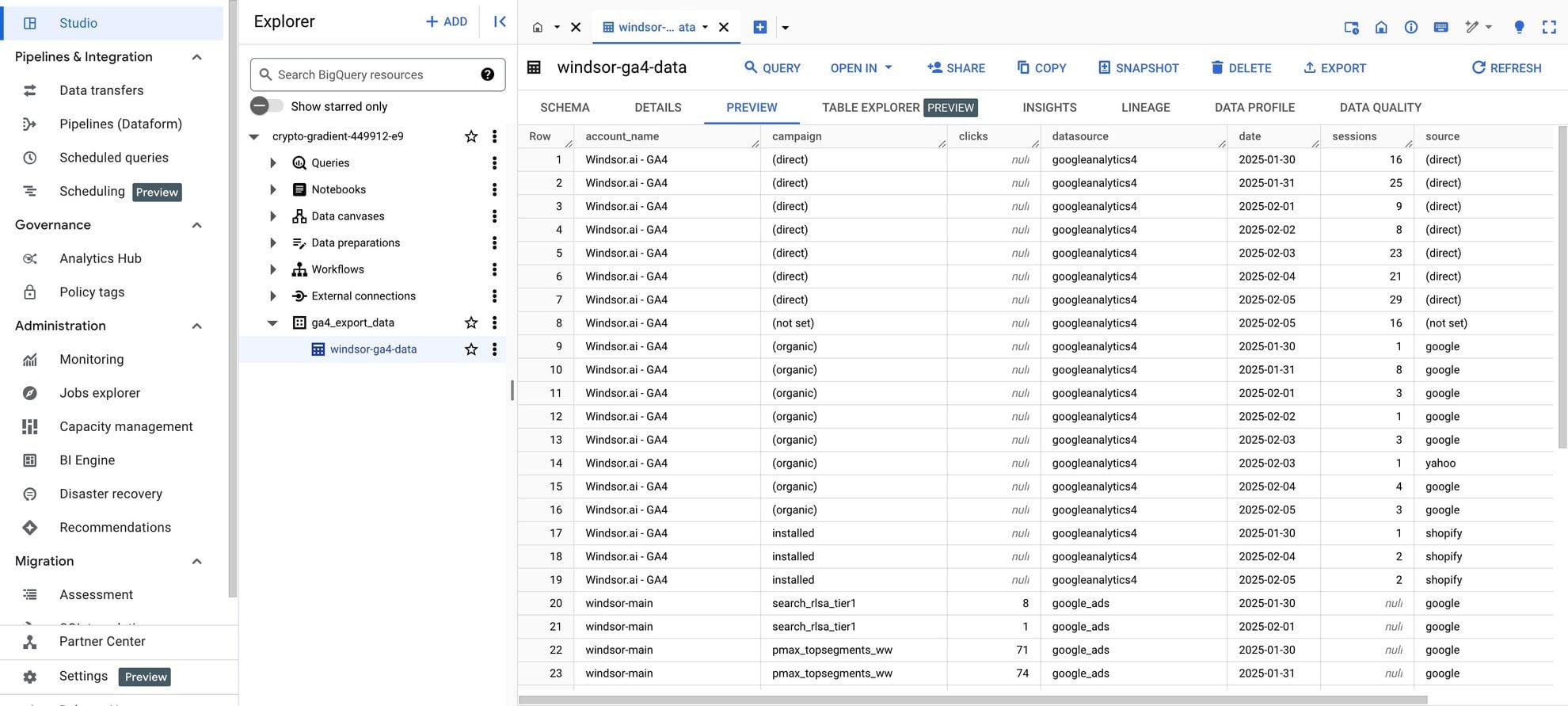














How to connect LinkedIn Ads to BigQuery in Windsor.ai
Make sure you have the following prerequisites before setting up the connector:
- LinkedIn Ads account with the appropriate permissions and API access
- Google Cloud Platform (GCP) account with BigQuery enabled
- Active Windsor.ai account
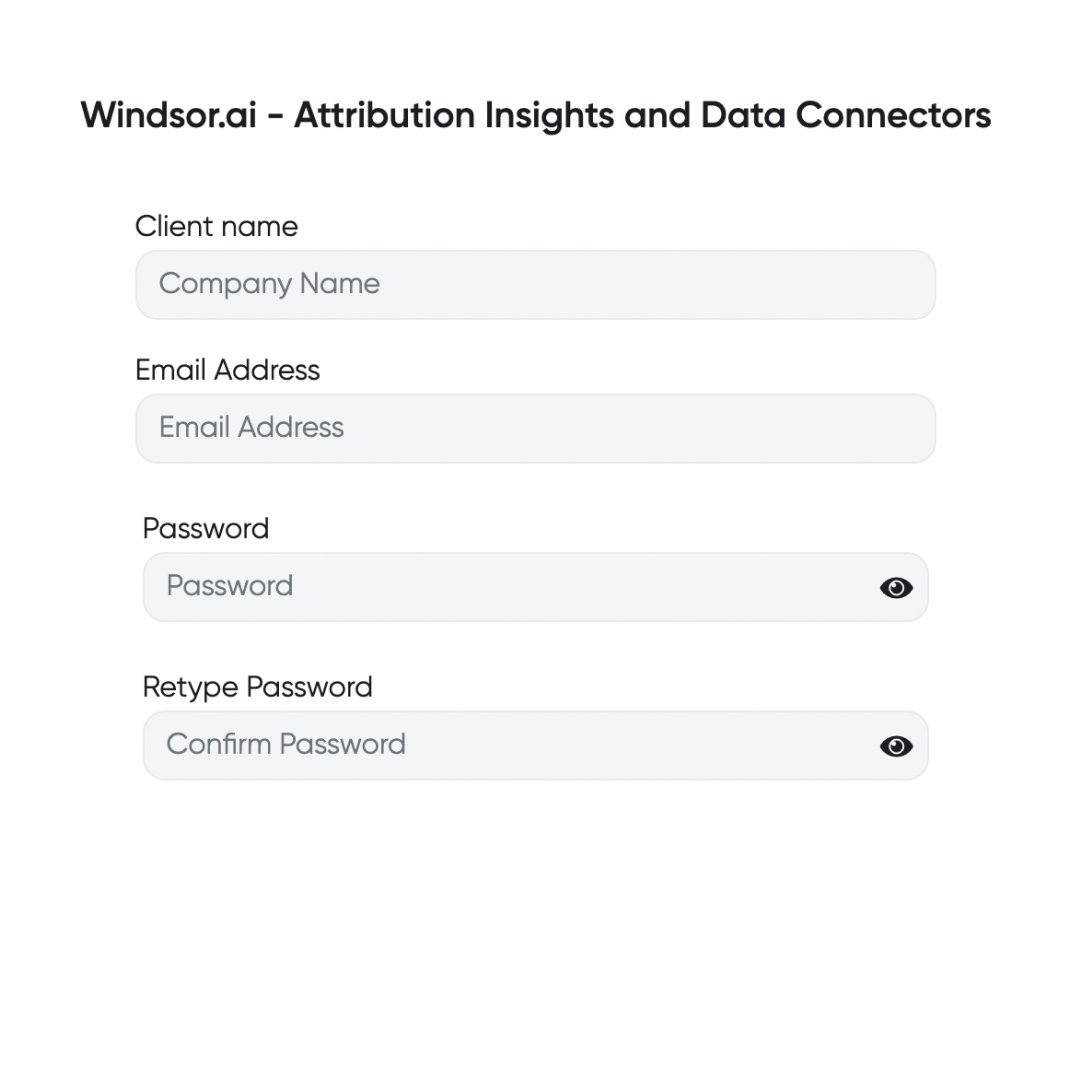
Register and log in to Windsor.ai
Create a new Windsor.ai account or log in if you already have one.
Select your data source
Choose LinkedIn Ads as your data source and grant access to Windsor.ai.

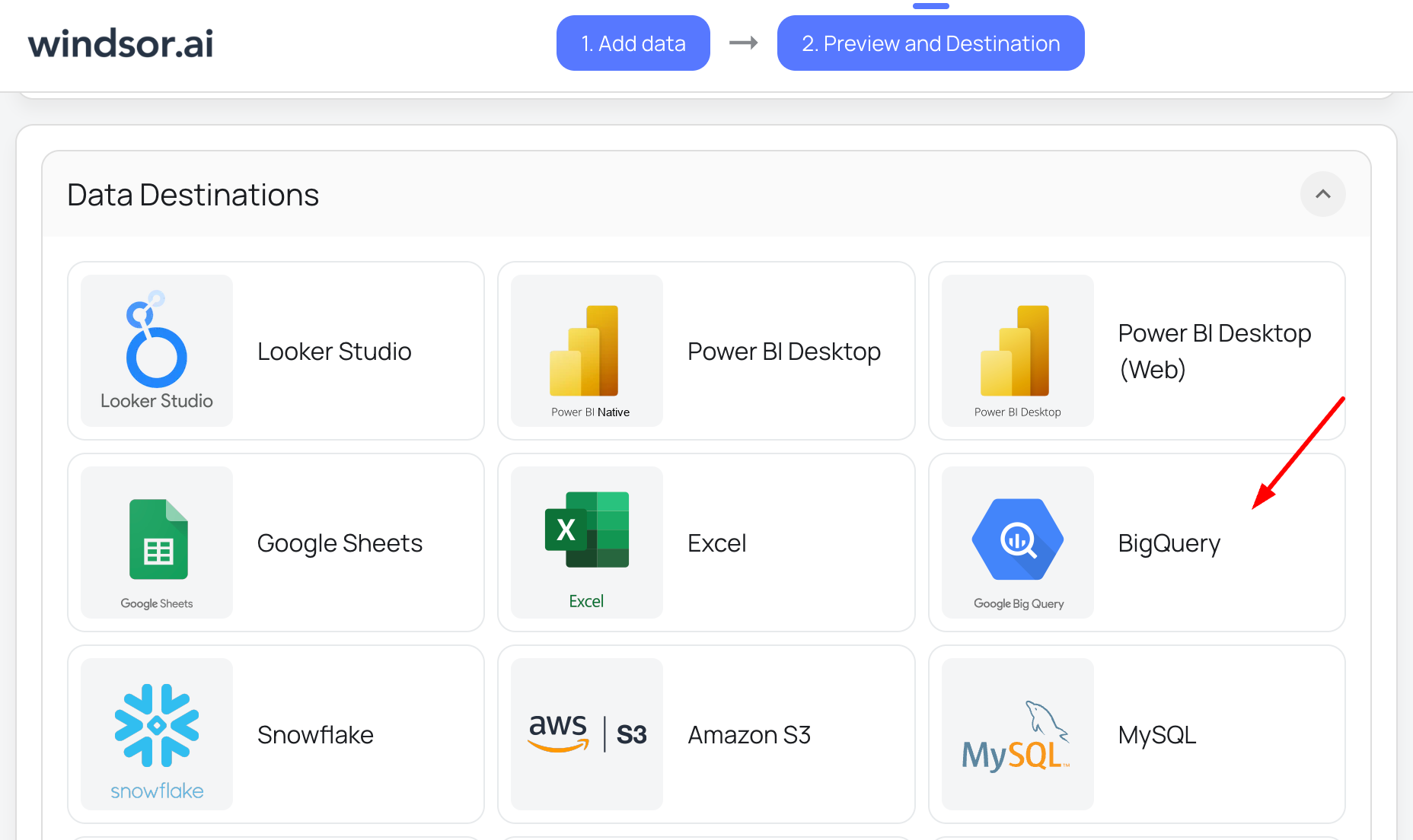
Select your destination
Set BigQuery as the destination for your data.
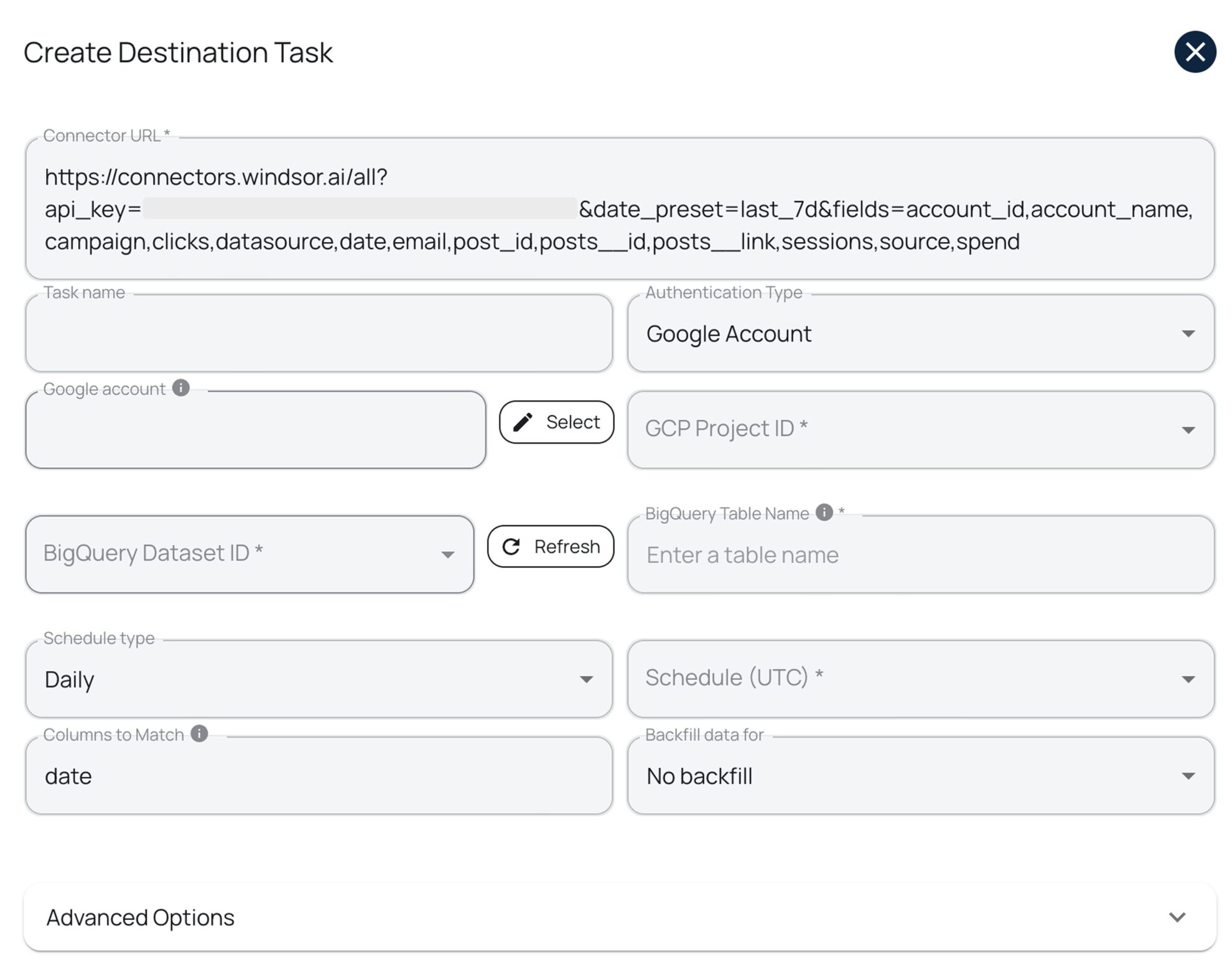
Create a destination task
Click on the “Add Destination Task” button and fill out the required fields along with the advanced settings (optional). Save and run the task.
FAQs
What is BigQuery?
BigQuery is a cloud-based data warehouse developed by Google, boasting high performance and scalability. It allows for fast querying at a petabyte scale and operates on a serverless infrastructure with 99.9% uptime. This enables users to focus on extracting valuable insights from their data rather than managing infrastructure.
How much time do I need to create the LinkedIn Ads and BigQuery integration?
Windsor.ai offers an intuitive interface and a robust no-code data connector, allowing you to integrate LinkedIn Ads with BigQuery in a few minutes, providing a fast and effortless setup.
Do you have helpful links to get started with integrating LinkedIn Ads and BigQuery using Windsor.ai?
Yes, we have helpful resources to help you get started. You can explore our official documentation and ready-to-use templates for seamless LinkedIn Ads to BigQuery integration with Windsor.ai:
How much does it cost to integrate LinkedIn Ads into BigQuery with Windsor.ai?
Windsor.ai’s pricing for LinkedIn Ads to BigQuery data integration can vary depending on your use case and data volume. We offer absolutely transparent, volume-based event pricing plans for diversified business needs and budgets.
What prerequisites do I need to integrate LinkedIn Ads with BigQuery?
To set up the LinkedIn Ads to BigQuery connector from Windsor.ai, you need the following prerequisites:
- LinkedIn Ads account with the appropriate permissions and API access
- Google Cloud Platform (GCP) account with BigQuery enabled
- Service account credentials for BigQuery
- Active Windsor.ai account
What are the authentication options for connecting BigQuery to Windsor.ai?
Windsor.ai supports two authentication methods:
- Google Account (OAuth 2.0): Recommended for quick setup, testing, or personal use.
- Service Account (JSON Key File): Ideal for automated, scheduled, and production-level data transfers.
Tired of manual LinkedIn Ads data exports? Get started with Windsor.ai today to automate your reporting


