 Destinations
 Data sources
 AI insights
 About us
 Careers
 Security
 Customer reviews
 Contact us
 Affiliate program
 Solution partners
 Template gallery
 Looker Studio templates
 Power BI templates
 Excel templates
 Google Sheets templates
 Tableau templates
 Facebook Ads templates
 Google Ads templates
 Data fields & Metrics
 AI prompt library & Guides
 Product documentation
 API documentation
 Case studies
 Blog
Blog Data models
 Windsor vs Supermetrics
 Windsor vs Funnel.io
 Windsor vs Fivetran
 Windsor vs Rivery
 Windsor vs Portermetrics
 Windsor vs Coupler.io
Connect LinkedIn Pages to Lovable
Automatically sync your LinkedIn Pages data to Lovable using the Windsor.ai connector.
Turn your LinkedIn Page data into live Lovable dashboards with no code or engineering support. Grow your organic page performance and audience engagement with quick, actionable insights.
Forget CSVs. Stop copy/paste. Connect data in minutes. No code required.
 Sign up with Google
 Free forever plan
No credit card needed
Free forever plan
No credit card needed










Boost page growth with LinkedIn Pages to Lovable integration
Stream your LinkedIn Pages data into Lovable with Windsor MCP and get instant answers about follower growth, content performance, and audience demographics. Explore key use cases:

Track follower growth
Break down daily organic and paid follower gains over any time range and spot exactly when growth accelerated or stalled. Shift your content or campaign strategy based on what actually moved the needle.

Monitor careers page engagement
Track clicks on job listings, employee profiles, promo links, and banner CTAs on your Careers page. You see which elements drive candidate interest and which sections need stronger content.

Generate custom Lovable dashboard
Generate a custom LinkedIn Pages app showing essential KPIs in one place. Share it with your team or clients via a link, bookmark it, and analyze performance anytime without BI setup or login.
Using Windsor.ai to connect data from LinkedIn Pages to Lovable
Syncing LinkedIn organic data into Lovable usually requires manual exports, data cleanup, and costly tools. Windsor MCP removes this complexity by automatically streaming your LinkedIn Pages data to Lovable in minutes.
Analyze page views, follower growth, post engagement, and audience demographics using natural language prompts.
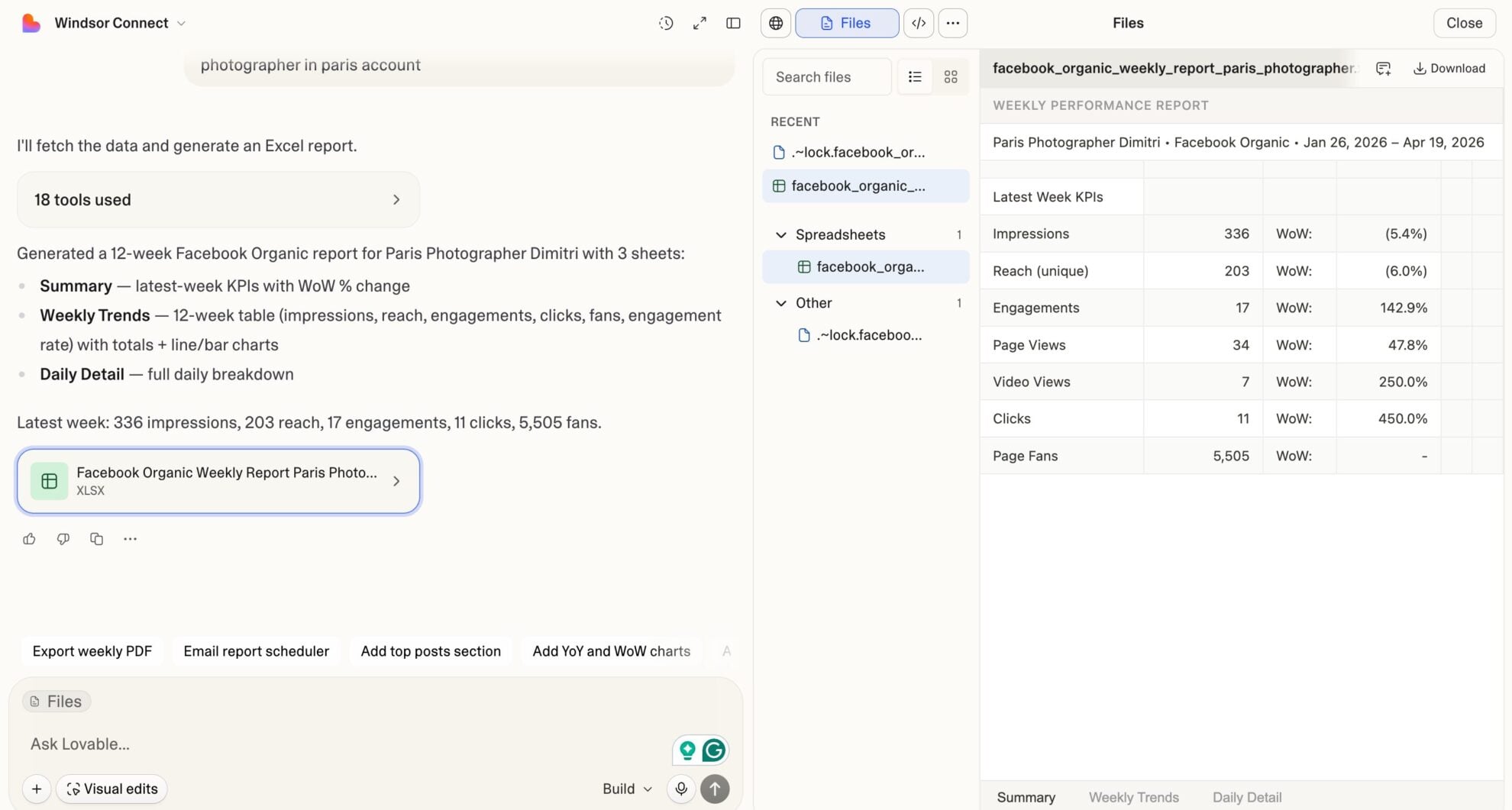














How to connect LinkedIn Pages to Lovable with Windsor.ai
Explore our video tutorial and a step-by-step guide to integrate your LinkedIn Pages data into Lovable with the Windsor.ai connector.
Select your data source
Choose LinkedIn Pages as your data source and grant access to Windsor.ai.

Select custom connector in Lovable
In Lovable, open Connectors and select Custom MCP.

Add MCP server
Enter the following details:
- Name: Windsor.ai
- URL: https://mcp.windsor.ai/
Click Add & Authorize to save the connector and authorize access to Windsor.ai.

Authorize and start querying your data
Once added, Windsor will appear in your list of connectors. Enable Always allow permissions for faster access.
Open a new chat and start querying your connected data.

FAQs
What LinkedIn Pages metrics can I analyze in Lovable via Windsor.ai?
Windsor.ai gives you access to a wide range of LinkedIn organic metrics and dimensions, including:
- Page views: Total, unique, desktop, and mobile page views broken down by section: Overview, About, Careers, Jobs, Products, People, Insights, Life At.
- Follower data: Total follower count, daily organic and paid follower gains. Follower breakdown by industry, seniority, job function, company size, country, and region (organic and paid separately).
- Post engagement: Impressions, unique impressions, clicks, likes, comments, shares, engagement rate, CTR per post.
- Account-level analytics: Total clicks, comments, impressions, likes, shares, unique impressions, and overall engagement rate across the account.
Is Windsor.ai's LinkedIn Pages connector available on the free plan?
Yes. Windsor.ai offers a free-forever plan with no credit card required, including 1 data source and 1 account. Paid plans start at $19/month for more sources.
Note: Lovable requires a paid Lovable plan to use custom MCP connectors.
What prompts can I use to analyze my LinkedIn Pages data in Lovable?
Beyond basic performance summaries, you can use more advanced, specific prompts to uncover deeper insights. For example:
-
For all posts in the last 90 days, calculate the ratio of clicks to impressions (CTR) and comments to impressions separately. Identify posts where CTR is above average, but comment rate is below average. List them with post text snippets.
-
Compare organic follower gains by day of week for the last 6 months. Which weekday consistently delivers the highest organic follower growth? Does publishing frequency on that day correlate with the gain?
-
Break down follower counts by company size and region. For each combination, show organic vs. paid follower split. Identify the segments where paid followers significantly outnumber organic; these audiences aren't engaged enough to follow organically.
-
For the last 90 days, calculate a weekly engagement score as total clicks plus likes plus comments plus shares divided by total impressions. Rank all weeks by engagement score and identify the top 3 weeks. What posts were published during those weeks?
-
Connect LinkedIn Pages with LinkedIn Ads through Windsor MCP. For the last 90 days, compare weekly paid follower gains against LinkedIn Ads spend. Calculate cost per follower by week. Flag any week where cost per follower is more than 20% above the 90-day average, and list which campaigns were running during those weeks.
Do you have helpful links to get started with integrating LinkedIn Pages and Lovable using Windsor.ai?
Yes, we have helpful resources to help you get started. You can explore our official documentation and tutorials for seamless LinkedIn Pages to Lovable integration with Windsor.ai:
How long does it take to connect LinkedIn Pages to Lovable via Windsor.ai?
About 60 seconds. Connect your LinkedIn Pages account to Windsor via OAuth, add Windsor MCP to Lovable’s connector settings, authorize, and start analyzing. No code required.
Tired of manual LinkedIn Pages data exports? Try Windsor.ai today to automate your reporting


