 Destinations
 Data sources
 AI insights
 About us
 Careers
 Security
 Customer reviews
 Contact us
 Affiliate program
 Solution partners
 Template gallery
 Looker Studio templates
 Power BI templates
 Excel templates
 Google Sheets templates
 Tableau templates
 Facebook Ads templates
 Google Ads templates
 Data fields & Metrics
 AI prompt library & Guides
 Product documentation
 API documentation
 Case studies
 Blog
 Data models
 Windsor vs Supermetrics
 Windsor vs Funnel.io
 Windsor vs Fivetran
 Windsor vs Rivery
 Windsor vs Portermetrics
 Windsor vs Coupler.io
Connect Pardot to ChatGPT
Connect Pardot (Marketing Cloud Account Engagement) to ChatGPT with the Windsor.ai plugin.
Ask ChatGPT about prospect scores and grades, email performance, campaign cost and opportunity value without exporting Pardot reports to CSV.
No code needed. Have a Salesforce login with Account Engagement access and your Business Unit ID ready.
 Sign up with Google
 Free forever plan
No credit card needed







Ask ChatGPT about your Pardot prospects, emails and pipeline
With the Windsor.ai plugin, ChatGPT reads Pardot prospects, prospect accounts, activities, emails and email statistics, campaigns, opportunities and website visits from the business units you connect.

Check scores and grades against pipeline
Pardot prospects carry a score and a grade, and opportunities carry a value, a stage and a won, lost or open status. Opportunity activities link a prospect to an opportunity. Ask ChatGPT whether prospects with higher grades are linked to won opportunities more often. Only prospects with an opportunity activity are linked, so the rest drop out of the comparison.

See how fast prospects reach a rep
Each Pardot prospect has a created date, a first activity date and the date it was first assigned to a user. Ask ChatGPT for the average days from first activity to first assignment, by campaign or by source.

Compare email performance by email
Pardot email statistics include sent, delivered, opens, clicks, opt-outs, bounces and spam complaints, plus delivery, open, click-through, opt-out and spam complaint rates, for each email. Ask ChatGPT which emails sent in the last 30 days had the lowest click-through rate or the highest opt-out rate.

Compare campaign cost with opportunity value
Pardot campaigns have a cost field, and each opportunity carries the ID of its campaign. Ask ChatGPT for the total opportunity value of each campaign next to its cost.
How ChatGPT reads your Pardot data through Windsor.ai
Windsor.ai reads Pardot (Account Engagement) data through the Account Engagement API. The Pardot field reference lists every field. Prospects include score, grade, lifecycle stage ID, assigned user, first activity, last activity and first assigned dates, UTM parameters and linked Salesforce IDs. Email statistics include sent, delivered, opens, clicks, opt-outs, bounces and spam complaints. Opportunities include value, probability, stage, status and campaign ID, and campaigns include cost.
Lifecycle stages come as IDs, without the stage name or the date a prospect changed stage. Email statistics come per email when you add email fields such as the email name or sent time.
A date range picks prospects by created date, activities by the date they happened and email statistics by the date the email was sent.
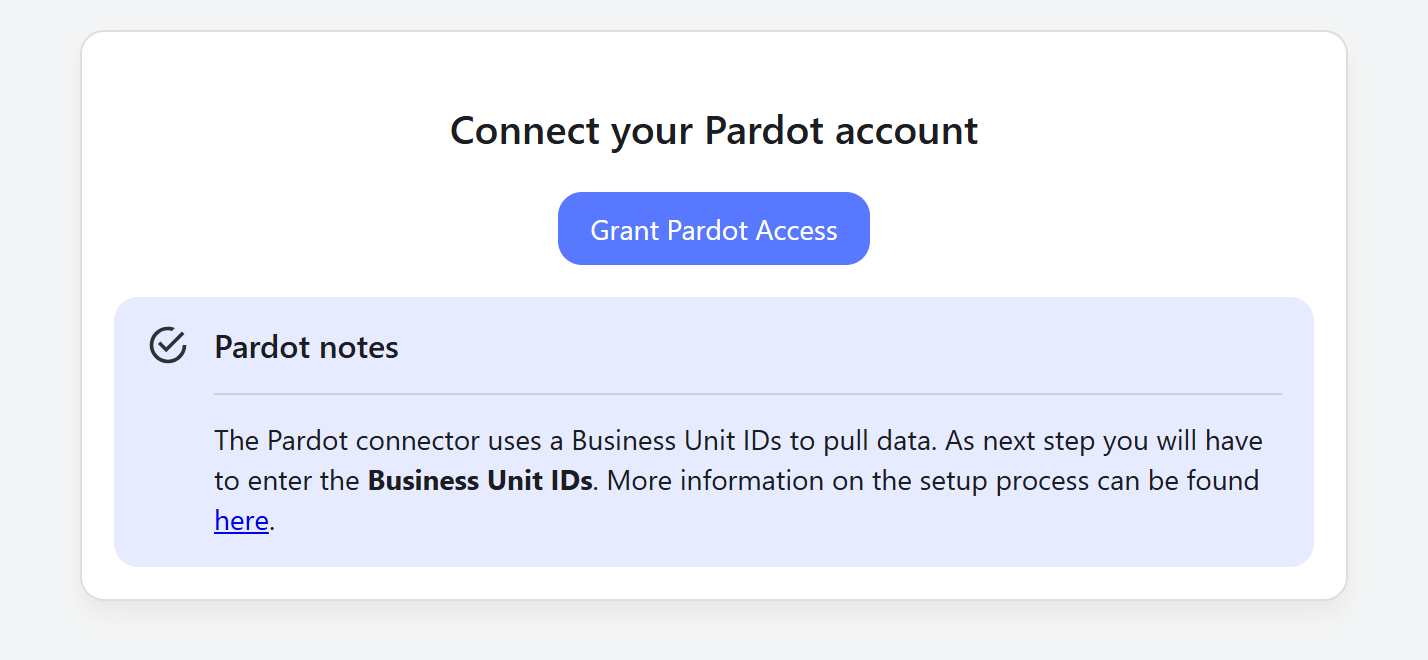
Each Windsor.ai connection reads one Account Engagement business unit. To read several business units, connect each Business Unit ID separately.
Windsor.ai reads Pardot when ChatGPT asks. A repeat of the same query within 6 hours can return the saved result. The Pardot connector has no write actions, so ChatGPT can’t change prospects, lists or campaigns in Pardot through Windsor.ai.






How to connect Pardot to ChatGPT with Windsor.ai
Watch the video and follow the step-by-step guide to add the Windsor.ai plugin to ChatGPT.
Install the Windsor.ai plugin
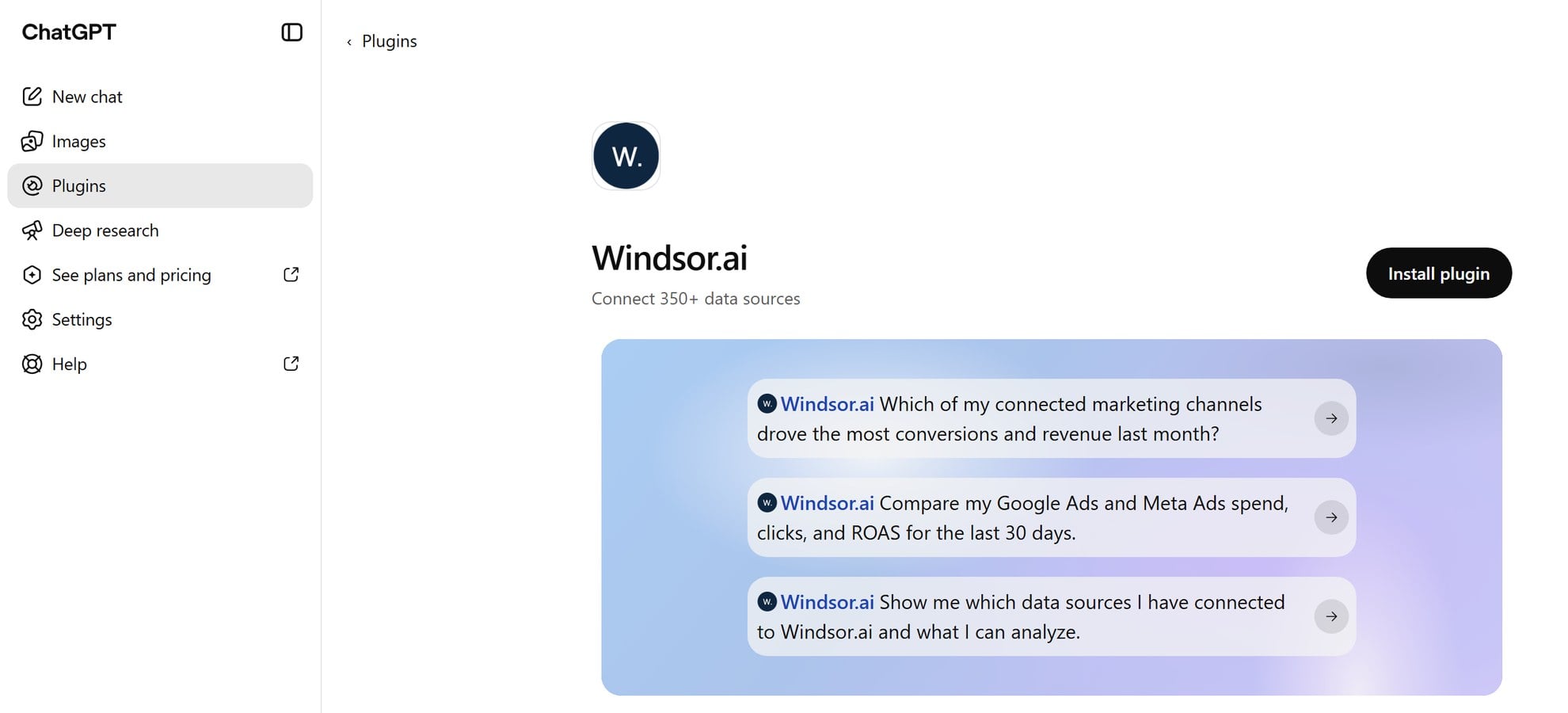
In ChatGPT, select Plugins in the sidebar and search for Windsor.ai, or open the Windsor.ai plugin page.
Select Install plugin, then sign in to Windsor.ai and authorize access.
Query your Pardot data in ChatGPT
Open a new chat, select + and choose Windsor.ai, or type @Windsor.ai. Then ask in plain language, for example: “Show open and click-through rates for each Pardot email sent in the last 30 days.”
FAQs
Does Salesforce have its own ChatGPT app for Pardot?
No. Salesforce’s Agentforce Sales app in ChatGPT, launched in open beta in December 2025, works with Salesforce CRM data such as leads, opportunities and accounts, and can update records. It is for Agentforce for Sales Add-on and Agentforce 1 Edition customers. Salesforce’s announcement doesn’t mention Account Engagement. Third-party MCP servers for Pardot also exist, such as CData Connect AI, which can read and write Pardot data. The Windsor.ai plugin reads Pardot data only, and fits when you want it next to ad platform or analytics data in the same chat.
What Pardot data can I analyze in ChatGPT?
The Pardot field reference lists 257 fields (26 metrics, 231 dimensions).
- Prospects (71 fields): score, grade, lifecycle stage ID, assigned user, created, first activity, last activity and first assigned dates, source and UTM parameters, opt-out and bounce flags, Salesforce lead, contact and owner IDs.
- Prospect accounts (34 fields): name, industry, employees, annual revenue, billing and shipping address.
- Activities (23 fields): activity type, date, and the email, form, landing page, file or opportunity it is linked to.
- Emails (9 fields): name, subject, sent time and campaign ID.
- Email statistics (17 fields): sent, delivered, opens, unique opens, clicks, unique clicks, opt-outs, hard and soft bounces, spam complaints, and delivery, open, click-through, opt-out and spam complaint rates.
- Opportunities (14 fields): value, probability, stage, status, type, campaign ID, created and closed dates.
- Campaigns (13 fields): name, cost, parent campaign and Salesforce campaign ID.
- Visits, visitors and page views (37 fields): page view counts, visit and page view duration, page URL and title, UTM parameters.
- Account and other (39 fields): Account Engagement account details, API calls used, date parts.
Can ChatGPT find engaged prospects that no one has assigned yet?
Yes. Each Pardot prospect has a score, a grade, a last activity date and an assigned user field. A prospect is unassigned only when both the assigned Pardot user and the Salesforce owner are empty. Ask ChatGPT for prospects with a score above your threshold, a recent last activity date, no assigned user and no Salesforce owner. The prospect data also includes the starred and reviewed flags, which users set in Pardot. Add them to the prompt to leave out prospects someone has already marked. A date range picks prospects by created date, so older prospects need a longer range, and ranges past 30 days need a paid plan.
Can ChatGPT show whether my Pardot email deliverability is getting worse?
Yes. Pardot email statistics include emails sent, hard and soft bounces, spam complaints and the spam complaint rate. Ask ChatGPT for hard bounces as a share of emails sent for each email. Ask for the spam complaint rate too, which Pardot bases on delivered emails. Then compare emails sent in the first 15 days of the last 30 with those sent in the last 15.
Does the Account Engagement API limit affect ChatGPT answers?
Yes, it can. Account Engagement limits API requests per day by edition: 25,000 on Growth, 50,000 on Plus and 100,000 on Advanced and Premium (Salesforce’s API overview). Windsor.ai’s requests count toward that limit, and the Pardot field reference says email statistics fields can use more of it. If ChatGPT runs the same query again within 6 hours, Windsor.ai can return the saved result without a new request. You can also ask ChatGPT for the API calls used and the daily maximum, both from the Pardot account fields.
Can I combine Pardot data with other sources in ChatGPT?
Yes. Windsor.ai connects 350+ data sources, and you can ask about Pardot and any of the sources below in the same chat.
- Salesforce, to add Salesforce lead status and the opportunity history (each change of stage and amount) to your Pardot prospects and opportunities.
- LinkedIn Ads, to put LinkedIn spend next to the Pardot prospects created from the same UTM campaign.
- Google Ads, to compare Google Ads cost per campaign with the average score of Pardot prospects whose UTM campaign matches.
Keeping more than one source after the first 30 days needs a paid plan.
How much does it cost to integrate Pardot with ChatGPT using Windsor.ai?
The free forever plan needs no credit card and covers 1 user, 1 data source, 1 account and 30 days of history. You can test Pardot with other sources free for the first 30 days. To keep two or more sources connected after that, paid plans start at $19/month for 3 sources, or $99/month for 7 (billed annually). See the pricing page.
Do you have helpful links to get started with integrating Pardot and ChatGPT using Windsor.ai?
Yes. These pages cover Pardot setup and fields, the ChatGPT setup and Salesforce data in ChatGPT:
Ask ChatGPT about your Pardot prospects and emails. Try Windsor.ai free.


