 Destinations
 Data sources
 AI insights
 About us
 Careers
 Security
 Customer reviews
 Contact us
 Affiliate program
 Solution partners
 Template gallery
 Looker Studio templates
 Power BI templates
 Excel templates
 Google Sheets templates
 Tableau templates
 Facebook Ads templates
 Google Ads templates
 Data fields & Metrics
 AI prompt library & Guides
 Product documentation
 API documentation
 Case studies
 Blog
Blog Data models
 Windsor vs Supermetrics
 Windsor vs Funnel.io
 Windsor vs Fivetran
 Windsor vs Rivery
 Windsor vs Portermetrics
 Windsor vs Coupler.io
Connect Rakuten Advertising to Google Sheets
Easily import your Rakuten Advertising data into Google Sheets with the Windsor.ai ETL connector.
Our platform automates Rakuten Advertising reporting, giving teams clear visibility into affiliate performance to manage and grow partner programs with zero manual effort.
Forget CSVs. Stop copy/paste. Connect data in 2 minutes. No code required.
 Sign up with Google
 Free forever plan
No credit card needed
Free forever plan
No credit card needed










Optimize affiliate performance with Rakuten Advertising to Google Sheets integration
Use Windsor.ai to sync Rakuten Advertising with Google Sheets, turning your affiliate data into clear, actionable insights, and unlocking the following benefits:

Automate reporting
Windsor.ai automatically delivers Rakuten Advertising data into Google Sheets on a set schedule, removing manual exports and complex setups. Keeps affiliate reports up-to-date while reducing operational overhead for marketing and partnership teams.

Scale high-performing partnerships
Analyze publisher performance, commissions, and sales trends in Google Sheets to identify partners that consistently drive value. With this clarity, you can focus investment on top performers and scale partnerships that contribute most to revenue.

Unify data across channels
Combine Rakuten Advertising data with 350+ paid media, CRM, and revenue sources in Google Sheets to compare affiliate results alongside other acquisition channels.
Using Windsor.ai connector to import data from Rakuten Advertising into Google Sheets
Connecting Rakuten Advertising to Google Sheets typically requires manual exports, costly third-party tools, or ongoing technical support. Windsor.ai removes these barriers with a fast, fully no-code ELT connector that handles the entire process.
With just a few clicks, our platform syncs Rakuten Advertising data into Google Sheets, enabling flexible analysis of your affiliate performance.















How to connect Rakuten Advertising to Google Sheets in Windsor.ai
Make sure you have the following prerequisites before setting up the connector:
- Rakuten Advertising account
- Google Sheets document
- Active Windsor.ai account
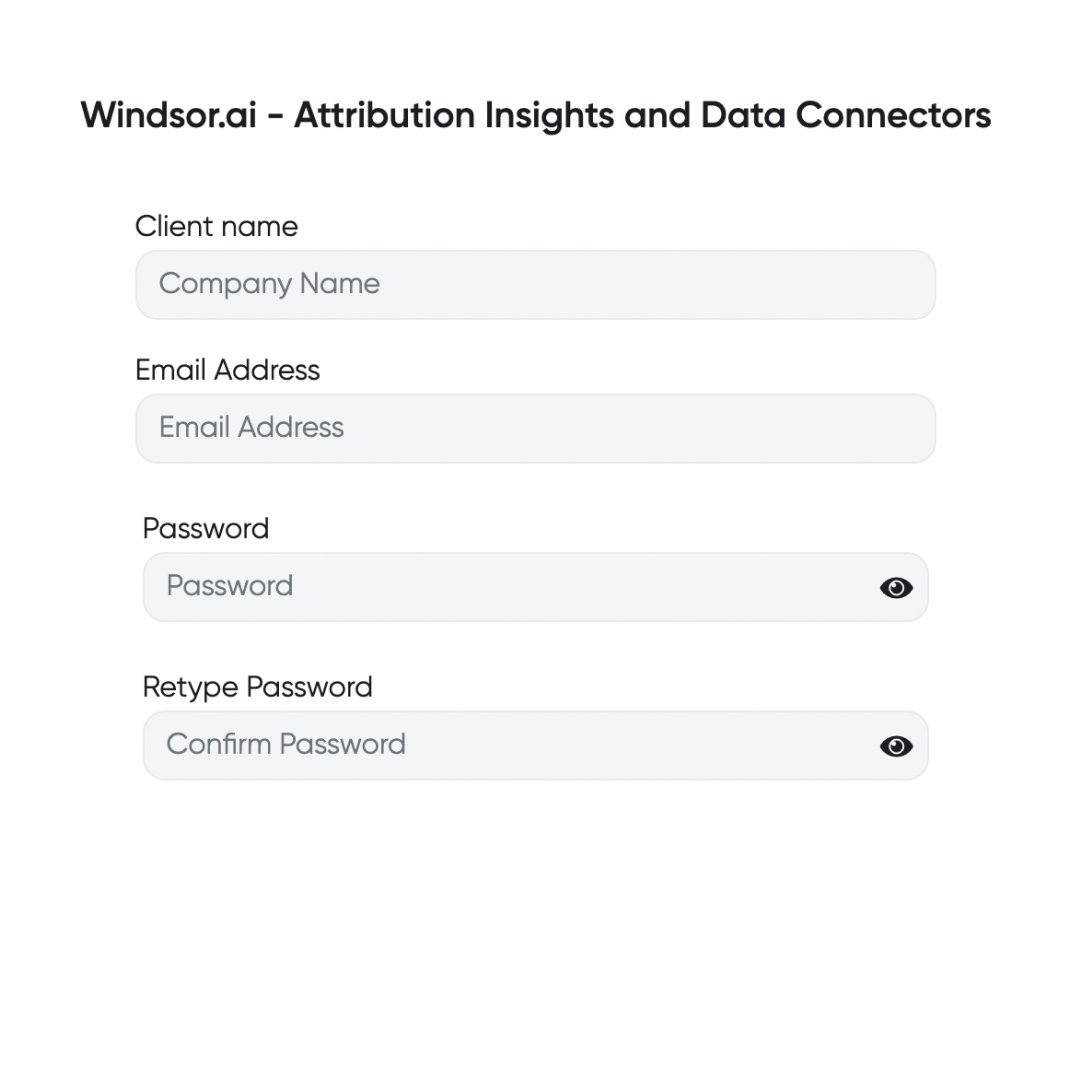
Register and log in to Windsor.ai
Create a new Windsor.ai account or log in if you already have one.
Select your data source
Choose Rakuten Advertising as your data source and grant access to Windsor.ai.

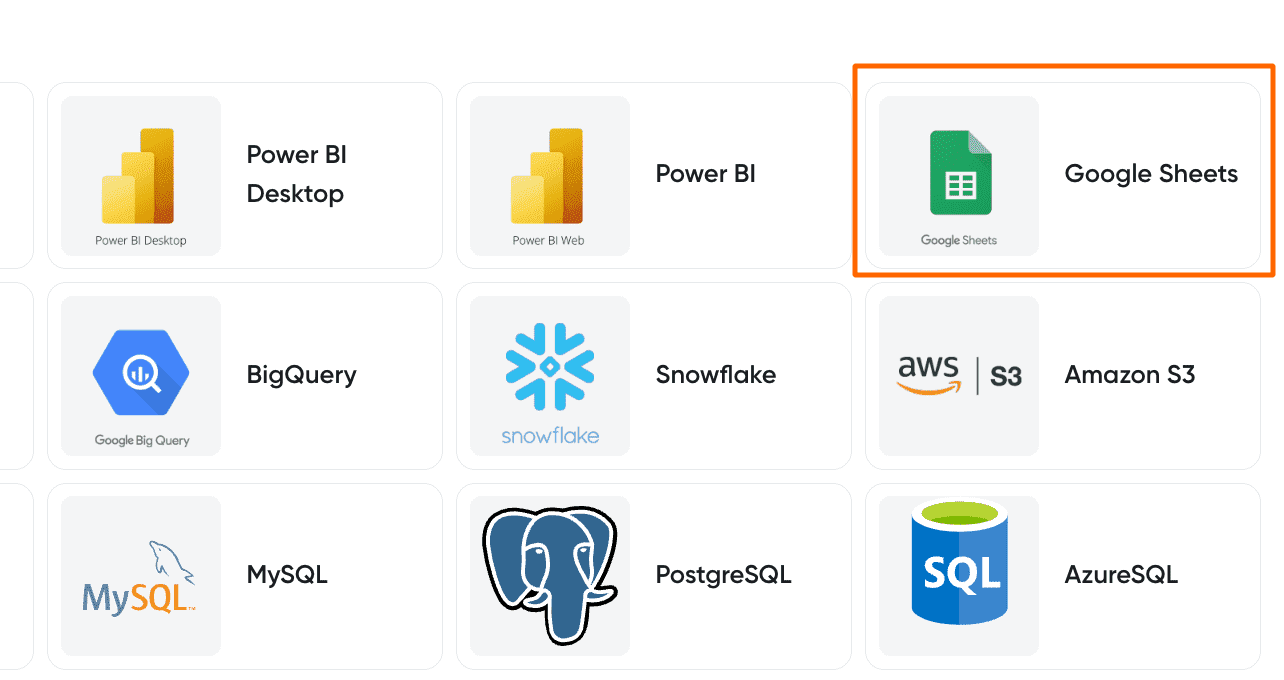
Select your destination
Set Google Sheets as the destination for your data.
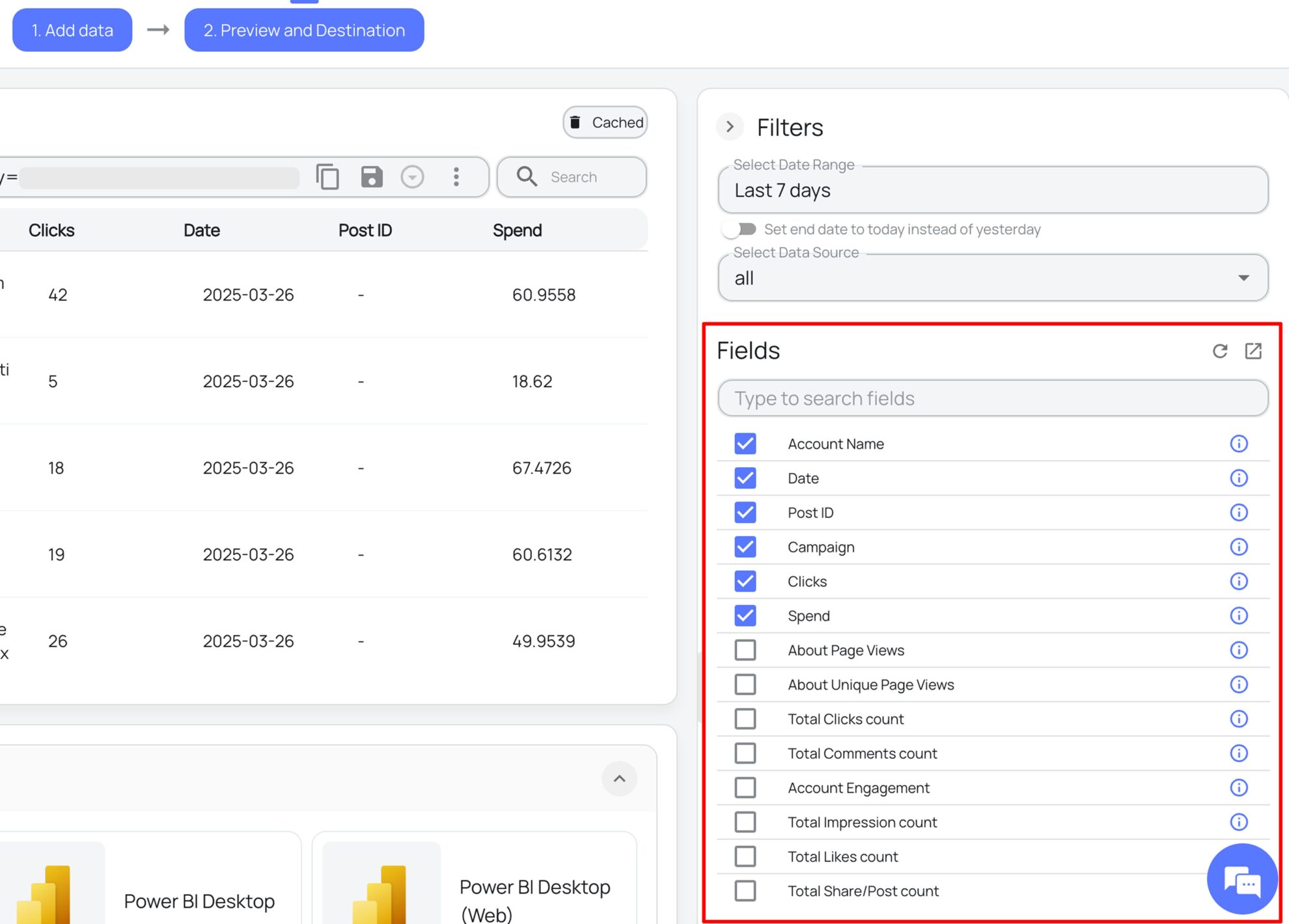
Select the reporting metrics and dimensions
Select the reporting metrics and dimensions.
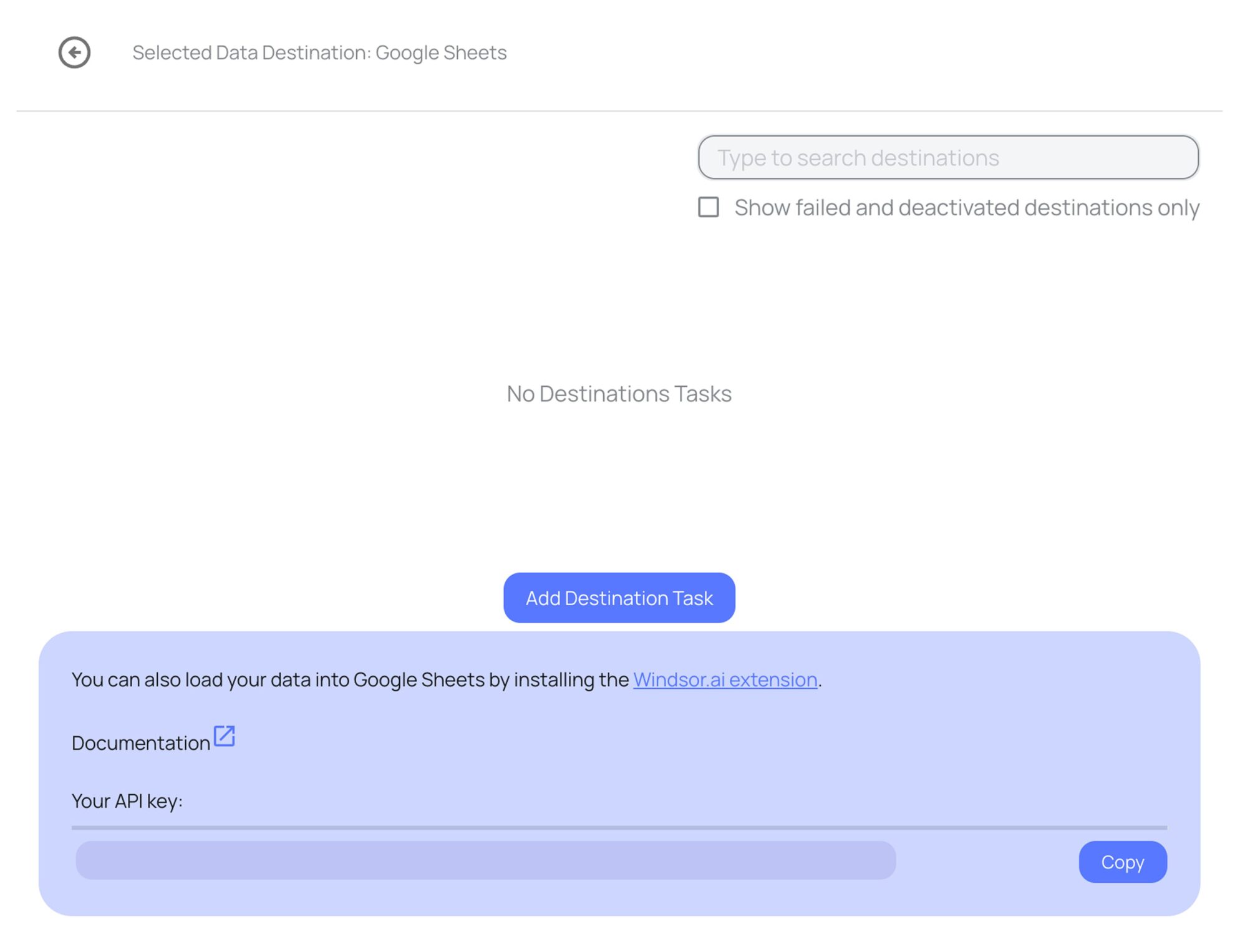
Follow the setup instructions to complete the integration
Depending on the integration method you choose, set up the connection by following the prescribed steps, whether through an extension or directly via an in-app destination task.
FAQs
What is Google Sheets?
Google Sheets is a cloud-based spreadsheet application that allows users to enter, edit, and manage data in real-time, supporting simultaneous collaboration. With features like revision history for tracking changes, offline access via desktop and mobile apps, and compatibility with various file formats (CSV, TSV, XLT, ODS, etc.), Google Sheets is a versatile tool for data management and analysis.
Do you have helpful links to get started with integrating Rakuten Advertising and Google Sheets using Windsor.ai?
Yes, we have helpful resources to help you get started. You can explore our official documentation and ready-to-use templates for seamless Rakuten Advertising to Google Sheets integration with Windsor.ai:
How much does it cost to integrate Rakuten Advertising into Google Sheets with Windsor.ai?
Windsor.ai’s pricing for Rakuten Advertising to Google Sheets data integration can vary depending on your use case and data volume. We offer transparent pricing plans tailored to diverse business needs and budgets.
How much time do I need to create the Rakuten Advertising and Google Sheets integration?
Using Windsor.ai’s no-code ETL connector, you can integrate Rakuten Advertising with Google Sheets in a few minutes, benefiting from a quick and stress-free setup process.
Tired of manual Rakuten Advertising data exports? Try Windsor.ai today to automate your reporting


