 Destinations
 Data sources
 AI insights
 About us
 Careers
 Security
 Customer reviews
 Contact us
 Affiliate program
 Solution partners
 Template gallery
 Looker Studio templates
 Power BI templates
 Excel templates
 Google Sheets templates
 Tableau templates
 Facebook Ads templates
 Google Ads templates
 Data fields & Metrics
 AI prompt library & Guides
 Product documentation
 API documentation
 Case studies
 Blog
Blog Data models
 Windsor vs Supermetrics
 Windsor vs Funnel.io
 Windsor vs Fivetran
 Windsor vs Rivery
 Windsor vs Portermetrics
 Windsor vs Coupler.io
Connect Shopee to Data Studio
Easily bring your Shopee data into Data Studio with Windsor.ai for sales and fee reports.
Windsor.ai delivers Shopee orders, products, returns, settlements, and wallet data to Data Studio in a structured format, so you can build dashboards without CSV exports.
Forget CSVs. Stop copy/paste. Connect data in 2 minutes. No code required.
 Sign up with Google
 Free forever plan
No credit card needed
Free forever plan
No credit card needed










Get more from your Shopee data with Data Studio
Connecting Shopee to Data Studio with Windsor.ai gives sellers and marketing teams one report for sales, fees, and returns. Here are the key benefits of this integration:

Reports that stay current
Data Studio reads your Shopee data through Windsor.ai, so charts for orders, fees, and returns update without manual uploads.

Fees and payouts in one view
Chart commission, service, and transaction fees next to the escrow amount by week to see what you receive after Shopee fees.

Stock and returns next to sales
Put available stock, return reasons, and refund amounts beside order totals to see which products need attention.
Using Windsor.ai connector to import data from Shopee into Data Studio
Without Windsor.ai, getting Shopee data into Data Studio means downloading reports from Seller Centre and uploading files each time you want fresh numbers. Windsor.ai’s connector delivers your Shopee orders, products, returns, and settlement data to Data Studio as a data source, with no code.
Connect in minutes and build reports from your Shopee data.
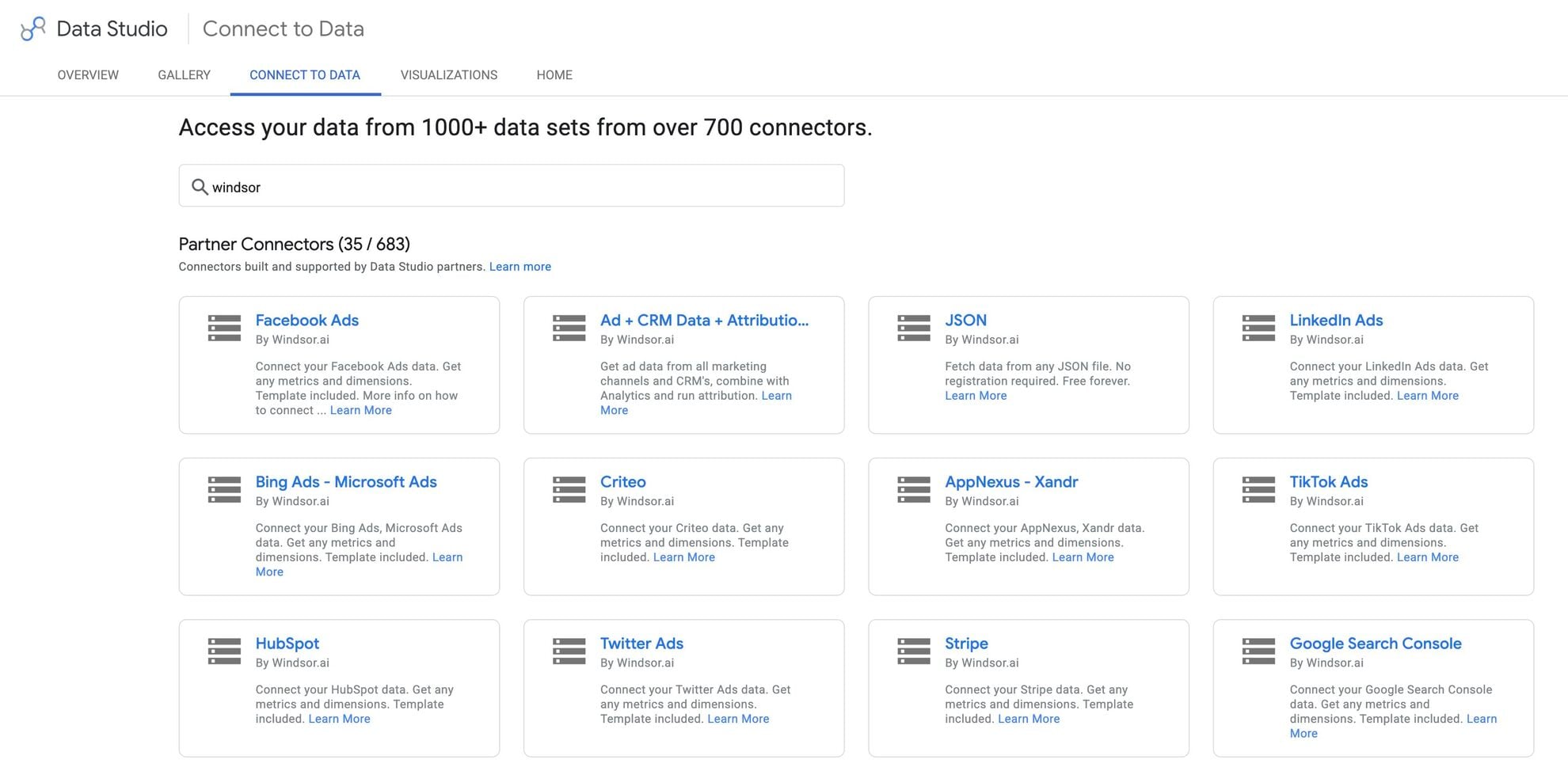














How to connect Shopee to Data Studio in Windsor.ai
Make sure you have the following prerequisites before setting up the connector:
- Shopee seller account
- Google account for Data Studio integration
- Active Windsor.ai account
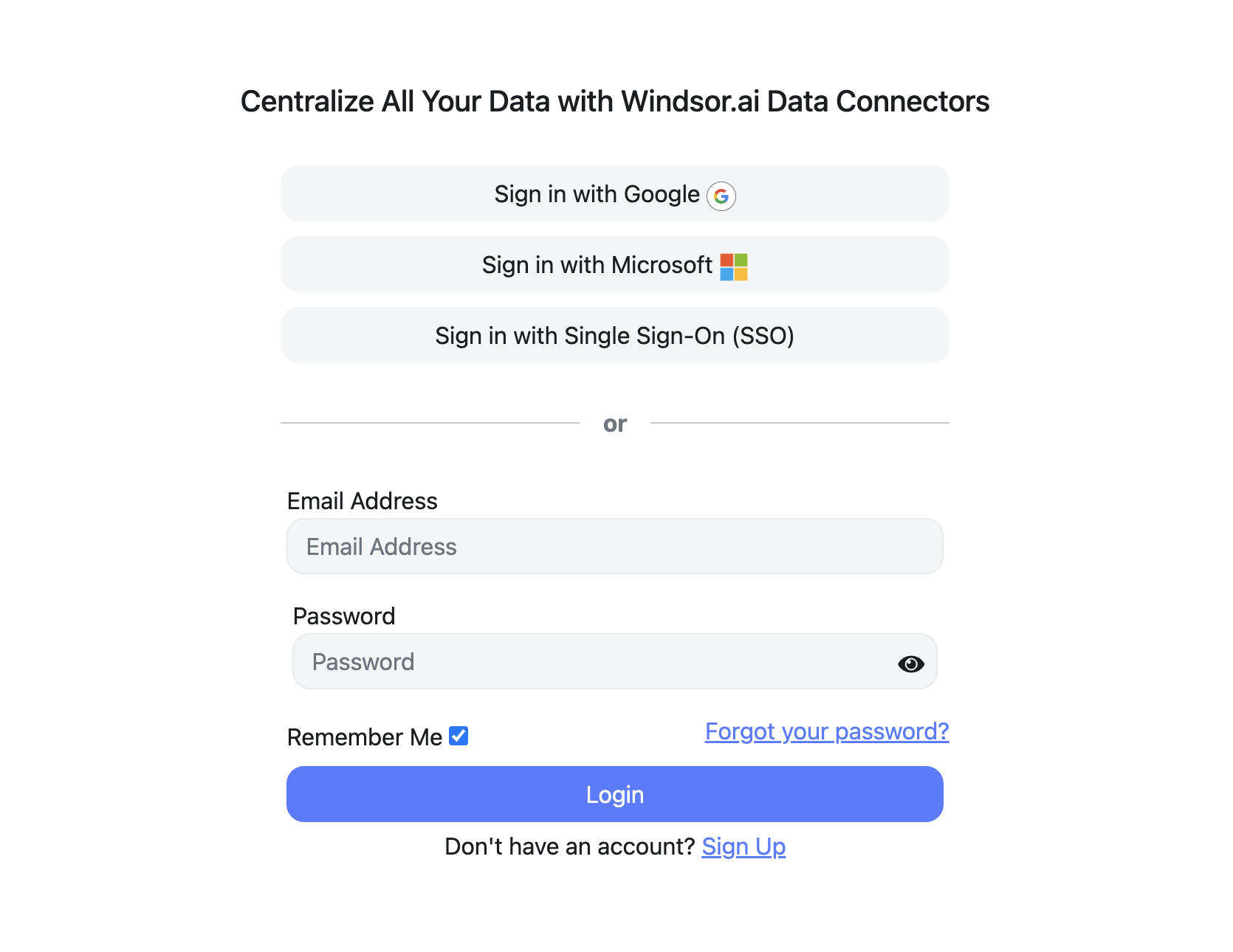
Register and log in to Windsor.ai
Create a new Windsor.ai account or log in if you already have one.
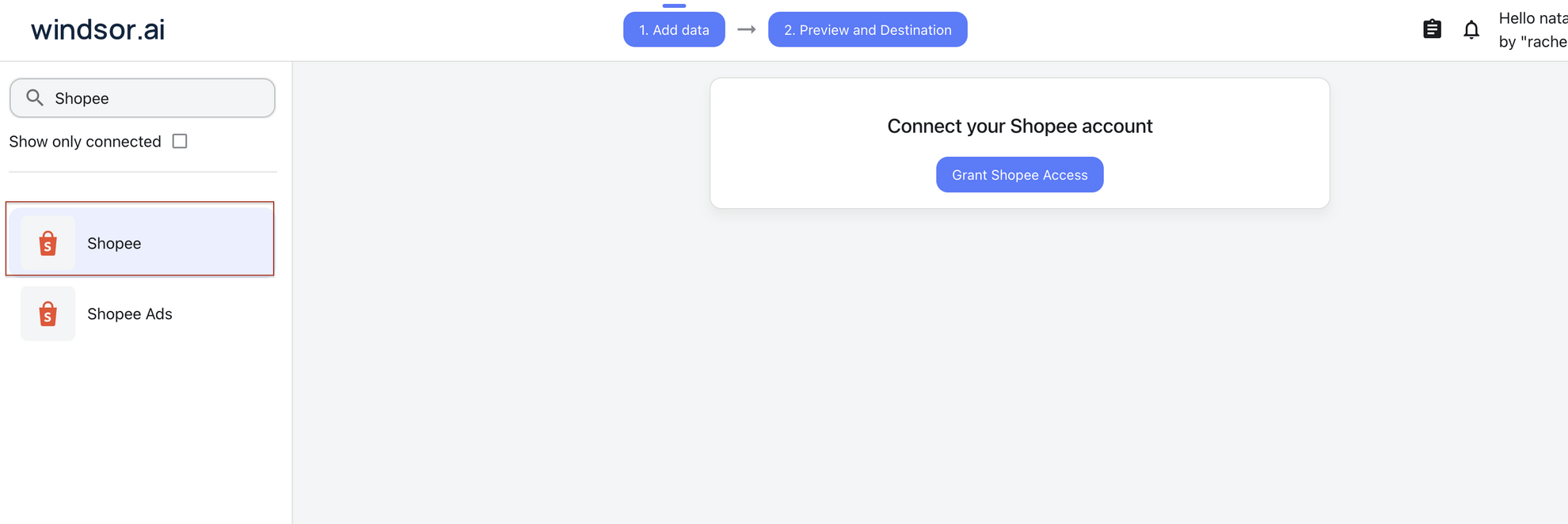
Select your data source
Select Shopee from the list of available data sources and grant access to Windsor.ai.
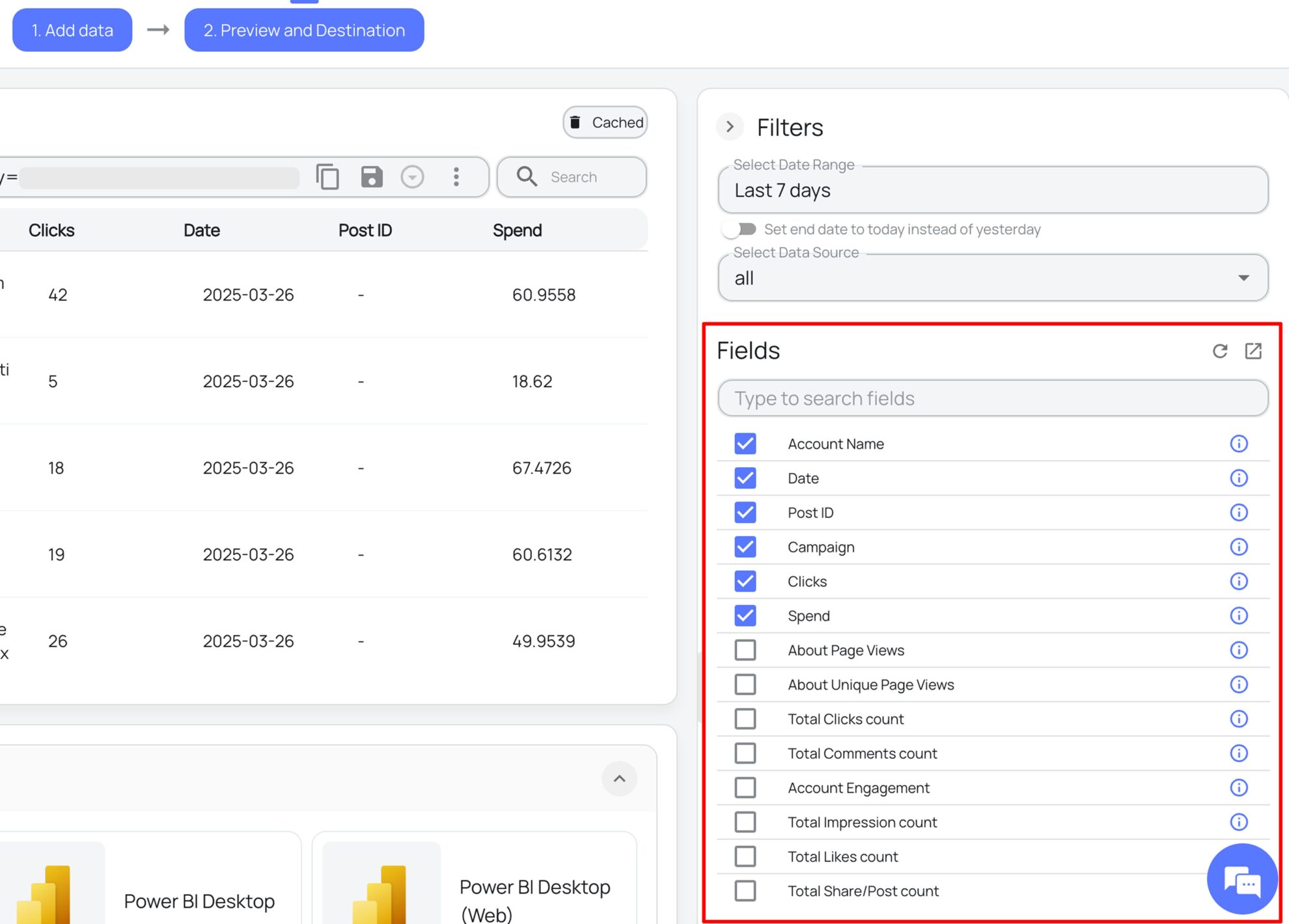
Select the reporting metrics and dimensions
Choose the Shopee fields you want to import into Data Studio on the right side and preview your data before export.
Select Data Studio as your data destination
Scroll down to the list of data destinations and click Data Studio. Install the Windsor.ai connector by authorizing your account, selecting the required Shopee account(s), and clicking Connect, then Create Report.

FAQs
What is Data Studio?
Data Studio is Google’s tool for building interactive reports and dashboards from connected data sources.
What Shopee data can I report on in Data Studio?
Windsor.ai delivers your Shopee data to Data Studio in six groups. These are some of the fields in each; the Shopee field reference lists all of them:
- Orders: Order ID, Order Status, Order Total Amount, Order Currency, Order Region, Order Payment Method, Order COD, Order Shipping Carrier, Order Days To Ship, Order Ship By Date.
- Products: Product Name, Product SKU, Product Brand, Product Status, Product Current Price, Product Original Price, Product Available Stock, Product Condition, Product Category ID.
- Returns: Return Status, Return Reason, Return Refund Amount, Return Refund Type, Return Amount Before Discount, Return Due Date.
- Settlement: Settlement Commission Fee, Settlement Service Fee, Settlement Buyer Transaction Fee, Settlement Ads Fee, Settlement Campaign Fee, Settlement Escrow Amount, Settlement Seller Discount, Settlement Voucher From Seller, Settlement Voucher From Shopee, Settlement Final Shipping Fee.
- Wallet: Wallet Amount, Wallet Current Balance, Wallet Transaction Type, Wallet Transaction Status, Wallet Money Flow, Wallet Transaction Fee.
- Date and account fields: Date, Week, Month, Year, Account ID, Account Name.
Can I combine Shopee with other data sources in one Data Studio report?
Yes. Windsor.ai supports 350+ data sources, so you can connect Shopee alongside tools such as Google Ads, Facebook Ads, or Shopify, or add the Shopee Ads connector for ad performance, and report on them together. For example, you can chart ad spend next to Shopee order totals, or compare Shopee sales with sales from your own online store.
How much time do I need to create the Shopee and Data Studio integration?
Connecting Shopee in Windsor.ai and creating a Data Studio report takes a few minutes, with no code.
How much does it cost to integrate Shopee with Data Studio using Windsor.ai?
The free forever plan covers 1 data source, so connecting Shopee on its own costs nothing and needs no credit card. Combining Shopee with other sources, such as Google Ads or Shopify, needs a paid plan: $19/month for 3 sources or $99/month for 7. See the pricing page.
Do you have helpful links to get started with integrating Shopee and Data Studio using Windsor.ai?
Yes, we have helpful resources to help you get started. You can explore our official documentation for Shopee to Data Studio integration with Windsor.ai:
Tired of manual Shopee data exports? Get started with Windsor.ai today to automate your reporting


