 Destinations
 Data sources
 AI insights
 About us
 Careers
 Security
 Customer reviews
 Contact us
 Affiliate program
 Solution partners
 Template gallery
 Looker Studio templates
 Power BI templates
 Excel templates
 Google Sheets templates
 Tableau templates
 Facebook Ads templates
 Google Ads templates
 Data fields & Metrics
 AI prompt library & Guides
 Product documentation
 API documentation
 Case studies
 Blog
Blog Data models
 Windsor vs Supermetrics
 Windsor vs Funnel.io
 Windsor vs Fivetran
 Windsor vs Rivery
 Windsor vs Portermetrics
 Windsor vs Coupler.io
Connect Zoho CRM to Claude
Automatically sync your Zoho CRM data to Claude using the Windsor.ai connector.
Use Claude to instantly pinpoint stalled deals, uncover what drives high-converting leads, and prioritize the actions that accelerate revenue growth.
Forget CSVs. Stop copy/paste. Connect data in minutes. No code required.
 Sign up with Google
 Free forever plan
No credit card needed
Free forever plan
No credit card needed









Boost sales and revenue with Zoho CRM to Claude integration
Import your Zoho CRM data into Claude with Windsor MCP to skip dashboards and manual analysis. Instead, use conversational AI to uncover what’s driving your sales performance and accelerate deal progression. Explore key benefits and use cases:

Calculate marketing ROI
With Windsor MCP, combine Zoho CRM with 350+ data sources to uncover your true marketing ROI. Claude connects ad spend (Google, Meta, TikTok) with actual revenue, so you can double down on what drives growth and cut budget from channels that don’t convert.

Close pipeline gaps
Claude evaluates ‘Potential Value’ and ‘Probability’ across your pipeline to forecast your end-of-quarter revenue. It then calculates how much additional pipeline you need to generate, and how urgently, to stay on track.

Identify stalled deals
By analyzing the ‘Last Activity Date’ and ‘Deal Stage’ metrics, Claude can identify exactly which opportunities have plateaued in your pipeline. It highlights high-value deals that haven’t moved in over 14 days and suggests personalized re-engagement scripts to jumpstart the conversation.

Get AI-powered recommendations
Claude acts as your sales advisor by interpreting complex CRM data in seconds and delivering AI-powered insights. It explains what’s driving performance and generates actionable recommendations to help you optimize your pipeline and increase win rates.
Using Windsor.ai to connect data from Zoho to Claude
Integrating Zoho CRM with Claude often requires manual exports, complex technical setup, and expensive tools. Windsor.ai MCP eliminates that friction by automatically pulling, normalizing, and streaming your Zoho CRM data directly into Claude.
Connect in minutes and use natural language prompts to audit sales performance, uncover stalled deals, and accelerate your lead-to-close cycle.
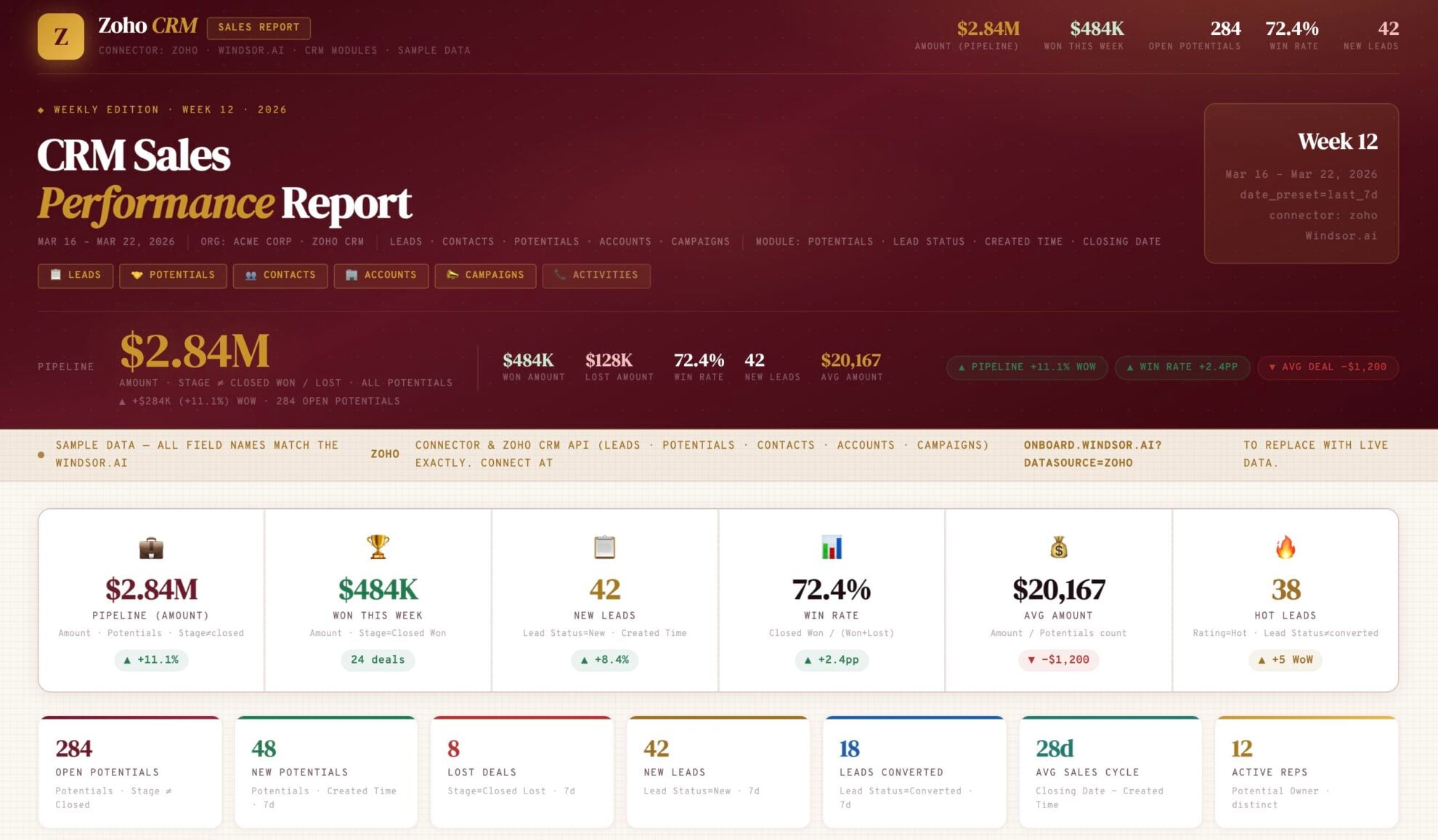














How to connect Zoho to Claude with Windsor.ai
Explore our video tutorial and a step-by-step guide to integrate your data from any source into Claude with the Windsor.ai connector.
Select your data source
Choose Zoho as your data source and grant access to Windsor.ai.

Install the Windsor.ai connector in Claude
In Claude, open Customize, then Connectors, search for Windsor and click Add. Sign in to your Windsor.ai account when prompted, and the connector appears in your Connectors list. You can also open the Windsor.ai listing in the Claude directory and click Connect.

Query your data in Claude
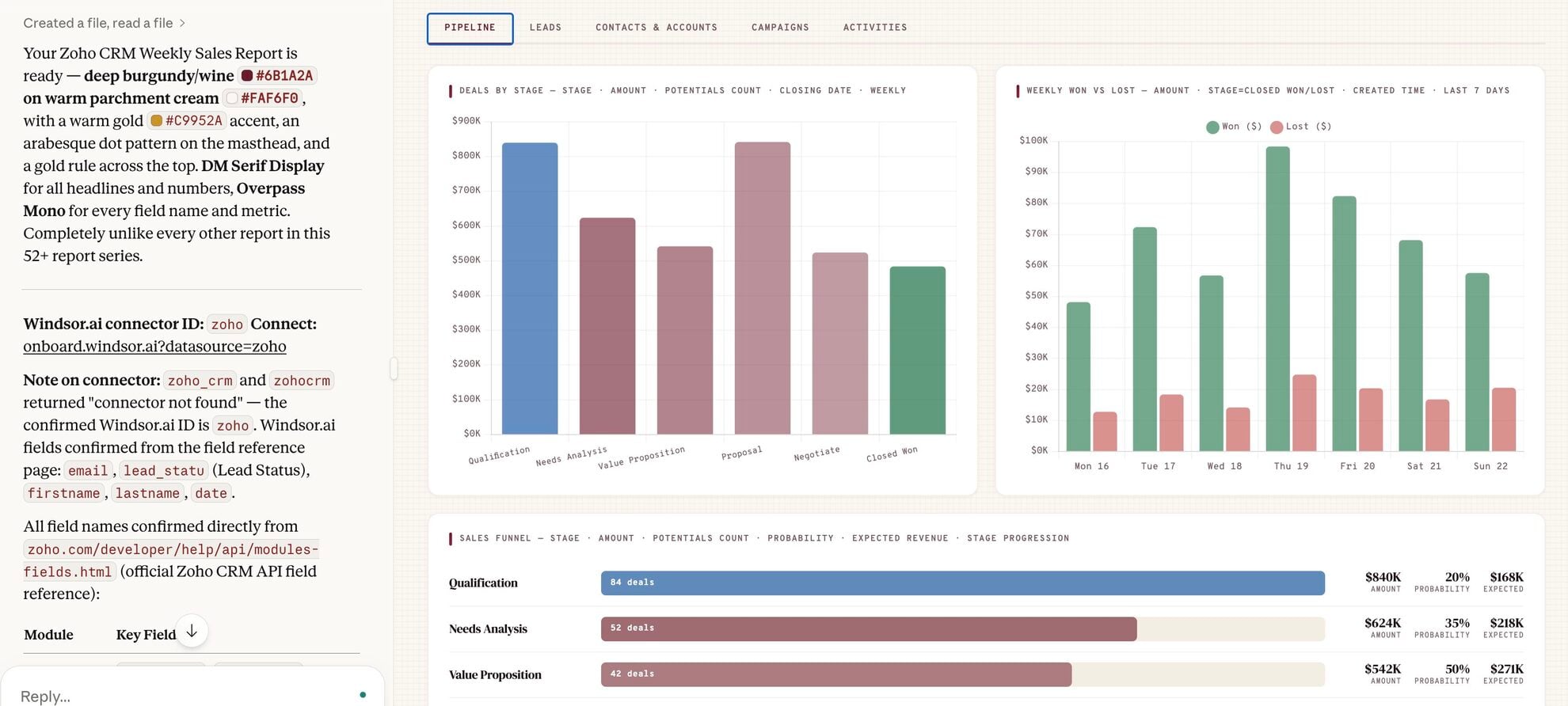
Start a new chat and ask Claude questions about your connected data: summarize KPIs, create client reporting dashboards, or run advanced analyses.
FAQs
What can I do with Zoho CRM data in Claude?
Once your Zoho CRM data is in Claude, you can:
- Audit pipeline velocity. Ask Claude to identify where deals are stalling across your sales stages and suggest ways to accelerate them.
- Score leads automatically. Analyze your closed deals against new leads to predict which prospects are most likely to convert.
- Summarize win/loss drivers. Instead of just looking at percentages, ask Claude to summarize the qualitative reasons (from notes and descriptions) why deals were lost last quarter.
- Improve sales performance. Compare team members’ conversion rates and average deal sizes to identify high-performing habits that can be shared with the rest of the team.
- Measure cross-channel ROI. Blend your Zoho revenue data with your marketing spend (from Google or Facebook Ads) to see your true Customer Acquisition Cost (CAC).
Find more details about Windsor MCP for Claude use cases in this guide: https://windsor.ai/how-to-use-windsor-mcp-examples-use-cases/.
Can Claude help me identify bottlenecks in my Zoho sales funnel?
Yes. Ask Claude to analyze how long deals spend in each stage and pinpoint where opportunities are getting stuck. It will highlight bottlenecks, explain what’s slowing down your pipeline, and suggest actions to improve sales velocity.
How can I use Claude to predict sales revenue from Zoho?
By feeding Claude your historical deal data via Windsor, you can ask for revenue forecasts based on current pipeline health, seasonal trends, and historical close rates.
Can Claude help me identify high-value accounts?
Absolutely. Use a prompt like:
Identify my highest-value accounts based on total revenue, engagement, and deal progression, and flag those that haven’t been contacted in the last 30 days.
Claude will analyze your data, prioritize the most valuable opportunities, and highlight where immediate action is needed.
What prompts can I use when analyzing Zoho CRM data in Claude?
Use more advanced, specific prompts to extract deeper insights from your sales data. For example:
-
Analyze the last 50 'Closed-Lost' deals alongside the 'Closed-Won' deals. Look specifically at the 'Description' and 'Notes' fields to identify hidden friction points, such as specific competitor mentions or pricing objections, that consistently lead to a loss. What is the #1 predictor of a deal failing before it reaches the final stage?
-
Examine all 'Closed-Won' deals from the past year. Analyze the commonalities across Industry, Account Size, and Lead Source. Synthesize this data into a detailed 'Ideal Customer Profile' and tell me which 10 current 'New' leads in our Zoho CRM most closely match this high-conversion profile.
-
Using the marketing spend data from Google/Facebook Ads and the Zoho 'Potential Value,' calculate the true ROI per campaign. Identify campaigns that have a low 'Cost Per Lead' but a zero 'Conversion to Deal' rate, and suggest which budgets should be reallocated to campaigns that drive actual bottom-line revenue.
-
Analyze time-in-stage and conversion rates across your pipeline to identify where deals drop off, and whether the issue is lead quality or sales process inefficiencies.
How much does it cost to integrate Zoho CRM into Claude using Windsor.ai?
Windsor.ai’s pricing for Claude data integration varies depending on the number of connected accounts and data sources. We offer absolutely transparent pricing plans for diversified business needs and budgets.
Do you have helpful links to get started with integrating Zoho CRM and Claude using Windsor.ai?
Yes, we have helpful resources to help you get started. You can explore our official documentation and tutorials for seamless Zoho CRM to Claude integration with Windsor.ai:
How do I connect Zoho CRM to Claude using Windsor.ai?
Connecting Zoho to Claude is a no-code process that takes just 1 minute.
- Authorize Zoho CRM as a data source in your Windsor.ai dashboard.
- In Claude.ai, go to Settings > Connectors and add the Windsor.ai connector.
- Once authenticated, query your Zoho CRM data using natural language.
Tired of manual Zoho data exports? Try Windsor.ai today to automate your reporting


