 Destinations
 Data sources
 AI insights
 About us
 Careers
 Security
 Customer reviews
 Contact us
 Affiliate program
 Solution partners
 Template gallery
 Looker Studio templates
 Power BI templates
 Excel templates
 Google Sheets templates
 Tableau templates
 Facebook Ads templates
 Google Ads templates
 Data fields & Metrics
 AI prompt library & Guides
 Product documentation
 API documentation
 Case studies
 Blog
Blog Data models
 Windsor vs Supermetrics
 Windsor vs Funnel.io
 Windsor vs Fivetran
 Windsor vs Rivery
 Windsor vs Portermetrics
 Windsor vs Coupler.io
How to start with Windsor.ai for free
Windsor.ai is free to start. There is a free forever plan, you are never asked for a credit card, and you are never charged.
For your first 30 days your free account comes with extra capacity, so you can explore the platform properly:
- 1 user, 10 data sources, 15 accounts, and 5 destinations
- No hidden fees and no premium connectors, so you can try every data source and destination
After those 30 days your account simply steps down to the free forever plan. Nothing expires into a bill, and you move to a paid plan only if you decide you need more.
Steps to start for free
1. Visit Windsor.ai and click any “Start for Free” button, accessible from various sections of the site (e.g., the header).
2. You can either register manually through the form or let Windsor.ai automatically create an account for you by connecting your first data source.
For automatic registration:
- Select a data source from which you wish to pull data (e.g., Google Analytics, Facebook Ads, etc.) on the left side, select the necessary account(s), and grant access rights.
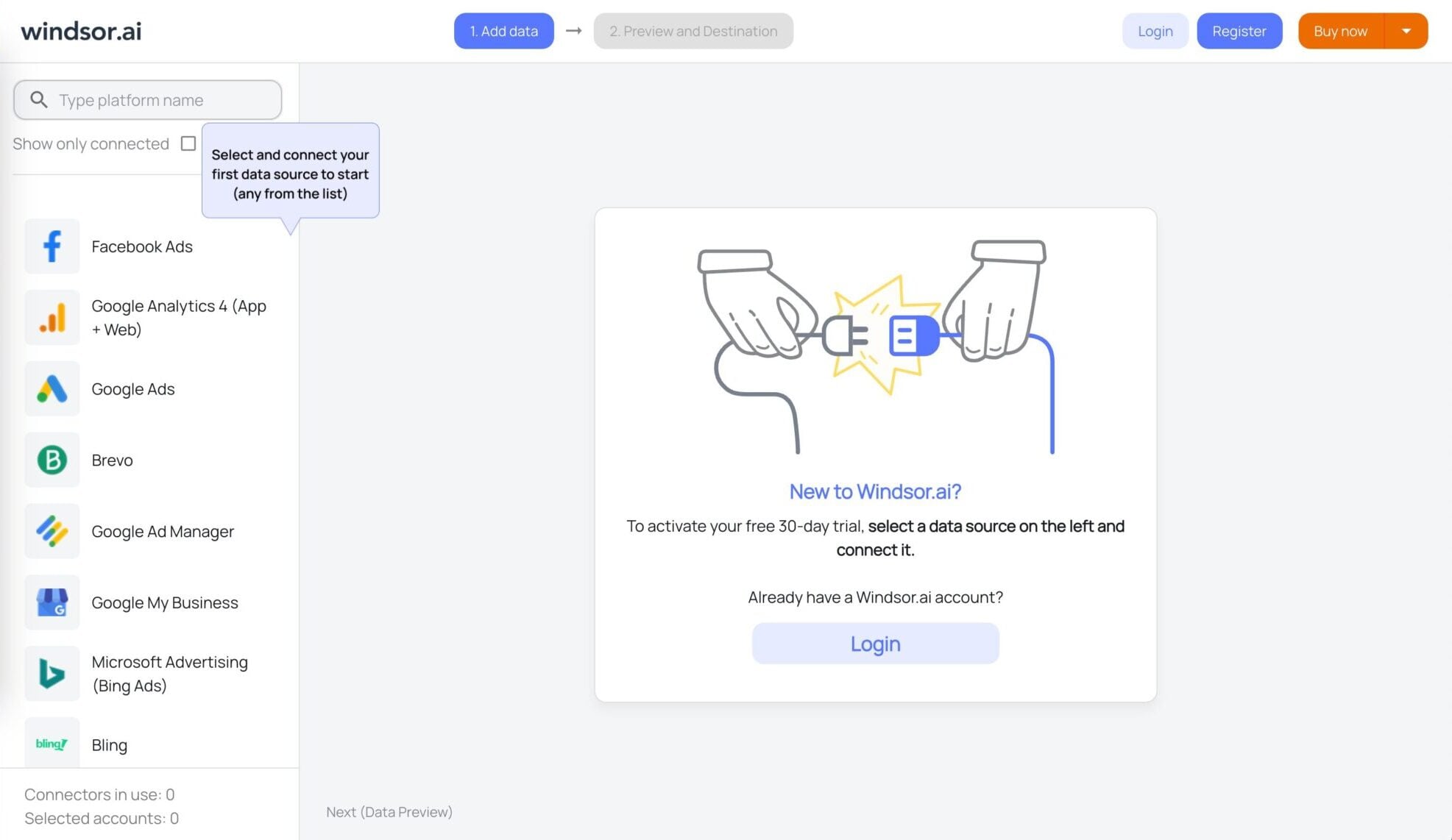
After connecting any source, Windsor.ai will automatically create the account for you.
How to connect your first data source in Windsor.ai shows each screen of the connection, with fixes for accounts that do not appear.
Not included on the free plan:
- Backfilling of data (year, months, weeks) is available on Basic plans and above.
- Hourly scheduling is available on Standard plans and above.
After your first 30 days
After 30 days your extra capacity steps down and your account keeps running on the Forever Free plan, which gives you unlimited use of 1 data source and 1 account. You are not charged, and your account is not switched off.
Data sources and accounts above the free limit are paused, not deleted, and you can switch which ones stay active. See what happens after the first 30 days.
If you need more data sources, users or accounts, you can move to a paid plan whenever you want. Paid plans start at $19/month, and you can view the full pricing here.
How to extend your extra capacity
You can extend your 30-day extra capacity by 2 weeks when you refer a friend. Your friend gets a 2-week extension as well.
There are two ways to refer a friend:
- Using an invite link
- Via email sent to them by Windsor
To get your invite link:
- Log in to your Windsor.ai account.
- On the main dashboard, click on your email address and select “Extend trial, refer friends!”
- Copy your unique invite link and send it to your friend.
Inviting a friend via email:
- Log in to your Windsor.ai account.
- Navigate to the referral section and enter your friend’s email address.
- Click “Send” to refer them via email.
Tired of juggling fragmented data? Try Windsor.ai today to create a single source of truth


