 Destinations
 Data sources
 AI insights
 About us
 Careers
 Security
 Customer reviews
 Contact us
 Affiliate program
 Solution partners
 Template gallery
 Looker Studio templates
 Power BI templates
 Excel templates
 Google Sheets templates
 Tableau templates
 Facebook Ads templates
 Google Ads templates
 Data fields & Metrics
 AI prompt library & Guides
 Product documentation
 API documentation
 Case studies
 Blog
Blog Data models
 Windsor vs Supermetrics
 Windsor vs Funnel.io
 Windsor vs Fivetran
 Windsor vs Rivery
 Windsor vs Portermetrics
 Windsor vs Coupler.io
 Last updated: 1 September 2026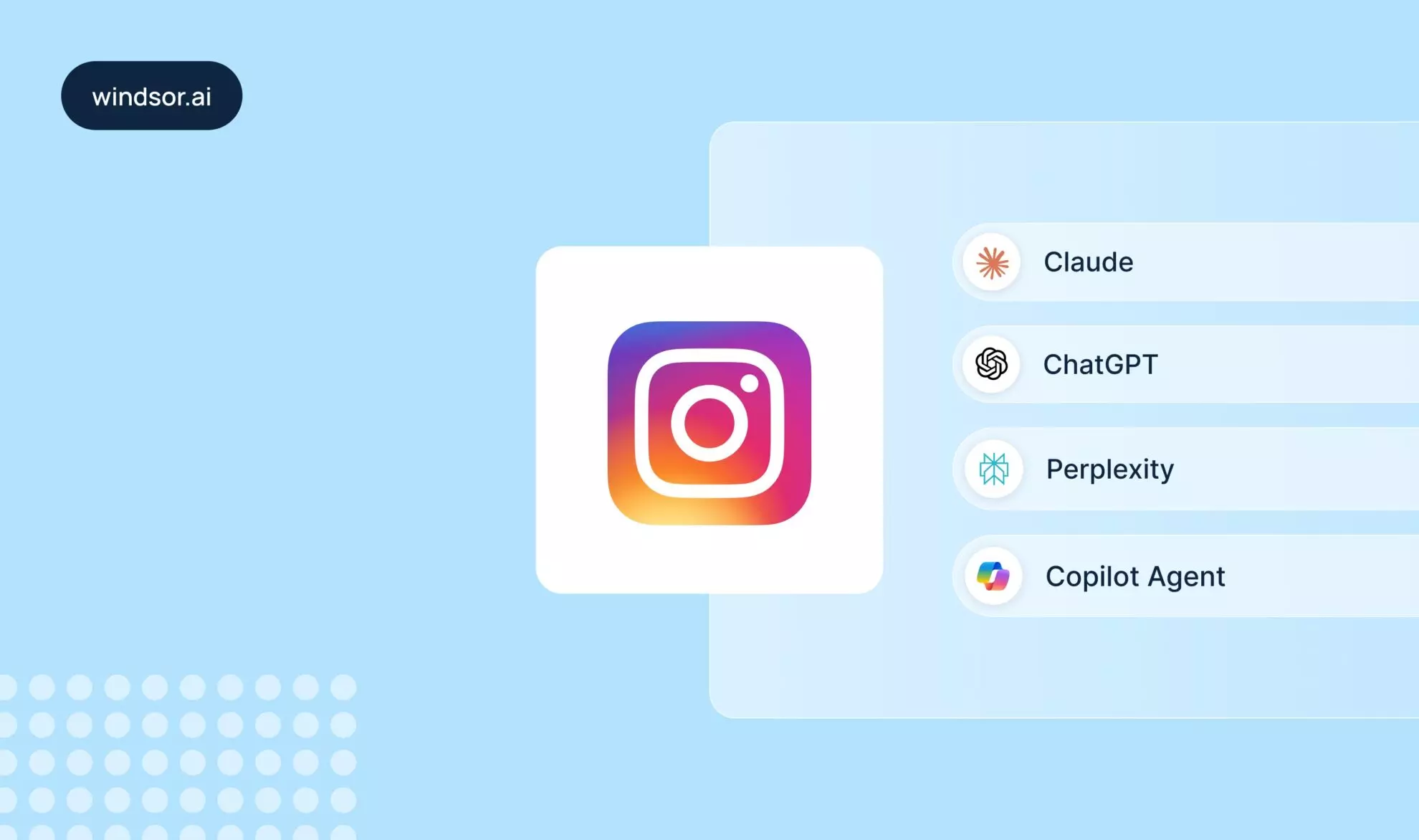




Most “Instagram analytics tools” are another dashboard to check. If you’re already living inside an AI assistant for everything else, the better answer isn’t a new tool; it’s connecting your real Instagram data to the assistant you’re already using, so you can ask questions in plain language instead of reading another chart.
Windsor MCP does exactly that: one connection to your Instagram account, available inside whichever AI assistant you already work in.
Why an AI assistant beats a standalone analytics dashboard
- No new interface to learn; you ask questions the same way you already do.
- Cross-post and cross-time-period analysis: a dashboard shows one screen at a time; format comparisons, timing patterns, audience drift, and story retention become a single question.
- The same connection also covers competitor benchmarking (via public data) and Meta Ads, so you’re not juggling three separate tools for organic, competitive, and paid analysis.
Choose your AI assistant
| Assistant | What’s available today |
|---|---|
| ChatGPT | Full setup guide, prompt library, ad campaign management, and competitor benchmarking |
| Claude | Full setup guide covering Instagram Insights |
| Perplexity | Native connector app |
| Microsoft Copilot | Native connector app |
Every assistant reads the same underlying Windsor connectors: Instagram Organic (your own account), Instagram Public (any public account, no login needed), and Meta Ads (paid campaigns), so the data and the questions you can ask don’t change based on which assistant you prefer. What changes is only the connection step, which follows each assistant’s own native app or connector flow.
What you can do once it’s connected
- Ask questions about your content and audience: which formats travel furthest beyond your followers, where Story viewers drop off, whether your posting times match when your audience is online.
- Benchmark against competitors: pull public data from any account, no login needed, and compare engagement rate, format strategy, and follower growth against your own.
- Manage live ad campaigns (Meta Ads write actions, available in any MCP-compatible assistant): create campaigns, boost a top-performing post, reallocate budget, all from a prompt.
Go deeper on ChatGPT
Since ChatGPT currently has the fullest coverage, three focused guides go beyond setup:
- ‘ChatGPT prompts for Instagram content strategy‘. Format, timing, audience, and Story-retention prompts.
- ‘How to manage Instagram ad campaigns from ChatGPT‘. Write actions, campaign creation, ad copy generation.
- ‘How to benchmark your Instagram against competitors using ChatGPT‘. Public-data setup and comparison prompts.
FAQs
Is this free?
Yes. Windsor has a free-forever plan, no credit card required. Paid plans start at $19/month for higher data volume and additional sources.
Which AI assistants work with Windsor's Instagram connector?
ChatGPT, Claude, Perplexity, and Microsoft Copilot today, all through the open MCP standard, with ChatGPT and Claude currently having the fullest setup guides.
Do I need a Business or Creator account?
Yes, for your own Instagram Insights (Instagram Organic). Benchmarking public accounts through Instagram Public Data doesn’t require any account type or login, just the handle.
Is my data shared between the different AI assistants I connect?
No. Each assistant’s connection to Windsor is separate and only sees the data sources you explicitly authorize for that assistant. Connecting Instagram in ChatGPT doesn’t expose it to Claude or vice versa unless you connect it there too.


