 Destinations
 Data sources
 AI insights
 About us
 Careers
 Security
 Customer reviews
 Contact us
 Affiliate program
 Solution partners
 Template gallery
 Looker Studio templates
 Power BI templates
 Excel templates
 Google Sheets templates
 Tableau templates
 Facebook Ads templates
 Google Ads templates
 Data fields & Metrics
 AI prompt library & Guides
 Product documentation
 API documentation
 Case studies
 Blog
 Data models
 Windsor vs Supermetrics
 Windsor vs Funnel.io
 Windsor vs Fivetran
 Windsor vs Rivery
 Windsor vs Portermetrics
 Windsor vs Coupler.io
Facebook Page Insights MCP for Claude, ChatGPT and Other AI Assistants
Windsor MCP connects your Facebook Page’s organic data to Claude, ChatGPT and other AI assistants that support MCP. Ask about posts, follows, video views and Page views in plain language, and publish a post to your Page after you approve it.
In Claude, add Windsor.ai from the connector directory with one click, no URL to paste. Free forever plan for one data source, no credit card.
 Sign up with Google
 Free forever plan








What you can do with your Page data in an AI assistant
Windsor MCP gives the assistant your Page and post fields, and the assistant pulls the ones each question needs.

Answers from your own Page data
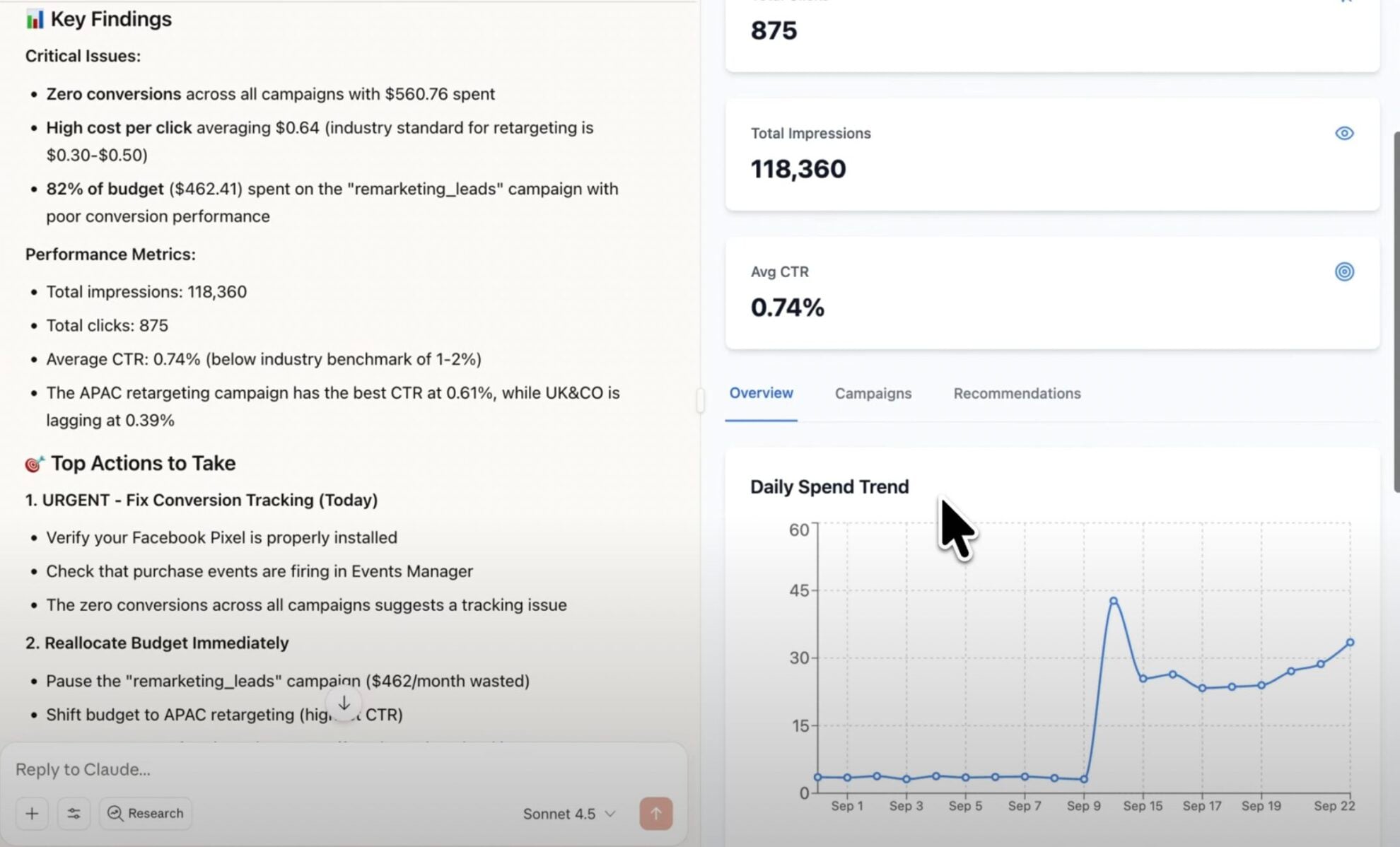
Post impressions, clicks by type, reactions, comments and shares, daily follows and unfollows, Page views and video views come back as rows, and the assistant turns them into a table or a short summary.

Questions that work well
Rank posts by impressions or clicks, compare photo, video, link and Reels posts, track follows week by week, or find the videos watched to the end most often.

Meta's June 2026 change
Since 15 June 2026 Meta no longer returns paid, organic and viral splits for Page reach, post impressions or video views. Questions about organic versus paid reach cannot be answered from Page data any more; totals still can. See our deprecation guide.

Page data next to your other channels
Instagram, Facebook Ads, GA4 and 350+ other sources connect to the same Windsor.ai account, and one question can compare Page posts with Instagram posts or with ad results.
Posting from the chat
The assistant can publish a text or link post, or a photo post with a caption, to your Page. It shows you the draft first and posts only after you approve it.
An example from our own Facebook Page
For the question “Which of our Page posts from 18 September to 17 October 2026 got the most impressions and clicks?”, the connector returns one row per post with its impressions, clicks, reactions, comments and shares. On our Page:
- Top post: 115 impressions, 3 clicks, 1 comment and 1 share.
- Second post: 86 impressions and 4 clicks.
- The Page overall: 8,665 impressions, 654 Page views, 19 new follows and no unfollows in the same 30 days.
Page impressions count any content from or about the Page, ads included; our 8 posts had 490 impressions between them. The Facebook Page Insights field reference lists every field the assistant can use.
Available actions
Create Photo Post Publish a single image post to a connected Facebook Page. Provide either a publicly accessible image URL or the photo_id returned by upload_photo for a local file, plus an optional caption. For a text/link-only post use create_post instead.
Publish a single image post to a connected Facebook Page. Provide either a publicly accessible image URL or the photo_id returned by upload_photo for a local file, plus an optional caption. For a text/link-only post use create_post instead.
Create Post Publish a post to a connected Facebook Page's feed. Provide a message (post text), a link (shared URL), or both - at least one is required. For an image post use create_photo_post instead.
Publish a post to a connected Facebook Page's feed. Provide a message (post text), a link (shared URL), or both - at least one is required. For an image post use create_photo_post instead.
Upload Photo Upload one image file (JPEG, PNG or GIF, at most 4 MB) to a connected Facebook Page and return its photo_id. The image is sent as a file uploaded with the request, so it needs no public URL. Nothing is published: pass the photo_id to create_photo_post to publish it. Facebook deletes an unpublished photo after about 24 hours.
Upload one image file (JPEG, PNG or GIF, at most 4 MB) to a connected Facebook Page and return its photo_id. The image is sent as a file uploaded with the request, so it needs no public URL. Nothing is published: pass the photo_id to create_photo_post to publish it. Facebook deletes an unpublished photo after about 24 hours.


How to connect Facebook Page Insights MCP by Windsor.ai
Step-by-step guides: connect Facebook Page Insights to Claude and connect Facebook Page Insights to ChatGPT. For other MCP clients, see the Windsor MCP setup guide.
Register and log in to Windsor.ai
Create a new Windsor.ai account or log in if you already have one.
Select your data source
Choose Facebook Page Insights as your data source and grant access to Windsor.ai.

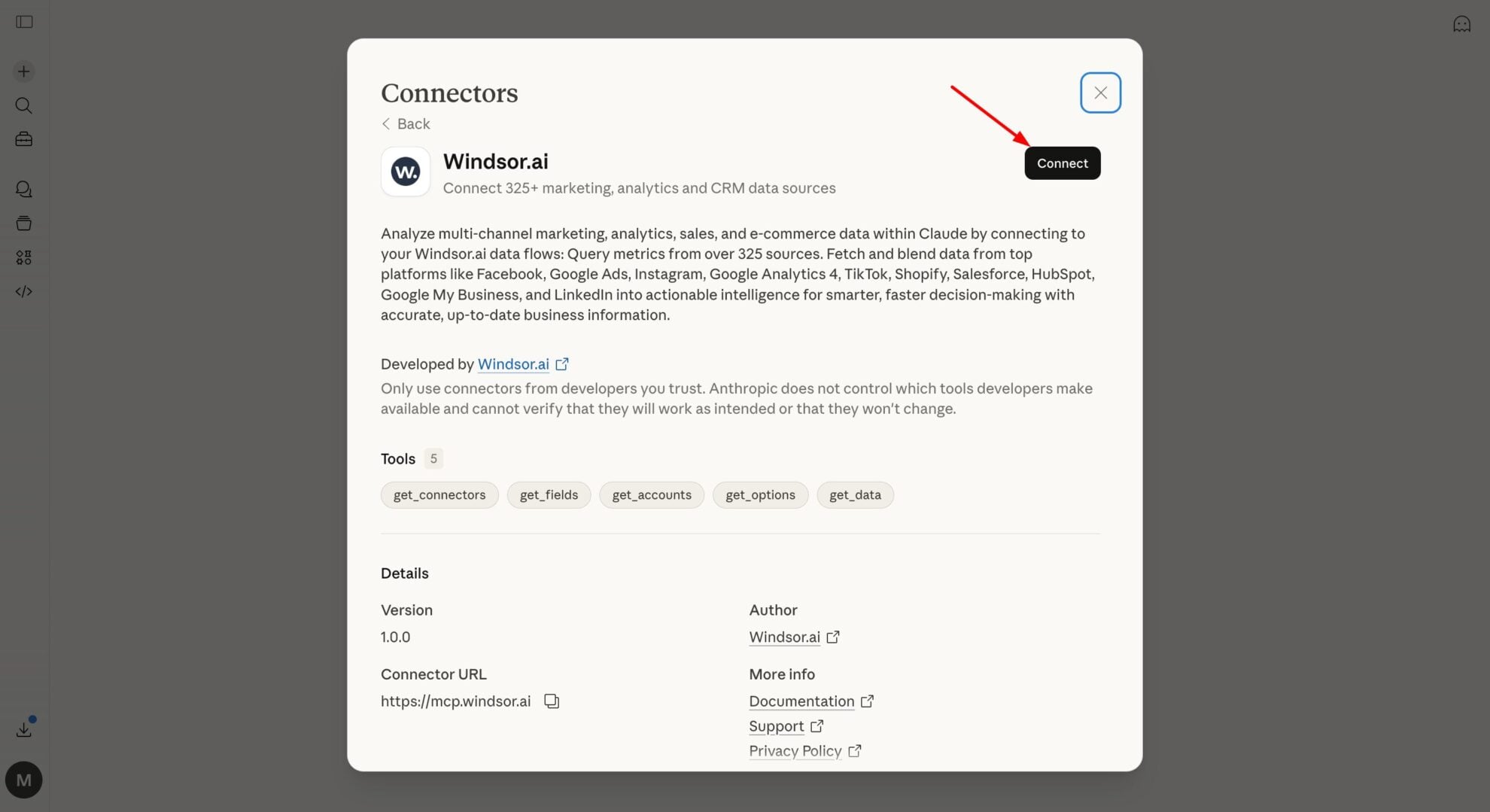
Connect Windsor MCP to your favorite LLM
If a native connector is available for your platform, connect in one click. Otherwise, visit this guide and follow the instructions for your platform of choice.
Start analyzing your data in the LLM
Now you’re ready to ask anything about your data.
FAQs
Which AI assistants work with it?
Claude, where Windsor.ai is in the connector directory, and ChatGPT, through the Windsor.ai plugin. Gemini Enterprise, Copilot agents, Perplexity, Cursor and other MCP clients connect through the Windsor MCP setup.
Can the AI assistant publish posts to my Facebook Page?
Yes. It can publish a text or link post, publish a photo post from an image URL or an uploaded file with a caption, and upload a photo without publishing it. It shows the draft and publishes only after you approve it. See the write actions list.
Can it compare organic and paid reach for my Page?
No. Meta removed the paid, organic and viral splits of Page reach, post impressions and video views on 15 June 2026, for every tool that uses its API. Total impressions and views are still available, and ad results come from the Facebook Ads connector.
Is it free?
Yes. Windsor MCP is included in every plan, including the free forever plan, which covers one data source and reaches back 30 days, with no credit card. To ask about Page data together with Instagram or ads, paid plans start at $19 a month for 3 sources, billed annually. See pricing.
Which Page metrics can the assistant use?
Page impressions and Page views, daily follows and unfollows, Page likes by country and city, post impressions, engagements, clicks by type, reactions by type, comments and shares, video views and watches at 15, 30 and 60 seconds and at 95%, and Reels plays. The field reference lists them all.
Tired of manual Facebook Page Insights data exports? Try Windsor.ai today to automate your reporting


