 Destinations
 Data sources
 AI insights
 About us
 Careers
 Security
 Customer reviews
 Contact us
 Affiliate program
 Solution partners
 Template gallery
 Looker Studio templates
 Power BI templates
 Excel templates
 Google Sheets templates
 Tableau templates
 Facebook Ads templates
 Google Ads templates
 Data fields & Metrics
 AI prompt library & Guides
 Product documentation
 API documentation
 Case studies
 Blog
Blog Data models
 Windsor vs Supermetrics
 Windsor vs Funnel.io
 Windsor vs Fivetran
 Windsor vs Rivery
 Windsor vs Portermetrics
 Windsor vs Coupler.io
Shopify MCP for AI Insights
Send your Shopify data to the leading LLMs with Windsor.ai MCP.
Connect Shopify to ChatGPT, Claude, Copilot, Gemini, and more for AI-driven insights that help you analyze store performance, identify sales trends, and drive consistent revenue growth.
No code required. Connect your store once with a Shopify Dev Dashboard app, then ask questions about orders, customers and products in plain English.
 Sign up with Google
 Free forever plan
No credit card needed
Free forever plan
No credit card needed










Turn your Shopify data into AI-driven insights with Windsor MCP
Windsor.ai’s Shopify connector exposes 430 fields (122 metrics, 308 dimensions) from orders, line items, customers, products, abandoned checkouts and payouts. Windsor MCP lets your AI assistant query them in plain English. Here is what that looks like in practice:

Get instant answers in AI chats
Ask “Which products had the highest order_net_sales this month, and how much did discounts take?” The assistant pulls order_net_sales, order_total_discounts and line_item__title for the period and answers with a ranked table.

Find your most valuable customers
Rank customers by customer_total_spent, compare their customer_orders_count with the rest of the base, and list repeat buyers who have not ordered in 60 days as a win-back segment.

Perform cross-channel analysis
Connect your ad platforms too, and match order_customer_last_visit_utm_campaign to campaign spend in Google Ads or Meta Ads. The assistant can then calculate ROAS from actual Shopify revenue after refunds instead of the platforms’ reported conversions.

Plan stock from sales velocity
Use line_item__sku and line_item__quantity over the last 30 days to calculate daily sales per SKU, then ask which products will run out first and which have stopped selling.
Using Windsor.ai MCP to connect data from Shopify to LLMs
Bringing Shopify data into AI tools usually means CSV exports or custom scripts. Windsor MCP gives the assistant a live connection instead: it collects your Shopify data and returns the fields each question needs.
Connect your store once and ask about products, sales, customers and marketing performance. See the Shopify field reference for every field you can ask about.
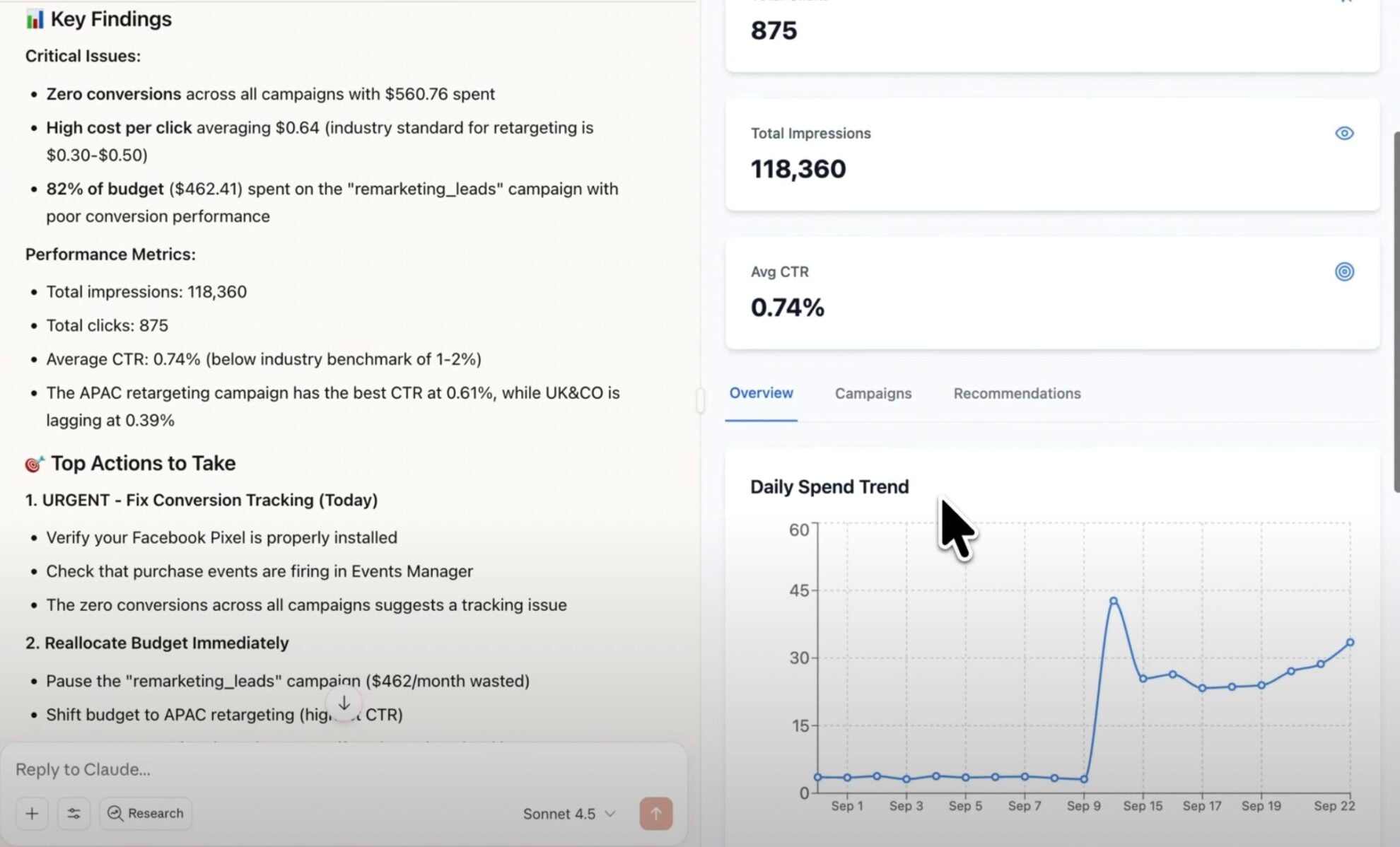














How to connect Shopify MCP by Windsor.ai
Follow this quick setup guide to connect your Shopify data to your preferred AI chat. For example prompts, the Shopify fields to ask about and cross-channel analyses, see how to connect Shopify to Claude and how to connect Shopify to ChatGPT.
Register and log in to Windsor.ai
Create a new Windsor.ai account or log in if you already have one.

Select your data source
Choose Shopify as your data source and click Connect Shopify Store. Enter your shop name and the Client ID and Client Secret of an app you create for your store in the Shopify Dev Dashboard. See the Shopify Configuration Guide for how to create the app.

Connect Windsor MCP to your favorite LLM
If a native connector is available for your platform, connect in one click. Otherwise, visit this guide and follow the instructions for your platform of choice.
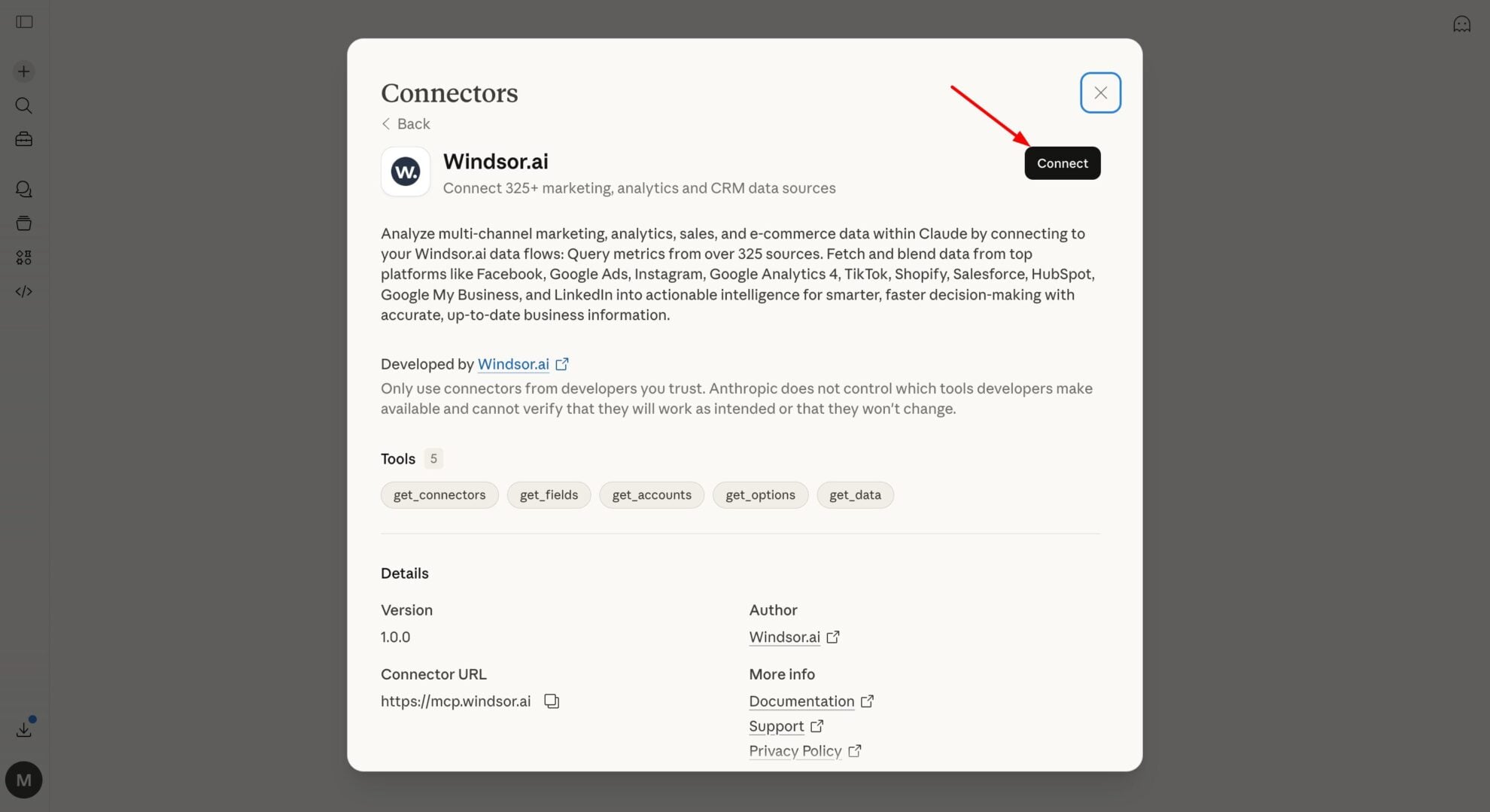
Start analyzing your data in the LLM
Ask your first question, for example “Show order_net_sales by week for the last 8 weeks.” For more prompts, see how to connect Shopify to Claude and how to connect Shopify to ChatGPT.
FAQs
What is Windsor MCP?
Windsor MCP (Model Context Protocol) is an AI-powered tool that connects your integrated Windsor.ai data with LLM platforms like Claude, Cursor, Gemini, and others. It allows you to ask natural language questions about your data and receive actionable insights without writing SQL or building dashboards from scratch.
What can I do with Windsor MCP?
Ask questions about your store in plain English instead of writing SQL, for example “Which products are frequently bought together but not yet bundled?” or “Split last quarter’s revenue between new and returning customers.” With your ad platforms connected too, you can ask which campaigns bring repeat buyers. For worked prompts and the Shopify fields behind them, see how to connect Shopify to Claude and how to connect Shopify to ChatGPT.
Is Windsor MCP free to use?
Yes. Windsor MCP is included in every Windsor.ai plan, including the free forever plan with no credit card. The free plan covers 1 connected data source; blending Shopify with your ad platforms needs a paid plan, from $19/month for 3 sources. See the pricing page.
What agents does it work with?
You can connect Windsor MCP to any AI agent compatible with MCP, including Claude Desktop, ChatGPT, Perplexity, Cursor, Gemini, etc.
Tired of manual Shopify data exports? Try Windsor.ai today to automate your reporting


