 Destinations
 Data sources
 AI insights
 About us
 Careers
 Security
 Customer reviews
 Contact us
 Affiliate program
 Solution partners
 Template gallery
 Looker Studio templates
 Power BI templates
 Excel templates
 Google Sheets templates
 Tableau templates
 Facebook Ads templates
 Google Ads templates
 Data fields & Metrics
 AI prompt library & Guides
 Product documentation
 API documentation
 Case studies
 Blog
Blog Data models
 Windsor vs Supermetrics
 Windsor vs Funnel.io
 Windsor vs Fivetran
 Windsor vs Rivery
 Windsor vs Portermetrics
 Windsor vs Coupler.io
Connect BigQuery to Snowflake
Windsor.ai is a no-code data integration platform that offers tools for codeless data integration. Using the Windsor.ai data connector for BigQuery and Snowflake, you can automatically sync data between the two databases in minutes.
Forget CSVs. Stop copy/paste. Connect data in 2 minutes. No code required.
 Sign up with Google
 Free forever plan
No credit card needed
Free forever plan
No credit card needed










Why do I need BigQuery and Snowflake integration?
Integration of BigQuery and Snowflake exports data between two cloud storage services. The benefits of integrating the two platforms include:

Enable collaboration on data
Integrating BigQuery and Snowflake through our automated data connector tool can create unified data resources that enable data sharing and collaboration between teams and entities. The integration supports secure data transfer to power applications and enables data-driven business activities. Further, the data can be queried using SQL for deeper analytics and other applications. Overall, the integration of BigQuery and Snowflake is a crucial way to break down the data silos and strengthen collaboration.

Enable system and data migration during change processes
You can also utilize BigQuery and Snowflake integration as an easy way to migrate all your data during systems migration. You would need this integration when moving your systems from BigQuery to Snowflake. Such a migration would be necessary if your organization is moving to use new infrastructure. For instance, if your organization moves to an AWS system, you could integrate BigQuery and Snowflake since Snowflake is built on AWS.

Create a unified data resource for all purposes
Integrating the two systems is suitable if some of your data is stored separately in BigQuery, and you must run the analytics and applications in Snowflake. Integration helps you to run unified data analytics, create dashboards from all your data in one place, and automate applications and analytics. Using the dataflow feature in BigQuery and Snowflake, you can automate the integrations so that data is constantly streamed or updated on a specific schedule.
Using Windsor.ai connector to import data from BigQuery into Snowflake
Extract BigQuery data to Snowflake with Windsor.ai and see the value and return on every marketing touchpoint.
Import BigQuery data into Snowflake and measure what matters.















How to connect BigQuery to Snowflake with Windsor.ai
Follow these steps to stream your BigQuery data into Snowflake with Windsor.ai. You will need a Windsor.ai account. Register or log in if you already have one.
Register
Register or login if you already have an account.

Select your source
You need to select BigQuery as a Data Source and Grant Access to Windsor.ai.

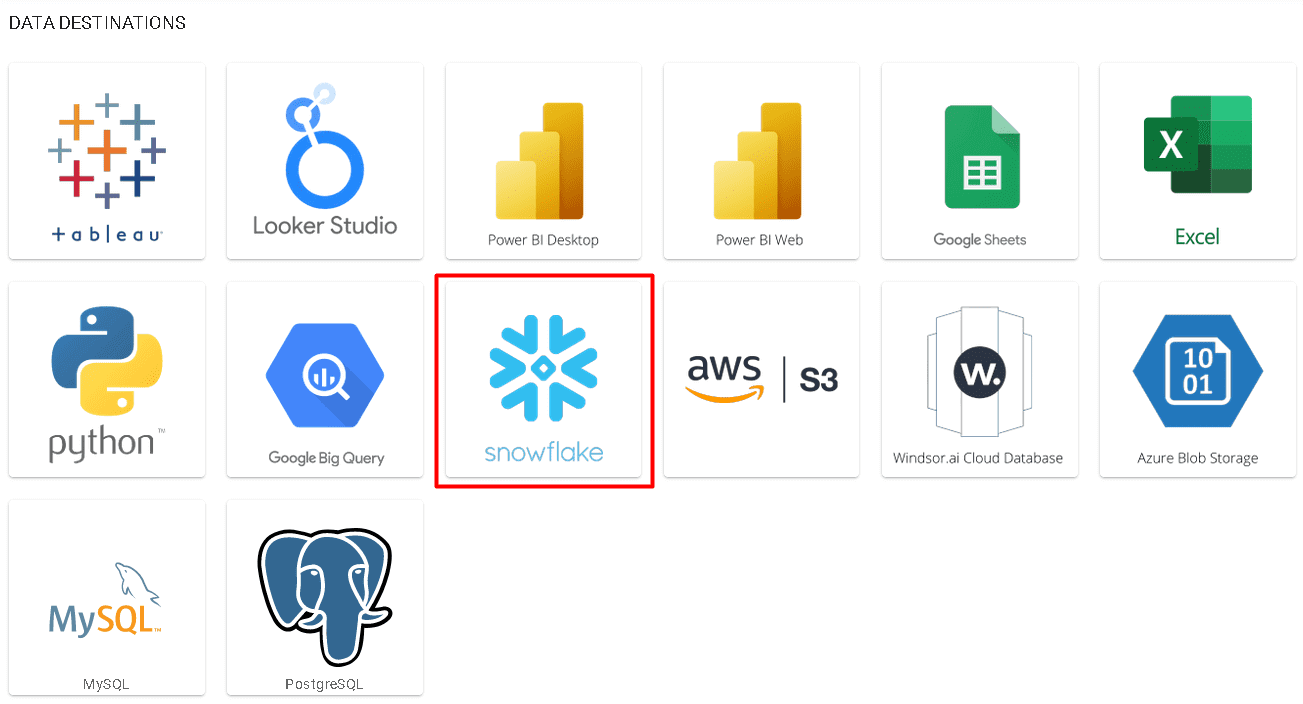
Select Destination
Choose Snowflake as the destination.
Sync your Data
Enter all the credentials required and click Save.
Your data will now be streamed from BigQuery to Snowflake. In case there is an error, you will be notified.
FAQs
What is Snowflake?
Snowflake is a cloud-based data warehouse and platform designed to help you store data, analyze it, and run applications. The three functions are decoupled, meaning you can run the functions simultaneously without affecting Snowflake’s performance. Snowflake was created to enable businesses to manage and collaborate on data. As a result, Snowflake is used by many prominent organizations across the world. In addition to the above, Snowflake runs on Amazon services, Google Cloud, and Azure.
Tired of manual BigQuery data exports? Get started with Windsor.ai today to automate your reporting


