Destinations
 Data sources
 AI insights
 About us
 Careers
 Security
 Customer reviews
 Contact us
 Affiliate program
 Solution partners
 Template gallery
 Looker Studio templates
 Power BI templates
 Excel templates
 Google Sheets templates
 Tableau templates
 Facebook Ads templates
 Google Ads templates
 Data fields & Metrics
 AI prompt library & Guides
 Product documentation
 API documentation
 Case studies
 Blog
 Data models
 Windsor vs Supermetrics
 Windsor vs Funnel.io
 Windsor vs Fivetran
 Windsor vs Rivery
 Windsor vs Portermetrics
 Windsor vs Coupler.io
TikTok Ads Connector
Send TikTok Ads data to Data Studio, Google Sheets, Power BI, Excel, BigQuery, Snowflake and other destinations, or ask about it in Claude and ChatGPT. Windsor.ai reads campaigns, ad groups and ads from every TikTok advertiser account you connect, with 954 fields.
No CSV exports and no code. Set up in a few minutes.
 Free forever plan
No credit card needed







Make the most out of your TikTok Ads data with Windsor.ai
Choose from 954 TikTok Ads fields (801 metrics and 153 dimensions), or create custom fields from them.

Leverage our pre-built, customizable TikTok Ads dashboard templates for a comprehensive performance overview tailored to your data needs.
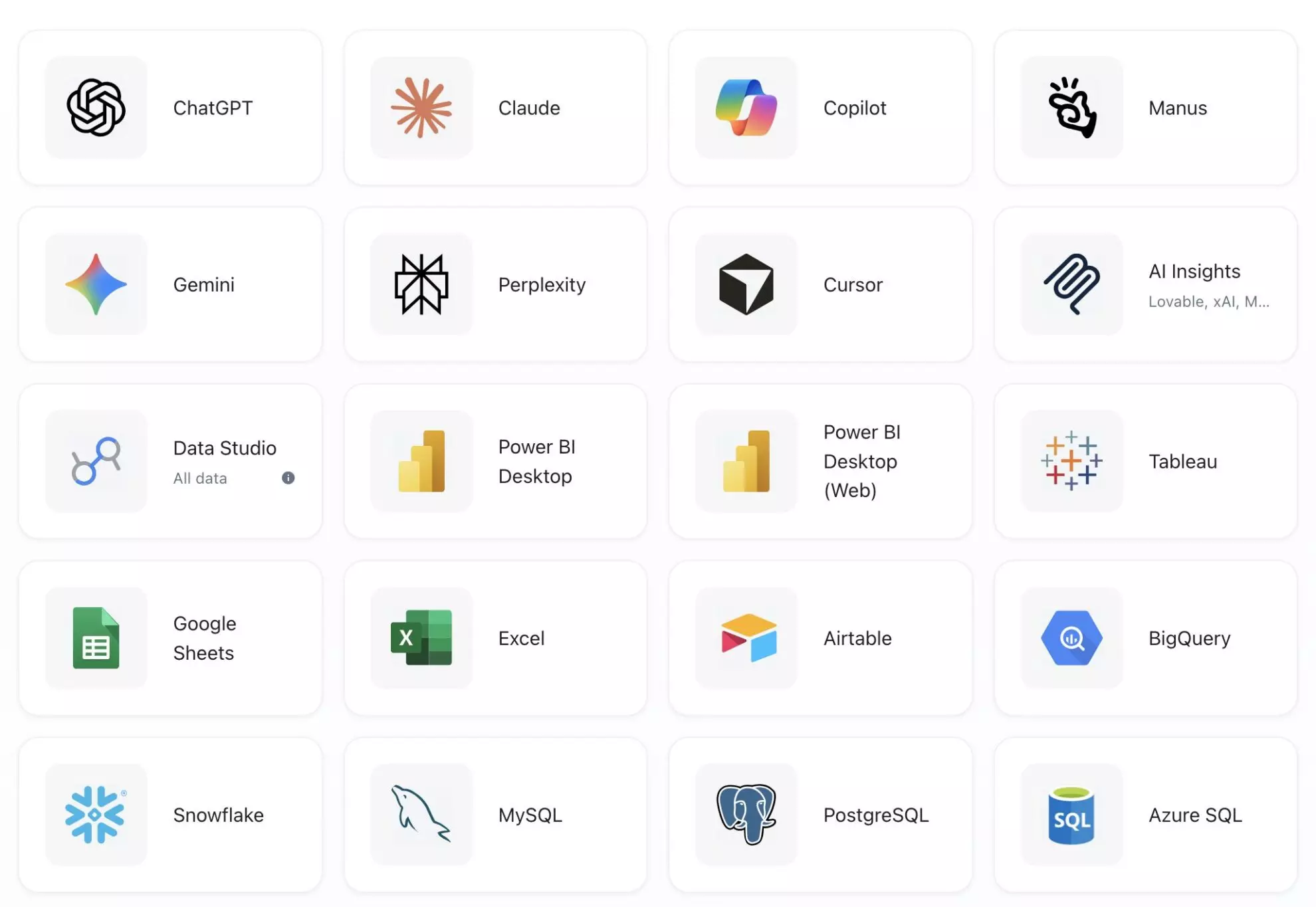
Send your TikTok Ads data to any destination
Import your TikTok Ads data into any destination using Windsor.ai.




























Extract and load TikTok Ads data with Windsor.ai’s connector
Windsor.ai connects to the TikTok Marketing API with your TikTok for Business login and reads every advertiser account you select. You choose where the data goes: a scheduled transfer to a warehouse such as BigQuery or Snowflake, a data source in Data Studio, Google Sheets, Power BI or Excel, or questions in an AI assistant such as Claude or ChatGPT.
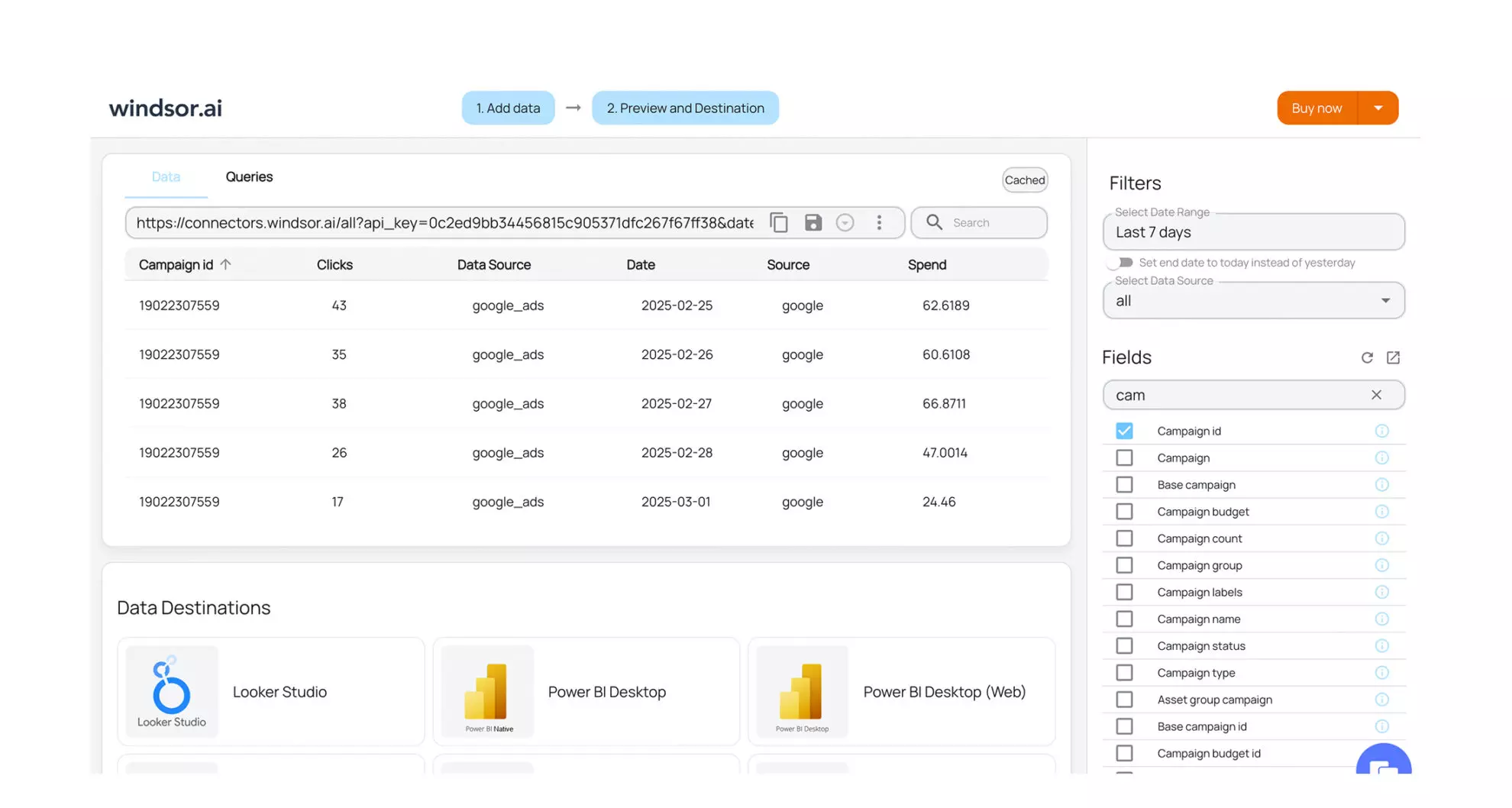
We tested the connector on Windsor.ai’s two TikTok test advertiser accounts, which were set up for this and have not run real campaigns. Their one campaign with spend returned $14.34 of spend, 13,610 impressions, 10,166 people reached, 35 clicks, $0.41 per click and $1.05 per 1,000 impressions. Three details stood out:
-
CTR comes back as a fraction. The
ctrfield returned 0.0026 for a test campaign, which is 0.26%. Format it as a percentage in your report. -
Video plays come at several depths.
play_first_quartile,play_midpoint,play_third_quartileandplay_overcount plays at 25%, 50%, 75% and 100% of a video, next to 2-second and 6-second plays (play_duration_2s,play_duration_6s) andaverage_video_play. Instant Experience videos have their ownix_fields. On our test campaign every video field returned 0, so check the video fields against Ads Manager for one ad before you build a report on them. - Campaigns with no spend are included. Filter on spend above zero when you only want the campaigns that ran.


How to export TikTok Ads data with the Windsor.ai connector
Sign up and start for free
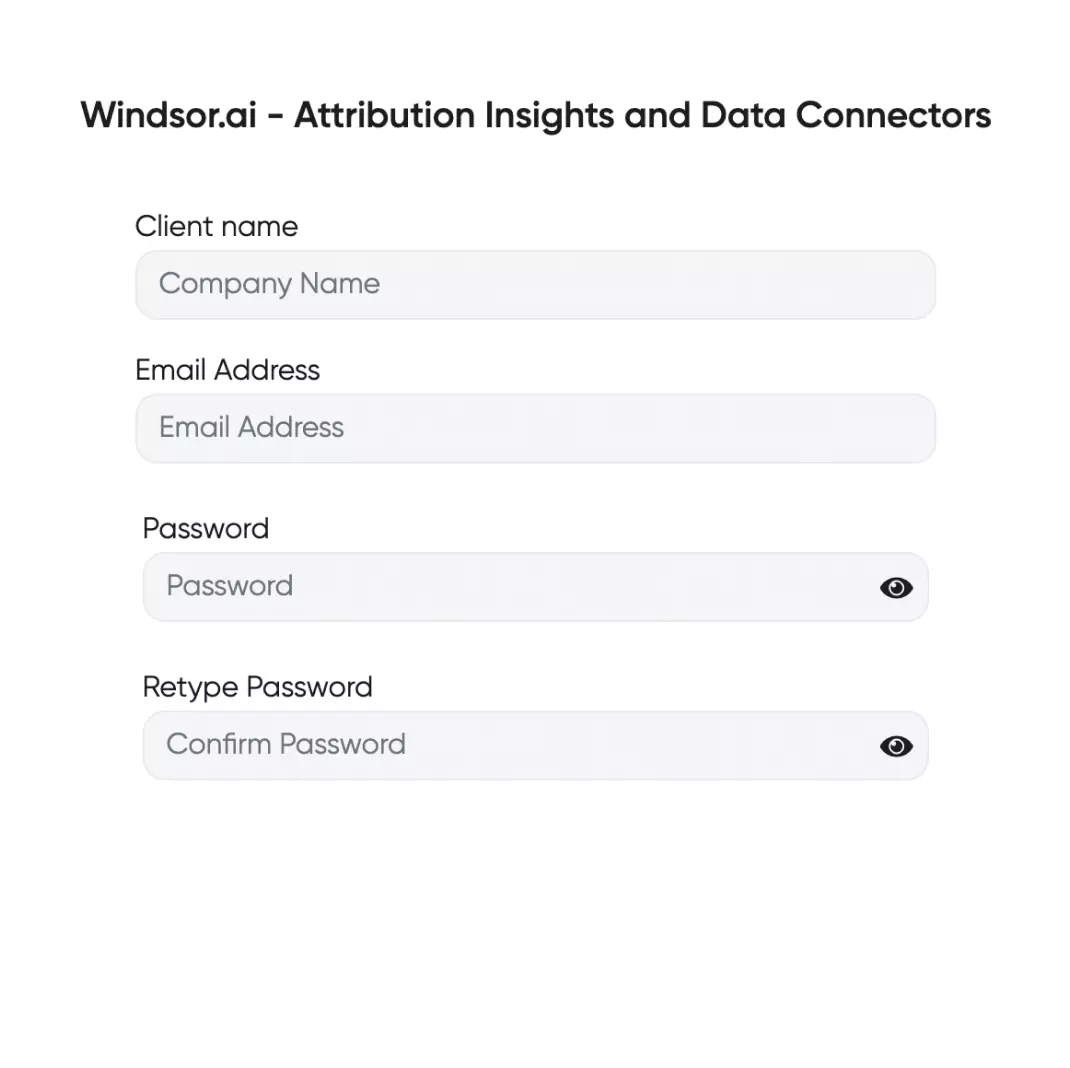
Create a Windsor.ai account. The free forever plan (no credit card) covers 1 data source with the last 30 days of data.
Select TikTok Ads as a data source
Choose TikTok Ads, sign in with your TikTok for Business account and select the advertiser accounts to connect.

Choose report fields and metrics
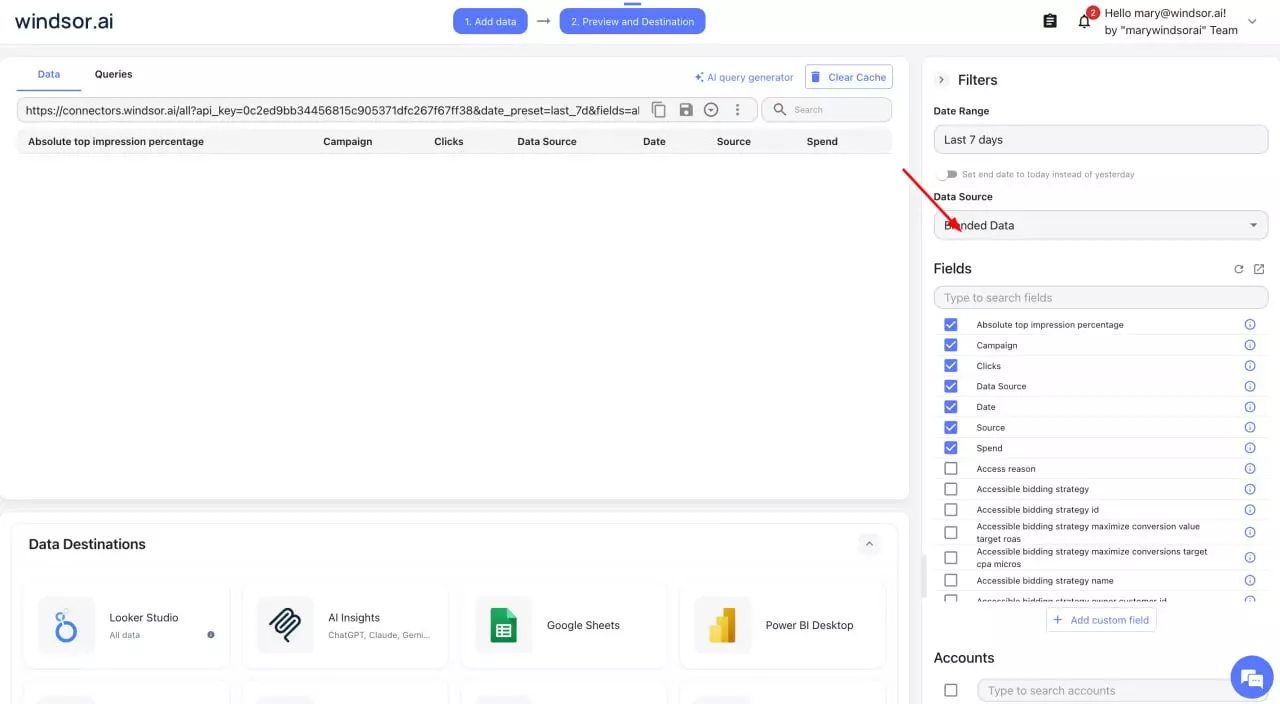
Pick fields from the 954 available, for example campaign, ad_name, spend, impressions, clicks, conversion and cost_per_conversion. The field reference describes each one.
Select a data destination
Choose where the data goes: a spreadsheet, a BI tool, a data warehouse, or an AI assistant such as Claude.
FAQs
Does the connector include video completion rates?
It includes the counts to calculate them: plays at 25%, 50%, 75% and 100% of the video (play_first_quartile, play_midpoint, play_third_quartile, play_over), 2-second and 6-second plays, focused views at 6 and 15 seconds and average play time. Divide play_over by impressions or by plays to get a completion rate.
Can I send TikTok Ads data to Claude or ChatGPT?
Yes. Windsor.ai is a connector in Claude’s directory and a plugin in ChatGPT. See how to connect TikTok Ads to Claude and how to connect TikTok Ads to ChatGPT. TikTok also has its own connector in Claude’s directory, TikTok for Business, which can create Smart+ campaigns; the Claude guide compares the two.
Can Windsor.ai change my TikTok Ads campaigns?
Through an AI assistant, yes, within eight actions: pause or enable a campaign, an ad group or an ad, and set a campaign or ad group budget. The assistant asks you to approve each change. Windsor.ai cannot create campaigns or ads, or change targeting, bids or creatives; see the write actions documentation.
Why does CTR show as 0.0026 instead of 0.26%?
TikTok’s ctr field is a fraction. Multiply by 100, or set the column format to percent in your spreadsheet or BI tool.
Is the TikTok Ads connector free?
Windsor.ai’s free forever plan (no credit card) covers 1 data source and 1 account with the last 30 days of data. More sources, more accounts or longer history need a paid plan from $19 a month (annual billing, 3 sources); see pricing.
Do you have helpful links to get started?
Yes. These pages cover the fields, the setup for each destination, ready-made reports and the AI assistant route:
Other popular Windsor.ai connectors

TikTok Ads

Instagram Insights

Shopify

Amazon Ads
TikTok Organic
Tired of manual TikTok Ads data exports? Get started with Windsor.ai today to automate your reporting