 Destinations
 Data sources
 AI insights
 About us
 Careers
 Security
 Customer reviews
 Contact us
 Affiliate program
 Solution partners
 Template gallery
 Looker Studio templates
 Power BI templates
 Excel templates
 Google Sheets templates
 Tableau templates
 Facebook Ads templates
 Google Ads templates
 Data fields & Metrics
 AI prompt library & Guides
 Product documentation
 API documentation
 Case studies
 Blog
 Data models
 Windsor vs Supermetrics
 Windsor vs Funnel.io
 Windsor vs Fivetran
 Windsor vs Rivery
 Windsor vs Portermetrics
 Windsor vs Coupler.io
CreatorIQ Connector
Send CreatorIQ campaign and creator post data, with reach, engagement and paid results per post, to your BI tool, data warehouse, spreadsheet or AI assistant with Windsor.ai.
Connect with a CreatorIQ API key and pick the fields you need.
Forget CSVs. Stop copy/paste. Connect data in 2 minutes. No code required.
 Free forever plan
No credit card needed








Make the most out of CreatorIQ data with Windsor.ai
Focus on the data that matters by choosing from our extensive documentation or easily creating custom fields.

Ask Claude about your CreatorIQ campaigns and creators in plain language, through the Windsor.ai connector for Claude.
Send your CreatorIQ data to any destination
Import CreatorIQ campaign and creator post data into any destination using Windsor.ai.



























Extract and load CreatorIQ data with Windsor.ai's connector
CreatorIQ reports each creator post that is linked to a campaign, with organic, paid and combined results. Windsor.ai moves those posts into the tools you report in, on a connection you set up once.
Each row is a post, dated by the UTC day it was submitted, with the campaign, creator, social network and post type next to its metrics.
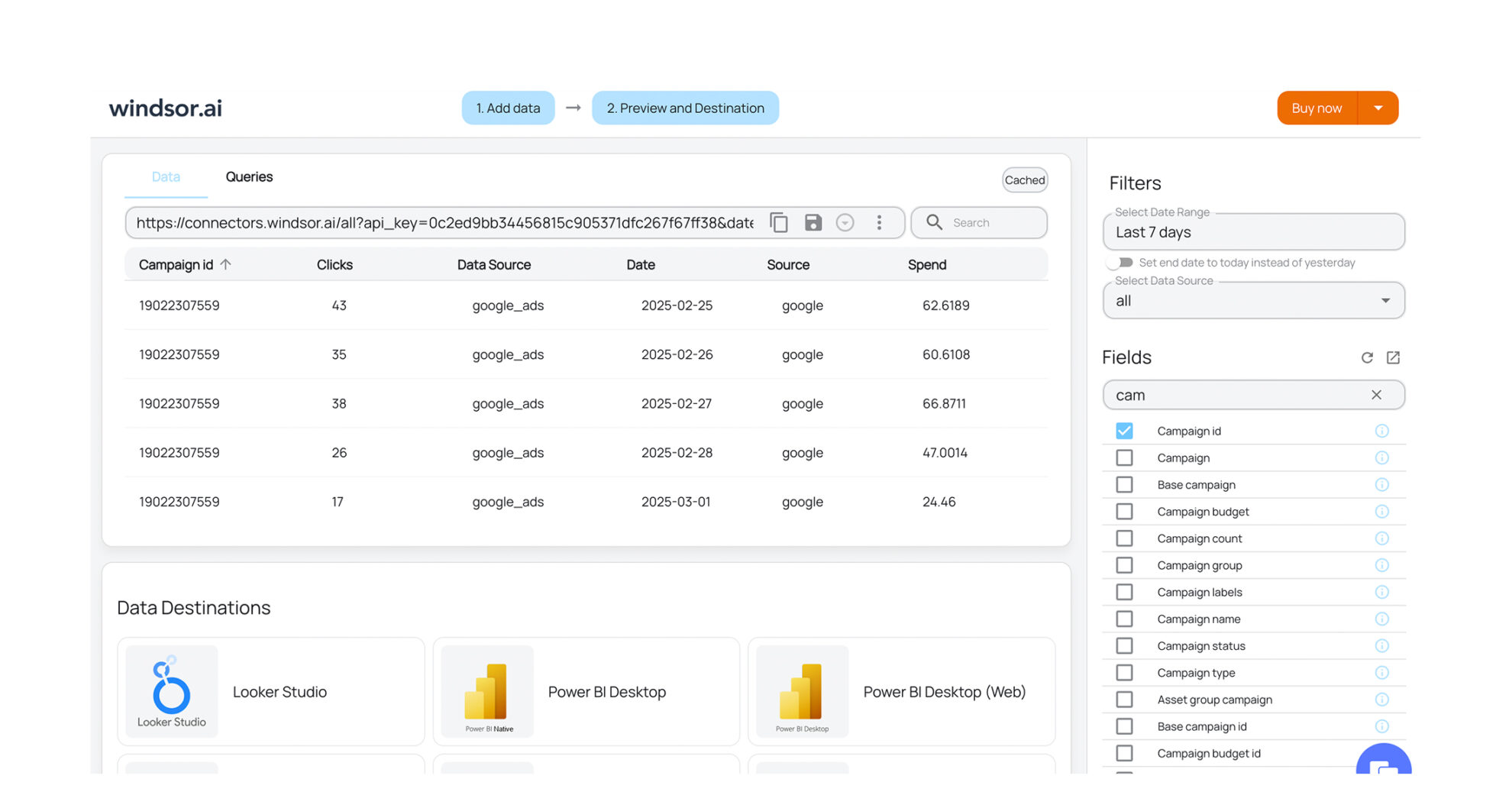


How to export CreatorIQ data with the Windsor.ai connector
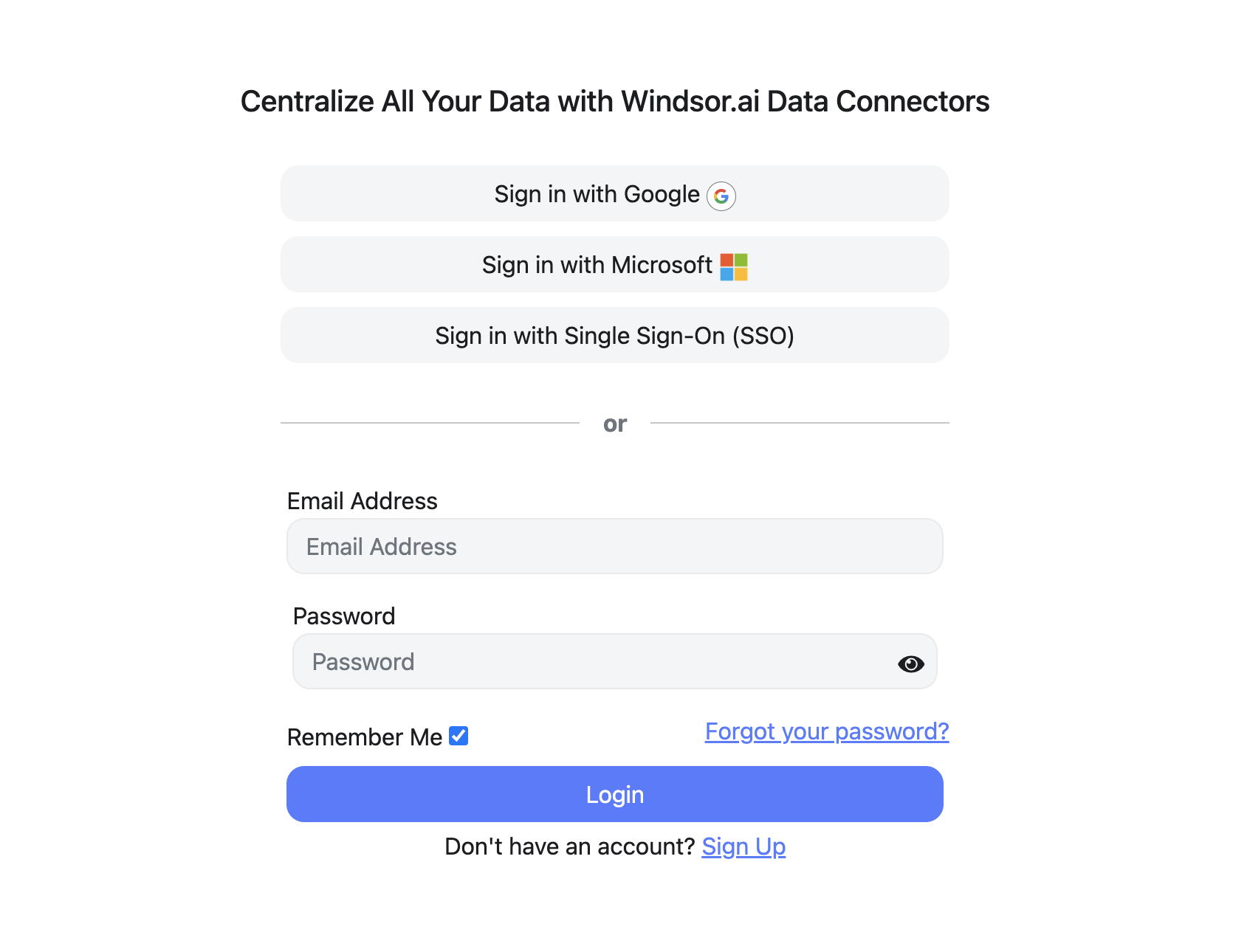
Sign up for free
Create your Windsor.ai account and log in.
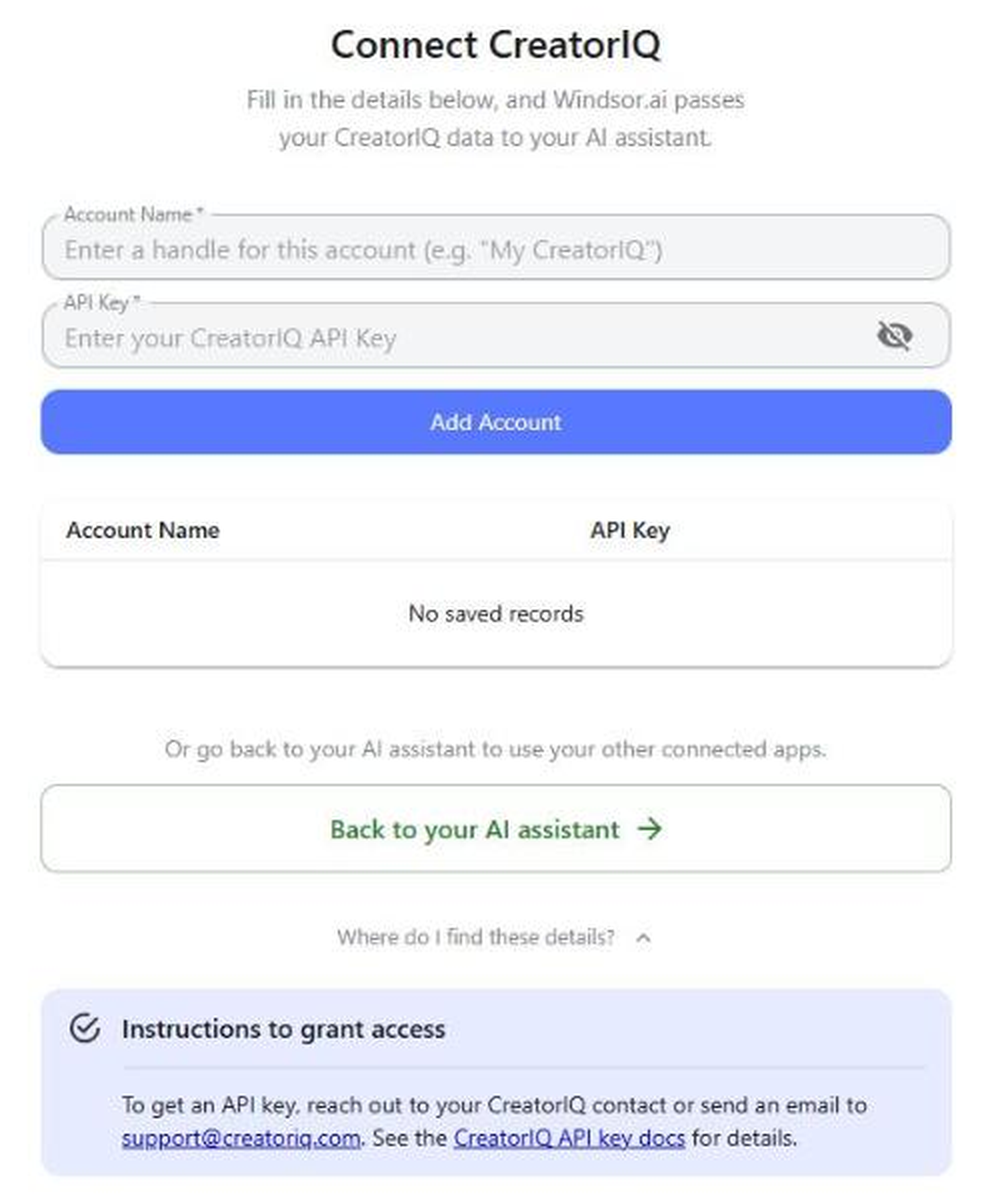
Select CreatorIQ as a data source
In your dashboard, choose CreatorIQ, enter a name for the account and your CreatorIQ API key, then click Add Account. To get an API key, ask your CreatorIQ contact or email [email protected].
Choose report fields and metrics
Select the fields you want in your report, for example Campaign Name, Publisher Name, Engagement and Combined Impressions.

Select a data destination
Choose the destination for your CreatorIQ data.

FAQs
What data can I extract from CreatorIQ?
Windsor.ai gives access to 88 CreatorIQ fields, including:
- Campaigns and creators: Campaign Name, Publisher Name, User Name, Social Network Name, Post Type, Post Link.
- Reach and impressions: Impressions, Reach, Network Impressions, Network Reach, Estimated Impressions, Estimated Reach, Actual Impressions, Actual Reach, Total Reach.
- Engagement: Likes, Comments, Total Shares, Saves, Engagement, Link Clicks, Post View Count.
- Paid and combined: Paid Impressions, Paid Reach, Paid Clicks, Paid Views, Combined Impressions, Combined Reach, Combined Clicks.
- Stories: Taps Forward, Taps Back, Swipe Aways, Story Swipe Ups, Sticker Taps, Replies.
The CreatorIQ field reference lists all of them.
How do I connect CreatorIQ to Windsor.ai?
Choose CreatorIQ in the Windsor.ai dashboard, enter a name for the account and your CreatorIQ API key, and click Add Account. To get an API key, ask your CreatorIQ contact or email [email protected].
Why does CreatorIQ have several impressions and reach fields?
Each version comes from a different place. Impressions and Reach are the post’s own counts. Network Impressions and Network Reach are reported by the social network for accounts the creator authenticated. Estimated Impressions and Estimated Reach are CreatorIQ’s estimates, and Actual Impressions and Actual Reach are values a CreatorIQ user entered by hand, often from a creator’s screenshot. Pick one version per report so totals stay comparable.
Can Windsor.ai change data in CreatorIQ?
No. The CreatorIQ connector is read-only. It reads your CreatorIQ records and cannot create, edit or delete anything in CreatorIQ. The write actions list shows the sources Windsor.ai can make changes in.
How much does it cost to integrate CreatorIQ data with Windsor.ai?
The free forever plan covers 1 data source, so connecting CreatorIQ on its own costs nothing and needs no credit card. Combining CreatorIQ with other sources needs a paid plan: $19/month for 3 sources or $99/month for 7. See the pricing page.
Do you have helpful links to get started with CreatorIQ and Windsor.ai?
Yes. The CreatorIQ field reference lists every field with its description.
For setup with a specific destination, see Connect CreatorIQ to Claude, Connect CreatorIQ to ChatGPT and Connect CreatorIQ to Google Sheets.
To compare CreatorIQ posts with your own social accounts, read the guide on using Windsor.ai for social media.
Other popular Windsor.ai connectors

Youtube

HubSpot

Amazon Ads

Google Ads

Facebook Ads (Meta)
Tired of exporting CreatorIQ reports by hand? Get started with Windsor.ai today to automate them


