 Destinations
 Data sources
 AI insights
 About us
 Careers
 Security
 Customer reviews
 Contact us
 Affiliate program
 Solution partners
 Template gallery
 Looker Studio templates
 Power BI templates
 Excel templates
 Google Sheets templates
 Tableau templates
 Facebook Ads templates
 Google Ads templates
 Data fields & Metrics
 AI prompt library & Guides
 Product documentation
 API documentation
 Case studies
 Blog
Blog Data models
 Windsor vs Supermetrics
 Windsor vs Funnel.io
 Windsor vs Fivetran
 Windsor vs Rivery
 Windsor vs Portermetrics
 Windsor vs Coupler.io
Connect Facebook Lead Ads to Google Sheets
Easily import your Facebook Lead Ads data into Google Sheets with the Windsor.ai ETL connectors.
Our platform automates Facebook Lead Ads reporting to help evaluate lead quality, refine targeting, and make smarter marketing decisions.
Forget CSVs. Stop copy/paste. Connect data in 2 minutes. No code required.
 Sign up with Google
 Free forever plan
No credit card needed
Free forever plan
No credit card needed









Run lead analysis on Facebook Lead Ads data in Google Sheets
Connecting Facebook Lead Ads to Google Sheets via Windsor.ai makes your data immediately usable for follow-up, qualification, and lead analysis, which gives you the following capabilities:

Automate reporting
Windsor.ai automates syncing Facebook Lead Ads data into Google Sheets, eliminating manual downloads and ensuring teams always work with the latest data.

Unified view across channels
Combine Facebook Lead Ads with insights from 350+ other sources, such as ad spend, CRM, or revenue data, in Google Sheets. Gain full performance context and optimize campaigns based on lead quality and actual outcomes, not just volume.

Smarter audience targeting
By analyzing lead responses and outcomes in Google Sheets, teams can identify which audiences and form variations attract higher-quality leads. This insight helps refine targeting and messaging for future campaigns.
Using Windsor.ai connector to import data from Facebook Lead Ads into Google Sheets
Connecting Facebook Lead Ads to Google Sheets often relies on manual downloads, custom scripts, or expensive third-party tools. Windsor.ai removes this complexity with a no-code ELT connector built for efficiency and scale.
In just a few clicks, our platform syncs Facebook Lead Ads data into Google Sheets, giving you a flexible foundation for lead analysis.















How to connect Facebook Lead Ads to Google Sheets in Windsor.ai
Make sure you have the following prerequisites before setting up the connector:
- Facebook account
- Google Sheets document
- Active Windsor.ai account
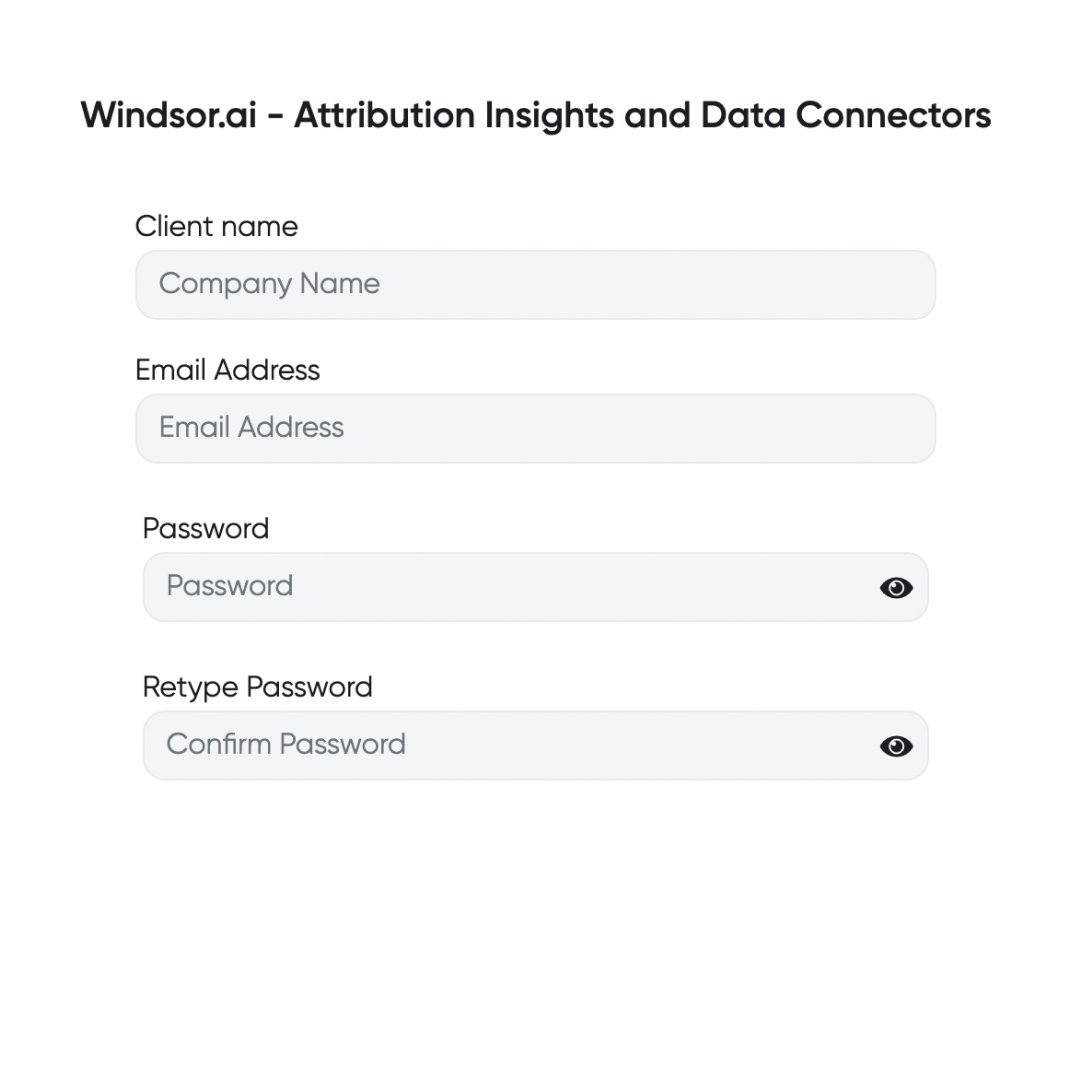
Register and log in to Windsor.ai
Create a new Windsor.ai account or log in if you already have one.
Select your data source
Choose Facebook Lead Ads as your data source and grant access to Windsor.ai.

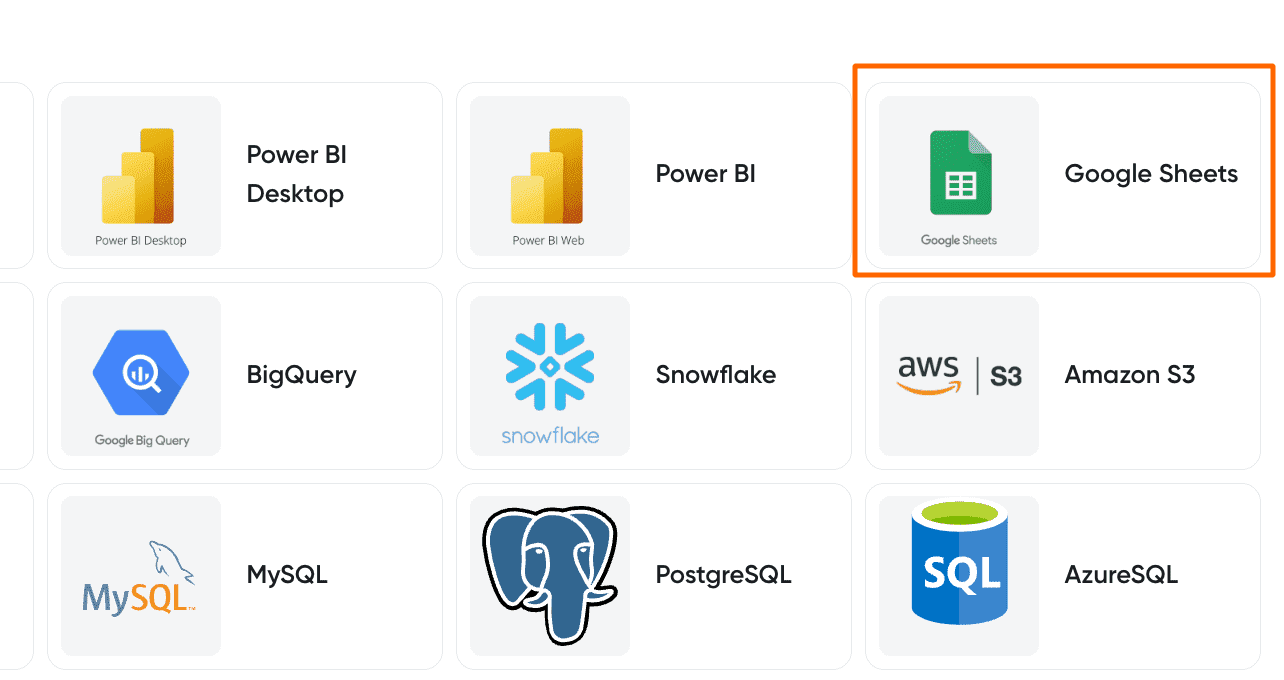
Select your destination
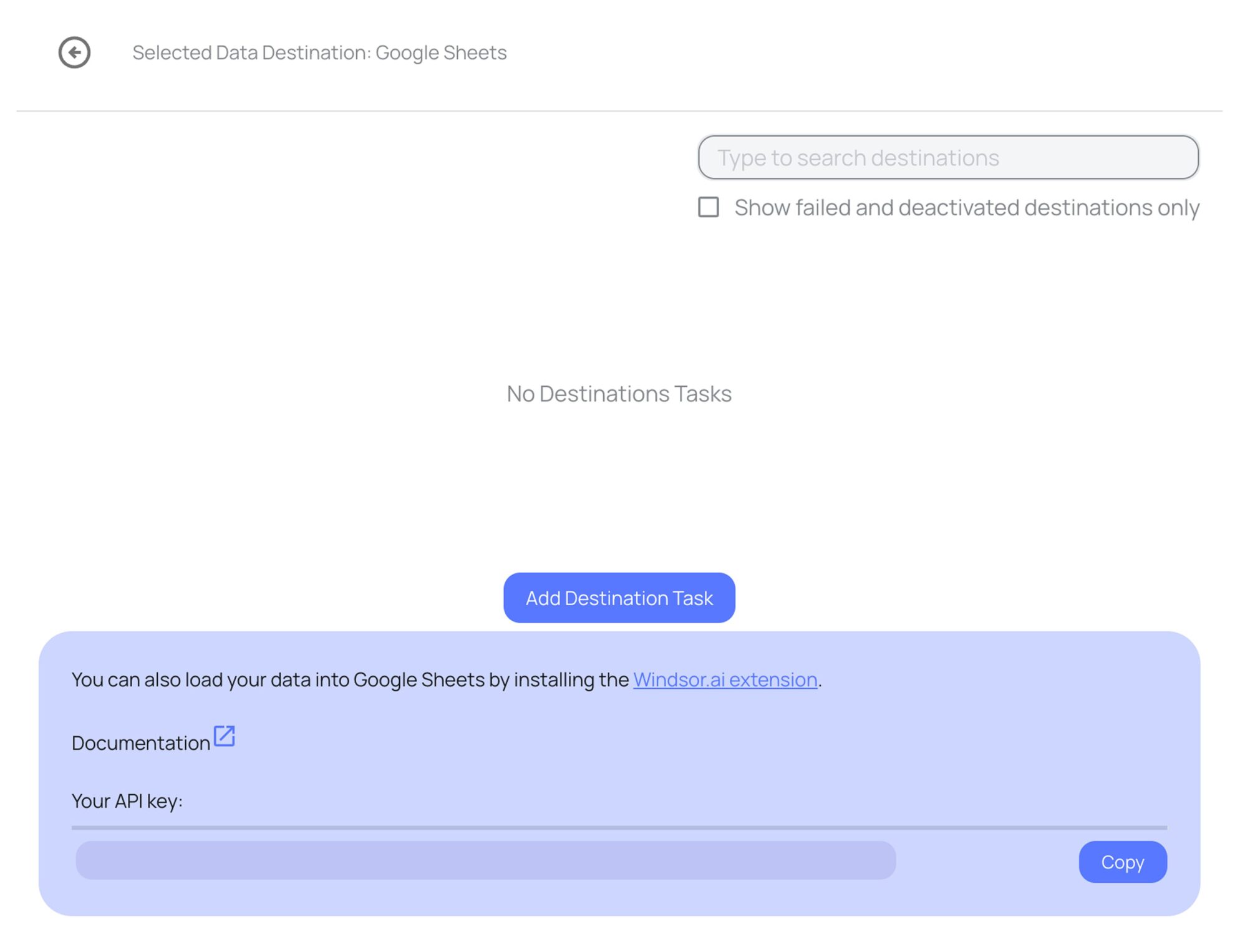
Set Google Sheets as the destination for your data.
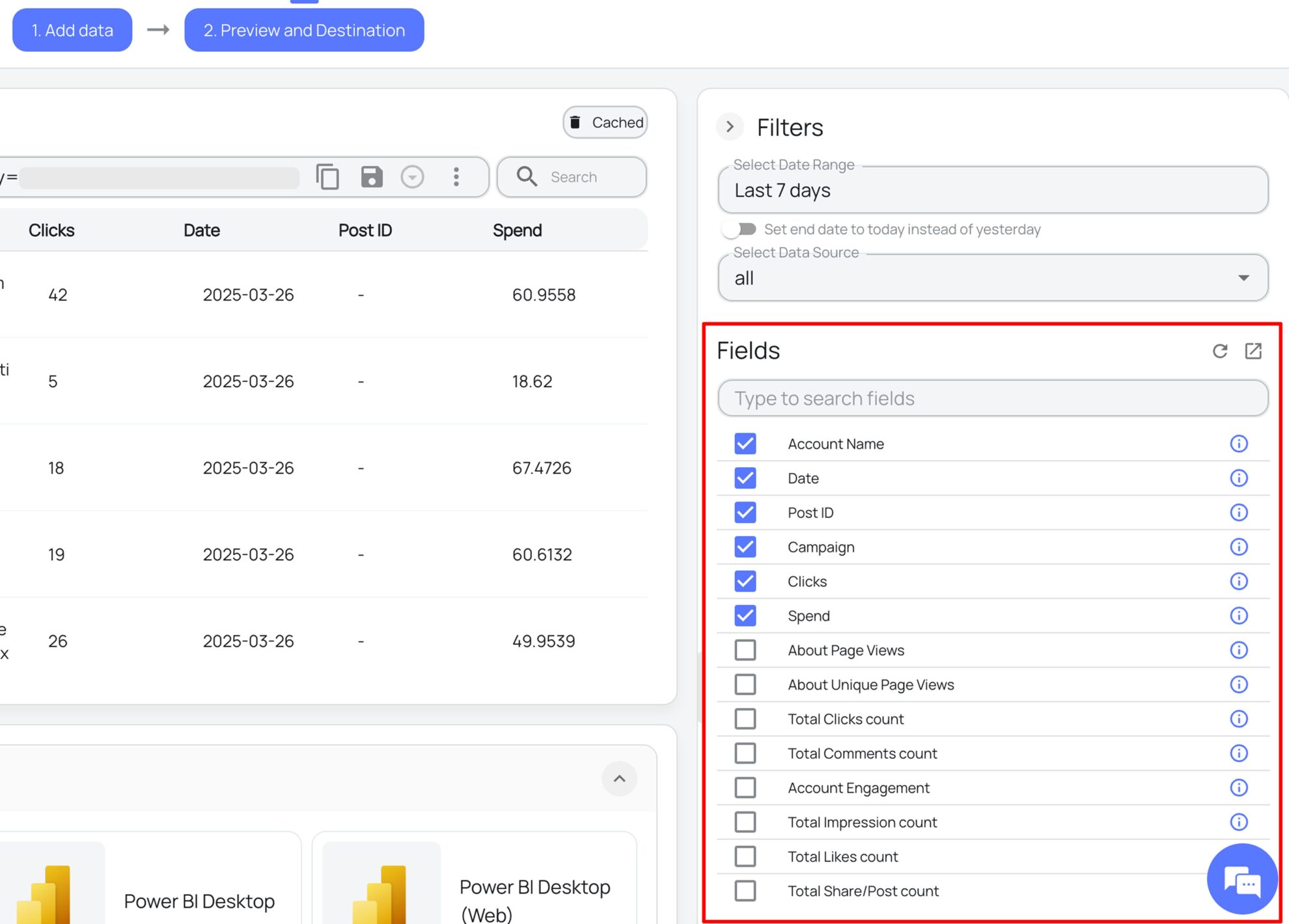
Select the reporting metrics and dimensions
Choose the data fields that you wish to show in your spreadsheet.
Follow the setup instructions to complete the integration
Depending on the integration method you choose, set up the connection by following the prescribed steps, whether through an extension or directly via an in-app destination task.
FAQs
What is Google Sheets?
Google Sheets is a free, cloud-based spreadsheet tool from Google that allows users to create, manage, and analyze data. Known for its user-friendly interface, it offers strong collaboration features, so multiple users can work on the same sheet at once. With its ability to handle large datasets, Google Sheets is an ideal solution for businesses managing large datasets.
Do you have helpful links to get started with integrating Facebook Lead Ads and Google Sheets using Windsor.ai?
Yes, we have helpful resources to help you get started. You can explore our official documentation and ready-to-use templates for Facebook Lead Ads to Google Sheets integration with Windsor.ai:
How much time do I need to create the Facebook Lead Ads and Google Sheets integration?
Windsor.ai provides a user-friendly interface and a reliable data connector that extracts, transforms, and loads Facebook Lead Ads data into Google Sheets in under 5 minutes, making the process quick and hassle-free.
How much does it cost to integrate Facebook Lead Ads into Google Sheets with Windsor.ai?
Windsor.ai’s pricing for Facebook Lead Ads to Google Sheets data integration can vary depending on your use case and data volume. We offer absolutely transparent, volume-based event pricing plans for diversified business needs and budgets.
Tired of manual Facebook Lead Ads data exports? Try Windsor.ai today to automate your reporting


